Best Customer Communication Software for Field Service Teams

Quick Answer
No single winner exists. Small contractors should compare Housecall Pro and Jobber. Growing teams can shortlist FieldPulse or Workiz. Larger operations should evaluate ServiceTitan. Podium or Text Request suit standalone texting. EZ Texting fits bulk campaigns. Twilio fits custom API workflows. Zuper is not verified. Check current pricing, plan limits, and registration requirements before you commit to any single platform.
Best For
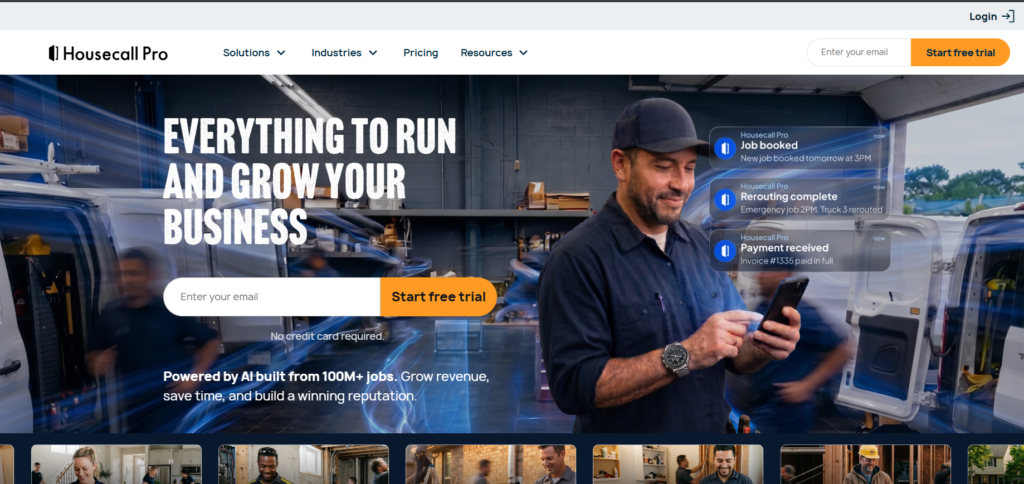
- Housecall Pro – Best for smaller to mid-sized home service contractors. Allows you to receive notifications for jobs and “on my way” texts.
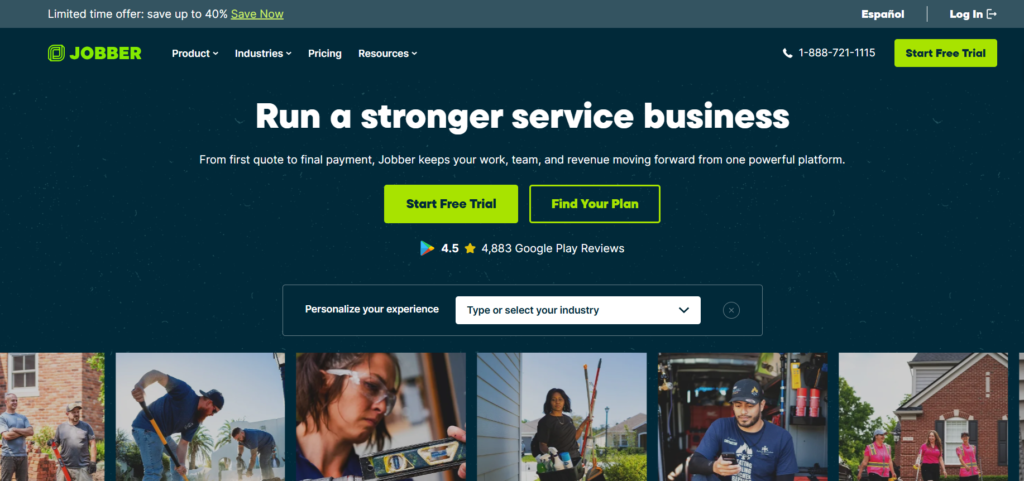
- Jobber – Best for small home service businesses. Includes scheduling, messaging and invoicing.
- ServiceTitan – Best for larger residential and commercial contractors. Offers complex features.
- FieldPulse – Best for growing contractors. Combines job management and client messaging.
- Workiz – Best for service businesses. Allows you to message clients with their jobs. Two-way texting is a paid add-on.
- Podium – Best for local service businesses. Offers a text-based inbox. Can request reviews.
- Text Request – Best for contractors. Offers a separate layer for business texting. Not many details verified.
- EZ Texting – Best for mass texting. Great for seasonal promotions and maintenance reminders.
- Twilio – Best for teams with developers. Offers custom messaging via API.
- Zuper – Best for teams. Offers native notifications within FSM. No features verified.
How I Evaluated These Tools
We did hand-on test for these tools & also conducted research for all of these tools before writing this guide. Here is the things I conducted a research on :
- Official pricing pages and help centers come first.
- Vendor-sponsored surveys are labeled as such.
- A feature I could not confirm is marked “Not verified.”
- No star ratings are used, because I could not confirm live review pages.
What Customers Expect From Field Service Communication
Four of the five findings below come from vendor-sponsored research.
Do Users prefer SMS or email for appointment reminders?
Texting wins in the 2026 EZ Texting survey, with 65% of consumers preferring to be reminded of appointments via text.
The survey was conducted with 959 mobile phone owners in the U.S., between the 20th and 23rd of January 2026. 87% of these said they open new texts within 15 minutes.
What this means for you:
- Use SMS as your go-to reminder.
- Use email for more detailed information like estimates, invoices and receipts.
There are some limitations to consider though. This is a general survey to all consumers and not just field service customers. It doesn’t mean there will be fewer no-shows. This is also a texting software company.
Do users want to schedule or reschedule appointments by text?
Yes, many do. 84.8% of consumers want to receive texting reminders for appointments (Text Request, 2025). 69.5% of companies also use texting for appointment scheduling.
Why is this important? Firstly, the customer is being notified. Secondly, they can reply in a two-way conversation and the reply should be noted in your schedule.
Read this carefully:
- Sample size of 520 working professionals in North America. Surveyed in October 2024.
- 92% of people surveyed were Text Request users meaning there will be bias.
What communication failures frustrate home-service businesses most?
In terms of HVAC, scheduling and communication issues were the most common. Around 38% of people reported issues with scheduling, whilst only 21% had issues with unexpected costs.
The breakdown of the 38% are:
- Late or out of window: 13.0%
- Hard to book: 12.6%
- No updates: 6.8%
- Upselling: 5.2%
The first three total up to 32.4%. The issue with no updates is the lowest issue. The main issues are late and difficult scheduling, but with software you can be alerted to any delays. Plus having clear scheduling windows.
Should contractors offer text-based appointment initiation, not just reminders?
Likely. 77% of respondents said they wanted to kick off conversations with a business about scheduling in Text Request’s 2024 report.
This shows that businesses will have:
- A phone number customers can text
- Ready responses for common questions
- A central inbox so nothing is missed
- An easy booking link or calendar
The survey had 1,019 North American professionals. 86% were Text Request users and only 9% were in the home services industry. The survey was done in October 2023.
Ideal Features to Look For in Customer Communication Software
The 10 Best Customer Communication Software Products for Field Service Teams
1. Housecall Pro
Best For
Small to medium home service contractors.
Why We Chose
The help centre provides documentation on automated job and estimate notifications. Messaging is integrated into the scheduling.
Core Features
- On job scheduled: Text and email notification.
- On my way: Notification controlled in notification settings.
- Job complete: Notification.
- Customer replies go into Customer Inbox.
- Optional technician image on on my way text.
The ‘on my way’ notification is sent to let the customer know the technician is on their way, as stated in the help centre. This should be checked in your current workflow. Text notification requires a texting number to be set up.
Automation & Integrations
Notifications are native. You can customise SMS notifications for job and estimate notifications once a texting number is set up, as stated in the help centre.
Podium have an integration in their marketplace for reminders, review requests and confirmation texts.
Pricing
Billed annually:
- Basic: $59
- Essentials: $149
- MAX: $299 per month
Monthly billing:
- Basic: $79
- Essentials: $189
- MAX: $329
User count:
- Basic: 1 user
- Essentials: 5 users
- MAX: 8 users
+$35 per extra user per month for MAX.
Pros
- On my way workflow documented.
- All replies go into 1 inbox.
- Transparent pricing.
Cons
- On my way workflow depends on your notification setup.
- Requires setup of custom SMS.
- User limits mean you have to move up.
Who Should Choose
If you have a small team and need basic functionality that works quickly and are happy to have a technician triggered on my way notification.
2. Jobber
Best For
Small home service businesses looking for simple all in one.
Why We Chose
The help centre and pricing page provide documentation on messaging, reminders and follow ups.
Core Features
- Two way texting with a dedicated number.
- MMS with up to 10 images.
- 1 click on my way text with minutes until arrival.
- Reminders for visits, confirmation and arrival windows.
- Follow up quotes and invoices via email or text.
Automation & Integrations
Two way texting is available on select plans in the US, Canada and UK. This is not available on trial. You can see two way SMS in the pricing page.
On the product update page you can see on my way texts, arrival windows, confirmation and visit reminders on Connect and Grow. The pricing page also mentions a 100+ tool app marketplace.
Pricing
Billed annually:
- Core: $29 (1 user)
- Connect: $99 (1 user)
- Grow: $149 (1 user) per month
Month-to-month:
- Core: $49
- Connect: $139
- Grow: $199
Jobber show pricing based on team size and have promotions so your quote may vary.
Pros
- Features are transparent per plan.
- No extra cost per message on plans with two way texting.
- Permission controls.
Cons
- Automated reminders are available on Connect and above.
- Two way SMS is listed under Grow.
- Requires a dedicated number.
- If you use an unregistered number you increase your chance of failure.
Who Should Choose
If you have a small team and want to scale up to two way texting and are happy to pay for the higher plan.
Read Our Jobber Review.
ServiceTitan
Best For
Larger residential & commercial contractors.
Why We Chose
The official pages provide documentation on two way texting, reminders and arrival tracking for high volume.
Core Features
- Customers can confirm or reschedule via text.
- Customers can text questions.
- Appointment reminders with technician bios via SMS.
- Pre-appointment GPS tech tracking for arrival times. [View Comparison Page].
- Automated text reminders for recurring service events.
Automation & Integrations
Customer Experience is native. Email and text campaigns can be done via Marketing Pro. This is a separate Pro product. Check what is included in your package.
Pricing
Quotes based. No transparent pricing could be found.
Pros
- GPS arrival tracking is documented.
- Texting for confirmation, rescheduling and questions.
- Designed for complex.
Cons
- No transparent pricing.
- Some tools are separate Pro products.
- Shared inbox.
Who Should Choose
Multi truck contractors with dispatchers and CSRs who need messaging for high volume.
FieldPulse
Best For
Growing contractors looking for scheduling and customer messaging.
Why We Chose
Job management and messaging in one place. Notifications are documented in the help centre.
Core Features
- Automated texts and emails for confirmation, on my way, estimate links and overdue invoice reminders.
- One off messages can be sent from customer or job record with templates.
- Real time messaging.
- Messaging history.
- Choose to send automatically or view a preview.
Automation & Integrations
Customer Communications must be turned on. Arrival alerts with tracking and estimated times are marketed. How the estimate is calculated is not verified.
Pricing
Not published. Request a quote.
Pros
- Automatically send or preview.
- Templates with fields.
- All history in one place.
Cons
- No transparent pricing.
- Plan limits. Not verified.
- Shared inbox. Not verified.
Who Should Choose
Growing shop wanting control over what messages are automatically sent.
Read Our Fieldpulse guide.
Workiz
Best For
Service businesses wanting messaging integrated with dispatch.
Why We Chose
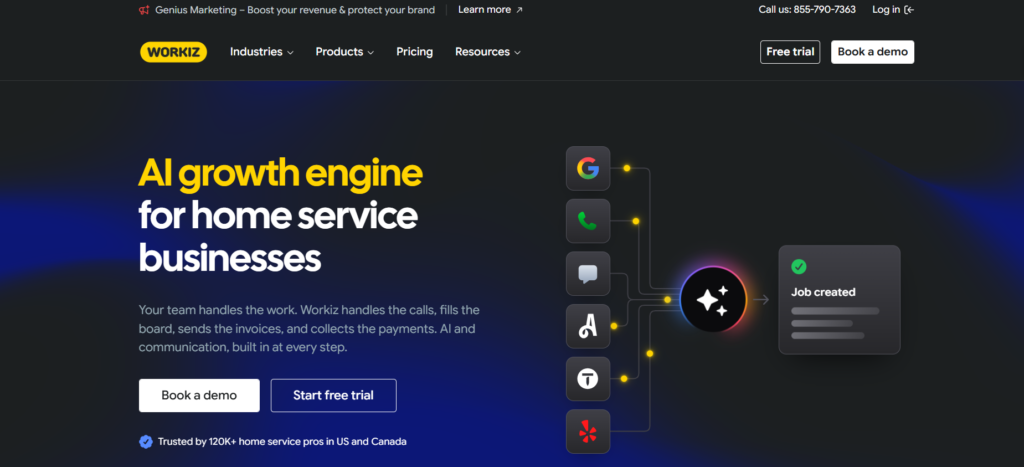
The pricing page shows on my way messages linked to jobs. There is an automation system. This section is based on the pricing page (29th October 2026).
Core Features
- On my way on all 3 plans. On my way Plus on Pro & Ultimate.
- Integrated phone system on Standard, Pro & Ultimate. Check what two way texting is available and if there are any extra charges.
- Automations: 5 on Standard, 10 on Pro, 30 on Ultimate.
- Genius Marketing features: Campaigns, emails & SMS on all 3 plans.
- Free 10DLC registration on Ultimate.
Automation & Integrations
Not verified if on my way is GPS or manual button. Shared inbox, missed call text back & review requests not verified. There is a Reputation Manager in Genius Marketing.
Pricing
Not published. The page states to request pricing for Standard, Pro & Ultimate.
Pros
- 10DLC registration included on Ultimate.
- Automation numbers documented.
- On my way on all plans.
Cons
- Need to check exactly what two way texting is included.
- Pricing not visible until requested.
- Several features not verified.
Who Should Choose
Dispatch heavy shop who will check phone, messaging & marketing features and pricing.
Podium
Best For
Local service businesses looking for text focused customer engagement.
Why We Chose
This is a dedicated communication tool and not a field service solution. It can be used alongside your scheduling.
Core Features
- Inbox for texts, calls, emails & social.
- Automated review requests via text.
- Text conversations with customers.
- Automations & text marketing.
Automation & Integrations
Podium have an integration with Housecall Pro in their marketplace. They mention 200+ integrations on their pricing page but do not mention any other FSM tools. No other FSM links were verified.
Pricing
Not published. The page directs you to sales for pricing. The FAQ mentions a 10DLC base charge but no amount.
Pros
- Shared inbox verified.
- Review requests verified.
- Works with Housecall Pro.
Cons
- No transparent pricing.
- On my way texts not verified.
- Reminder dependant on FSM integration.
Who Should Choose
Contractor wanting a single inbox for leads & reviews. FSM tool has verified integration.
Text Request
Best For
Contractors looking for a dedicated business texting tool.
Why We Chose
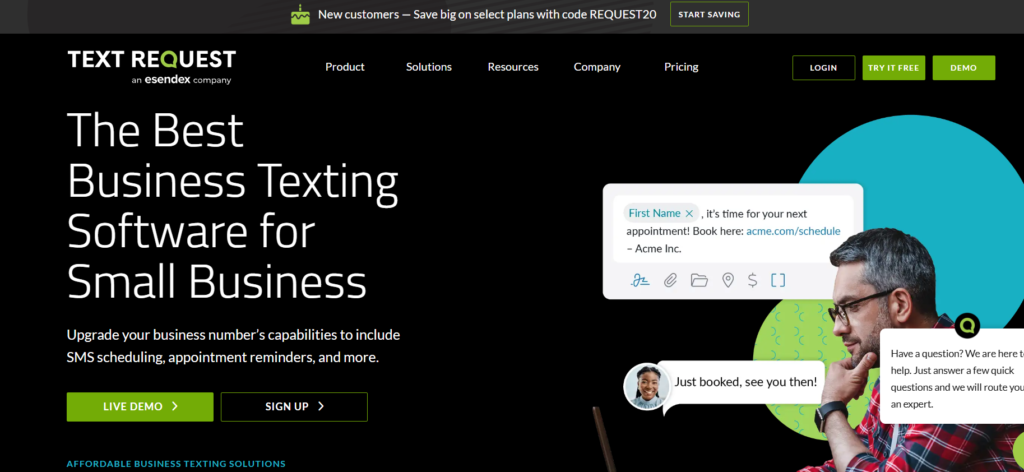
This is a texting layer on top of your scheduling software.
Core Features
Text Request have their own reports stating they can text from an office number. They also have review management, reporting on how many messages were sent and delivery rates. Tags can be added to messages to track leads & appointments.
Two way plan, reminders, shared inbox, missed call text back, email & registration not verified on pricing page.
Automation & Integrations
No FSM integrations.
Pricing
Not shown on pricing page.
Pros
- Business texting focused.
- Reporting & tags.
Cons
- Most features & pricing not verified.
- Most research based on their own users.
Who Should Choose
Contractor with working FSM software looking to improve texting. Get details in writing for plan.
EZ Texting
Best For
Businesses looking to run SMS campaigns.
Why We Chose
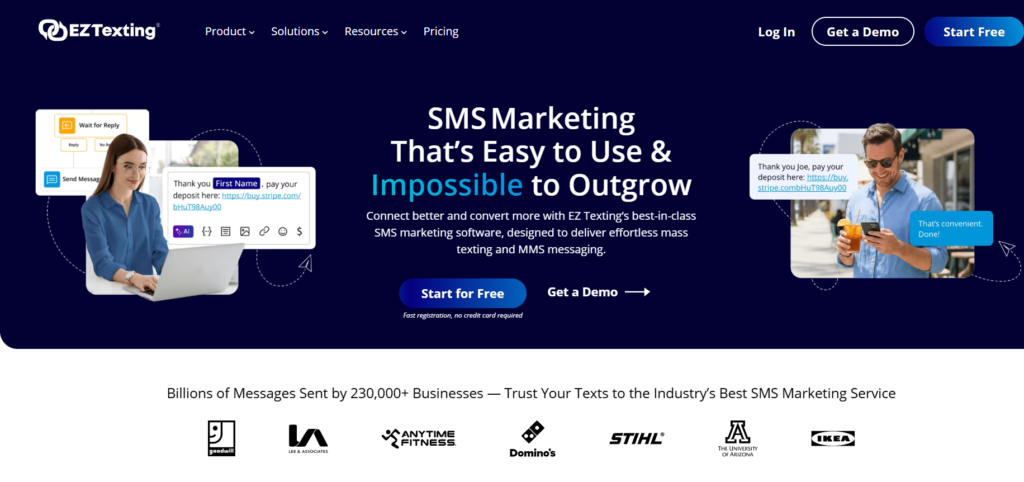
Great for seasonal promotions and maintenance reminders. Not a field service solution.
Core Features
Conversational (two way) texting, text automations, Workflows, MMS, AI Compose, AI Reply, SMS API & Text-to-Pay. After hours replies and event reminders in Workflows. [View Site].
Two way texting, shared inbox & email per plan not verified.
Automation & Integrations
Integrations page. No FSM specific connections.
Pricing
- Starts from $25 per month.
- Boost is $75 for Launch.
- Scale is $125, and Enterprise starts at $3,000.
Check current pricing page for any changes to plans/pricing before publishing.
Based on contacts rather than users.
Outbound SMS cost around $0.01 to $0.05 per message depending on plan. Inbound messages are free.
Pros
- Low start up cost.
- Inbound messages are free.
- 14 day free trial.
Cons
- Not job or schedule related.
- Costs per message can add up.
- No verified ETA messages.
Who Should Choose
Contractor looking to text a list of customers for tune-ups and promotions.
Twilio
Best For
Businesses or technical teams looking to create their own workflows.
Why We Chose
This is an API solution and not a ready made field service solution. You will need to create your own workflow.
Core Features
Verified pricing for SMS in the US. MMS & Voice should be checked against current documentation. Email is a separate product (SendGrid). Pricing not verified.
Automation & Integrations
Reminders & ETA messages can be customised. This means you will need to create them. Shared inbox will depend on what you create. US messaging requires registration.
Pricing
SMS in the US starts from $0.0083 per message segment (inbound/outbound). Carrier charges apply. Canada varies depending on carrier and message type. Messages are charged per segment.
Pros
- Pay as you go.
- Complete flexibility.
- No user seats.
Cons
- Requires developers.
- You are responsible for maintaining.
- Carrier charges apply.
Who Should Choose
Company with technical members of staff or a software team wanting to add messaging to their own app.
Zuper
Best For
Field service teams looking to keep customers updated.
Why We Chose
Shortlisted due to field service focus. Could not verify enough on official pages so nothing below is verified.
Core Features
SMS & email triggers, arrival notifications, status updates & history.
Automation & Integrations
Not verified.
Pricing
Not verified.
Pros
None.
Cons
Nothing could be verified from official sources.
Who Should Choose
Only after a demo. Ask Zuper to show:
- What triggers send SMS & what send email.
- Are arrival texts GPS based?
- What plan has what features?
- How much does texting cost? Who handles registration?
Customer Communication Software Comparison Table
| Software | Two-way SMS | Automated reminders | ETA / On-my-way updates | Starting price / availability |
|---|---|---|---|---|
| Housecall Pro | Yes. Replies go to the Customer Inbox. | Yes. Supports automated customer communications; Campaigns has separate SMS/email allowances. | Yes. Supports “On my way” texts from a custom messaging number. | $59/mo billed annually for Basic, 1 user. help.housecallpro+1 |
| Jobber | Yes on select plans in the U.S., Canada, and UK. | Yes. Appointment reminders can be customized and automated. | Yes. Technicians can send an “On my way” text with 5, 10, or 15 minutes away. | $29/mo billed annually for Core; two-way texting is plan-gated. |
| ServiceTitan | Not publicly verified | Not publicly verified | Not publicly verified | Quote-based; no public starting price verified. |
| FieldPulse | Not publicly verified | Yes. Automates job-status updates, appointment reminders, and technician arrival alerts. | Yes for arrival alerts. Sends worker-location and arrival-time updates; exact SMS/ETA method not publicly detailed. | Not publicly verified. Has Essential, Professional, and Enterprise plans. |
| Workiz | Yes through Genius Phone. Two-way texting is listed for Standard, Pro, and Ultimate. | Not publicly verified in the reviewed sources. | Yes. Offers “On my way” and “On my way Plus” messages. | Not publicly listed as a dollar amount; Genius Phone/package availability affects texting. |
| Podium | Yes. Includes two-way SMS messaging. | Yes. Supports appointment reminders and missed-call follow-ups; Housecall Pro integration sends automated job-flow messages. | Not publicly verified as a native ETA feature; Housecall Pro integration sends job-status texts. | Not publicly verified. Third-party reports cite roughly $399–$599/mo. |
| Text Request | Yes. All plans include two-way texting. | Not publicly verified | Not publicly verified | $59/mo, with tiers based on message volume. |
| EZ Texting | Listed as a capability, but plan availability not verified. | Yes for event reminders. | Not publicly verified. | $25/mo for Launch; Boost $75/mo, Scale $125/mo, Enterprise $3,000/mo. |
| Twilio | Build it yourself via APIs. | Configurable through your own application/workflows. | Configurable through your own application/workflows. | Usage-based. Commonly cited U.S. SMS rate is about $0.0083 per message plus carrier fees; confirm current pricing. |
Which Customer Communication Software Should You Choose?
- Small service business looking for an all-in-one solution: Compare Housecall Pro and Jobber to see which one has the right messaging features.
- Large, high volume business: Look into ServiceTitan. Ask for a quote.
- Growing contractor looking for scheduling and messaging: Compare FieldPulse and Workiz. Ask what specific messages are automated.
- Text first inbox: Look into Podium if your FSM tool is integrated.
- Already using FSM software: Compare Text Request to your FSM tools native texting capabilities.
- Bulk messaging: Look into EZ Texting.
- Custom workflows: Look into Twilio if you can maintain.
- Native FSM notifications: Look into Zuper once you have confirmation of features in writing.
Common Mistakes
- Purchasing on price and discovering that two-way texting is only available on higher plans.
- Not registering numbers and being confused as to why texts are not working.
- Over-texting as frequency is the most common reason customers opt out of using the service according to the EZ Texting survey.
- Removing phone options for those who prefer to use their phone.
Frequently Asked Questions
Do customers prefer SMS or email for field service appointment reminders?
Mostly SMS, in one large survey. EZ Texting’s 2026 report found 65% of U.S. consumers preferred text for appointment reminders.
That sample is general consumers. Email still suits detail like invoices and service summaries.
Can field service software automatically send technician-on-the-way texts?
Yes, but how it triggers varies. Housecall Pro sends the text when a tech taps the OMW button. ServiceTitan documents GPS tech tracking for arrival times.
Ask each vendor whether the text is manual or GPS-based, and which plan includes it.
Can customers schedule or reschedule service appointments by text?
Sometimes. ServiceTitan’s site says customers can text to confirm and reschedule. Jobber and Housecall Pro let customers reply to notifications.
A reply is not always a schedule change. Ask whether a text actually updates the calendar.
What communication problems frustrate home-service customers most?
In FIELDBOSS’s HVAC survey, late arrivals (13.0%) and hard-to-book appointments (12.6%) led the communication-related complaints. Surprise costs came in at 21.0%.
It covers HVAC only and was commissioned by a software publisher.
Does customer communication software support both SMS and email automation?
Often, but not on every plan. Housecall Pro sends scheduling notices by text and email, though “on my way” is text only. Jobber automates quote and invoice follow-ups by email or text.
Check automation triggers and plan limits for the exact workflows you want.
Can communication software send automatic appointment reminders and follow-ups?
Yes. Jobber lists visit reminders and quote follow-ups. FieldPulse lists confirmations and overdue invoice reminders. ServiceTitan lists reminders for recurring service.
Separate native automation from add-ons. Workiz, for example, sells marketing automation separately.
Is dedicated texting software better than communication features built into FSM software?
Neither wins every time. Built-in tools keep messages tied to jobs. Dedicated tools like Podium or Text Request can offer more messaging depth.
The cost is a second system. Check whether it connects to your scheduling tool.
Does automating customer communication save contractors time?
It may, but this guide cannot prove it. ServiceTitan’s survey reported three-plus hours saved weekly among AI users.
That covers AI broadly, not SMS or email alone. Measure your own call time before and after.
What should contractors check before choosing an SMS/email platform?
Check these seven things:
1. Two-way replies and where they land
2. Manual vs GPS arrival texts
3. Plan-by-plan features
4. Integrations with your FSM tool
5. Consent and opt-out handling
6. Message history and mobile access
7. Total cost, including texts and registration
Do customers prefer phone calls over texts for scheduling service?
For first contact, many still prefer phone. In FIELDBOSS’s HVAC survey, 50.3% preferred phone and 23.7% preferred text.
Use phone for booking, text for updates, and email for documents.