Best Work Order Management Software for Small Service Businesses
By Ryan Mitchell, Field Services HQ. Pricing and features checked against vendor pages on October 7, 2026. Prices are in USD and change often.

Best For
- Small HVAC, plumbing, electrical, landscaping, cleaning, and repair businesses
- Owner-operators looking to escape the chaos of texts and spreadsheets
- Sales teams of 2-20 who need quote to payment in one place
- Maintenance intensive operations that track equipment and PMs
Quick Answer
Jobber, for small field service businesses, is our top pick for work order management software because of its transparent pricing structure, end-to-end quoting and invoicing tools, and QuickBooks Online integration. Housecall Pro is a close second for home service teams, while ServiceM8 is ideally suited for job-costed contractors and Service Fusion scales best for larger teams on a flat-rate per job basis.
How I Evaluated These Tools
We use every tool as a service, not as a vendor demo. This means paying for the trial or lowest‑paid plan ourselves and performing an end‑to‑end field‑service job flow in each tool. The evaluation criteria are based on daily operations, and each review contains a “don’t buy” summary to avoid wastes of time and money.
Eight operational criteria are applied to every field-service software
We operate every tool as a real business would, meaning we sign up as an actual company and pay for the trial or low-end plan. We do not use vendor-added demos, preloaded data, or any other shortcuts.
- We create a trial account in the tool with our company data
- We purchase the trial or cheapest plan as real customers would
- We perform a sample complete-field-service-job workflow in each tool, in this order:
- Create a field-service job (customer, service, and cost data)
- Dispatch a technician (assignment and notification)
- Do the job (inspect, take photos, notes, and sign in the app)
- Invoice the job (generate and send an invoice)
- Receive payment (card on file, link, or in-app payment)
- Every evaluation ends with a “don’t buy” summary.
What Small Service Businesses Need From Work Order Management Software
A work order is a record of a service job, with fields for the customer, location, work to be performed, scheduled time, technician, materials or services used, notes, and billing information. The right software can store all that information and keep it connected throughout the job.
I find that owners often overvalue features while overlooking pricing. Consider per user charges and plan caps, as well as add-on tools and costs related to payment processing.
- Scheduling and dispatch: calendar-based scheduling, technician assignment, availability, and customer communications
- Quote to invoice: connecting estimates, work orders, invoices, and payments to reduce data entry
- Mobile app: job details, photos, checklists, signatures, time tracking, and field-process automation, if needed
- Recurring work: recurring, maintenance, or retainer-type work, if supported
- Accounting sync: QuickBooks Online or Xero (or other software, depending on the tool) to simplify invoicing and payments
- Transparent pricing: understanding how many users, jobs, and features are included at different price levels
Two general categories of software exist. Field service management tools such as Jobber and Housecall Pro support work-order management, scheduling, estimating, invoicing, and other service-business needs. Maintenance management tools such as MaintainX, UpKeep, and Limble offer deeper asset management and emphasize preventive maintenance, depending on your business needs. Which category applies to your small service business?
20 Best Work Order Management Software for Small Service Businesses
1. Jobber
Best For
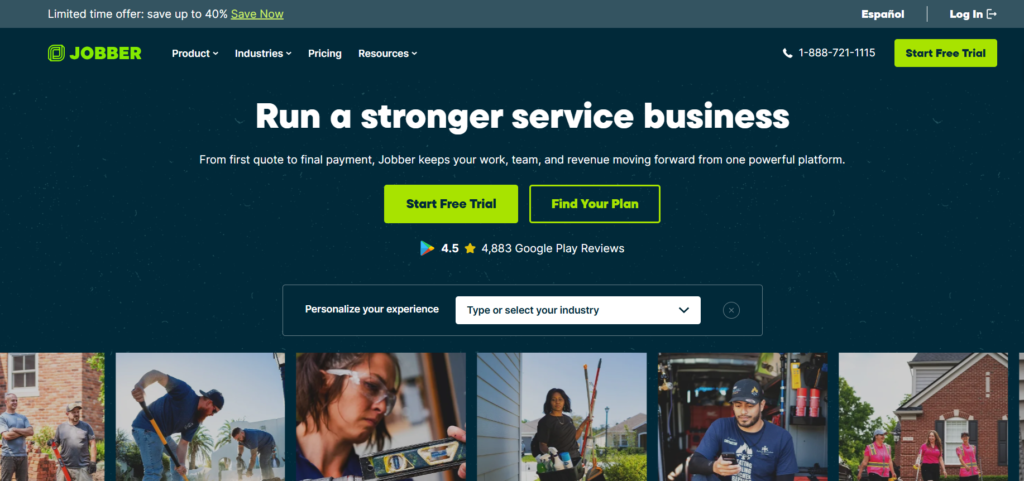
Home service businesses, landscaping, lawn care, cleaning, and other service companies that want integrated quoting, scheduling, work-order, invoicing, and payment tools.
Best Suited Team Size
Solo operators to small and growing service teams. Larger teams can choose from higher user-count options.
Why We Chose It
- Jobber represents our top pick for general-purpose tools due to its combination of an intuitive interface and transparent pricing.
- Plans and user options appear openly on the website, helping you understand potential costs before speaking with a sales representative
- QuickBooks Online and Xero accounting software integrations are available on qualifying plans.
- A 14-day free trial is available.
How It Helps Small Service Businesses
Quotes, work orders, jobs, invoices, and payments can all be handled within the system, with customer-facing options such as online booking and the client hub, if needed on your plan.
Pros
- Transparent pricing with monthly and annual options
- Job costing and other advanced features on higher plans
- iOS and Android mobile apps
- Marketplace for add-ons
Cons
- Higher user counts can increase the cost
- Payment processing appears to be a separate charge
- Larger teams may need to discuss options with sales
Pricing
Jobber publishes plan details, user limits, and billing options openly. You can view current pricing on the Jobber website, as plans and options change occasionally.
Quick Overview
Jobber provides a comprehensive view of field-service operations, with scheduling, dispatching, quoting, invoicing, and payments, plus time tracking and other field-service features, depending on the plan.
Read Our Full Jobber Guide.
2. Housecall Pro
Best For
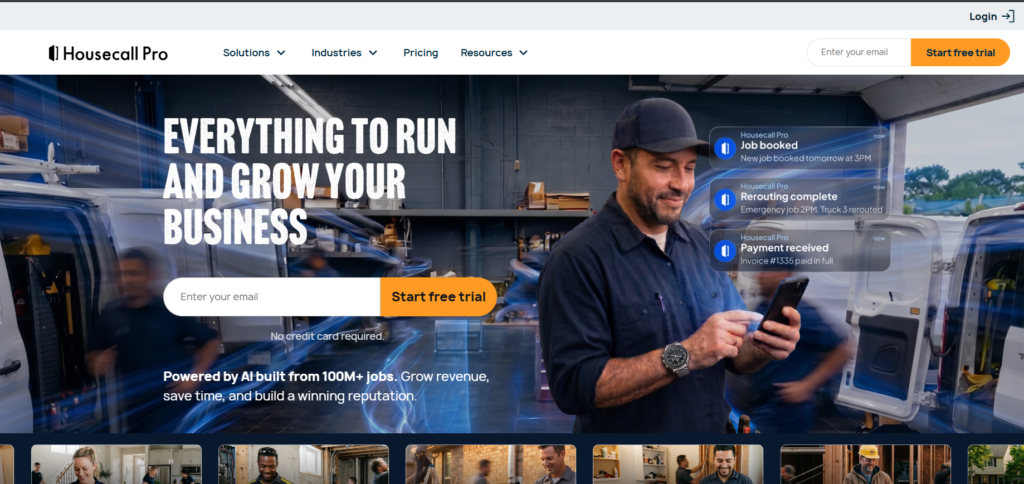
HVAC, plumbing, electrical, and other home-service businesses that need scheduling, estimating, invoicing, payments, and customer-management tools in one place.
Best Suited Team Size
Solo operators to growing service teams, with additional users on qualifying plans.
Why We Chose It
Housecall Pro bundles work-order and scheduling functions with estimating, invoicing, payments, pricebook options, and other home-service features.
How It Helps Small Service Businesses
Technicians can view job details on mobile devices, while office staff handle scheduling, customer management, estimating, invoicing, and payments.
Pros
- Transparent plan options
- Mobile app for technicians
- Estimating, invoicing, and pricebook features
- Free trial is available
Cons
- Some features only available on higher-tier plans
- Additional users can increase costs
- Accounting software integrations and features vary by plan
Pricing
Housecall Pro has an openly available plan overview with current pricing. You may want to review the Housecall Pro pricing page for current monthly and annual rates and user limits.
Quick Overview
Housecall Pro is a popular option for home-service companies that want work-order management, scheduling, estimating, invoicing, and payments in one system.
3. ServiceM8
Best For
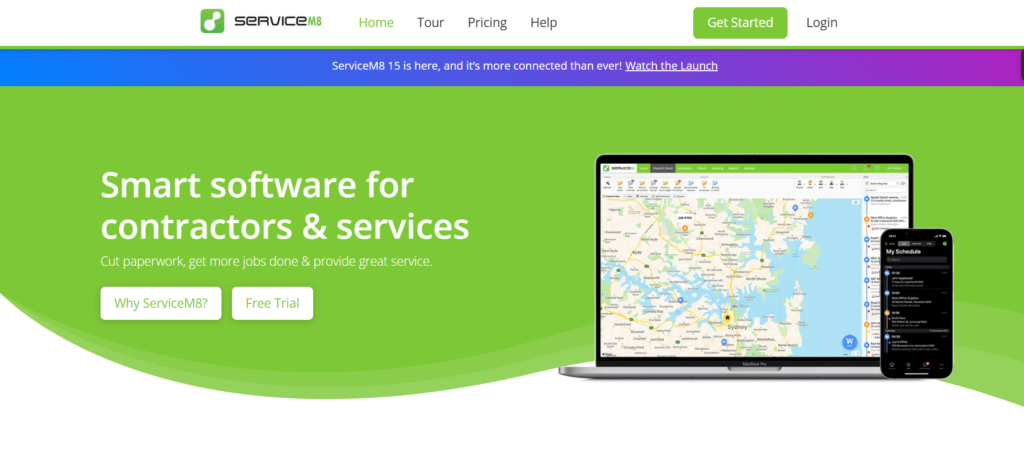
Trade and service businesses that want job-volume-based pricing rather than conventional per-user plans
Best Suited Team Size
Solo operators to growing service teams, with paid plans having unlimited users within volume limits
Why We Chose It
ServiceM8 uses a system where most plans are based on an estimated monthly job volume rather than per-user costs.
How It Helps Small Service Businesses
Customer details, job photos, checklists, quotes, invoicing, and other features can be attached to individual jobs. Recurring work and accounting software integrations are also available.
Pros
- Free plan with a small job limit
- Higher paid plans have unlimited users
- 14-day free trial is available
- Can be helpful for teams with many users and lower job volumes
Cons
- Monthly job limits apply to most paid plans
- Higher-end features only available on higher-tier plans
- Additional tools such as ServiceM8 Phone might incur extra costs
Pricing
ServiceM8 has job-volume-based plans, with varying limits and costs in different countries. You should view the ServiceM8 website to see current U.S. pricing and limits.
Quick Overview
ServiceM8 can be a good choice for businesses with several users but a lower monthly job volume.
4. Service Fusion
Best For
HVAC, plumbing, electrical, and other service businesses that want scheduling and dispatching, work-order management, invoicing, customer management, and accounting features with unlimited users.
Best Suited Team Size
Small to larger service teams, with most plans having unlimited users.
Why We Chose It
Service Fusion uses a subscription model with unlimited users, which can be helpful as your service business grows.
How It Helps Small Service Businesses
Customer relationship management, estimating, work orders, scheduling and dispatching, invoicing and payments, and accounting software integration are available in this bundle.
Pros
- Unlimited users with most plans
- Scheduling and dispatching features
- QuickBooks accounting software integrations
- Month-to-month plans are available
Cons
- Starting price is higher than some solo-technician platforms
- Certain features and add-ons only available on higher-tier plans
- Higher overall costs might be required for advanced needs
Pricing
Service Fusion has an openly available plan overview with current pricing. You may want to review the Service Fusion pricing page for current monthly and annual rates.
Quick Overview
Service Fusion is useful for service teams that need unlimited users rather than entry-level monthly rates.
5. Workiz
Best For
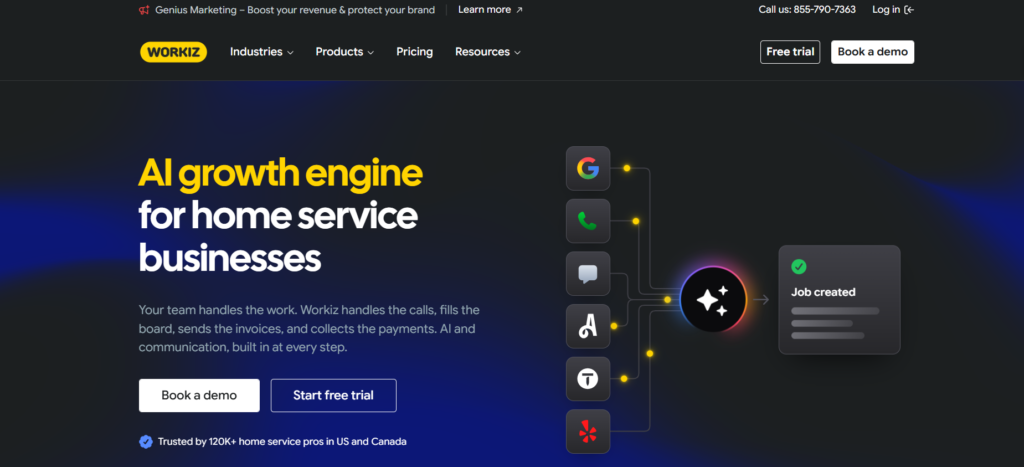
Locksmiths, appliance repair, garage-door, junk-removal, and other service businesses that rely heavily on phone and customer communication.
Best Suited Team Size
Small to growing service businesses, with plan options varying by account
Why We Chose It
Workiz has field-service features combined with phone, texting, lead management, and customer-relationship management tools.
How It Helps Small Service Businesses
Scheduling, jobs, estimating, invoicing, customer management, and phone features can be handled in one system.
Pros
- Unlimited jobs, invoices, estimates, and clients on qualifying plans
- 14-day free trial is available
- Phone and customer communication features are integrated
Cons
- Monthly subscription costs are not available on the main pricing page
- Phone and answering services and other add-ons might incur additional costs
- Advanced features only available on higher-tier plans
Pricing
Workiz does not list publicly available pricing options at the main Workiz website. Ask for a quote that reflects your needs regarding the software subscription and any additional phone, AI, marketing, or other add-ons.
Quick Overview
Workiz is helpful for service businesses where phone communication and lead management play a larger role.
6. Tradify
Best For
Electricians, plumbers, builders, HVAC businesses, and other trade businesses that need quoting, job management, time tracking, and invoicing
Best Suited Team Size
Solo operators to small trade teams
Why We Chose It
Tradify has quoting, job management, costing, timesheets, invoicing, and accounting software integration in one system aimed at trade businesses.
How It Helps Small Service Businesses
Quotes, jobs, timesheets, photos, supplier bills, invoices, and other documents and details can be managed from a single platform.
Pros
- Per-user pricing is openly available
- 14-day free trial is available
- QuickBooks and Xero accounting software integrations
- Trade-specific features
Cons
- Per-user costs become more relevant with larger teams
- Features only available on higher-tier plans
- Additional tools or integrations might have extra costs
Pricing
Tradify has per-user pricing that varies by plan, and you should review Tradify’s current pricing page for the latest costs in your country.
Quick Overview
Tradify is useful for small trade teams that prioritize quoting and invoicing rather than highly complex dispatch needs.
7. Kickserv
Best For
Small plumbing, HVAC, electrical, cleaning, and other home-service businesses that want scheduling and work-order management with user limits.
Best Suited Team Size
Solo to small teams, depending on the plan
Why We Chose It
Kickserv has clear plan options that reflect a general combination of included users and features.
How It Helps Small Service Businesses
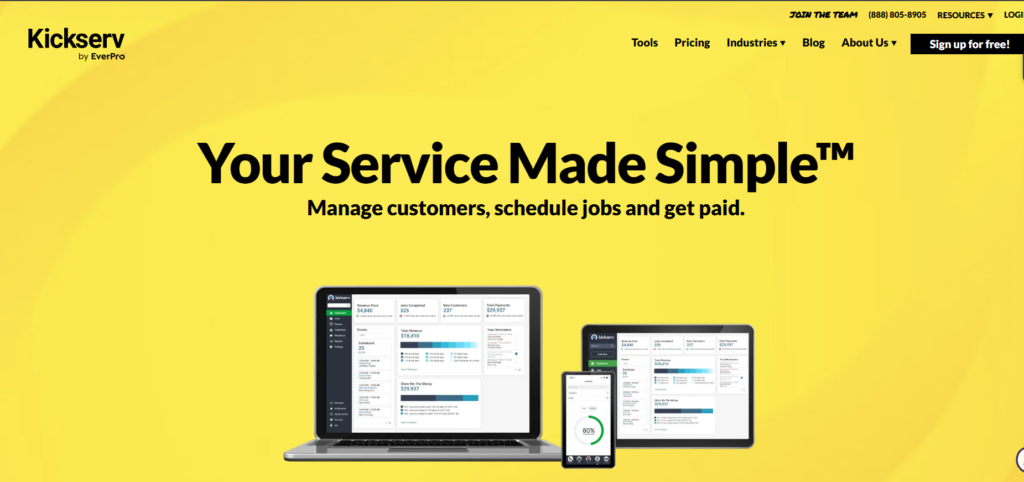
Customer management, estimates, jobs, scheduling and dispatching, time and expense tracking, and accounting software integration are available.
Pros
- Transparent plan options.
- Dispatch and mapping features
- 14-day free trial available
- QuickBooks accounting software integration
Cons
- User limits vary by plan
- Additional features or integrations might require extra costs
- Plan names and costs in the review might not match current options
Pricing
Kickserv has current pricing information openly available at the Kickserv website. You should review the current user limits and billing options rather than older third-party research.
Quick Overview
Kickserv is worth considering for smaller service teams that want a general combination of work-order management, scheduling, dispatch, and customer management.
8. FieldPulse
Best For
HVAC, plumbing, electrical, and other contractors that need work orders and additional field-service features such as estimates, invoices, customer management, and service agreements
Best Suited Team Size
Small to growing service businesses.
Why We Chose It
FieldPulse has general field-service features, with customization, customer management, and service agreements as notable highlights.
How It Helps Small Service Businesses
Estimates, proposals, jobs, invoices, payments, and service agreements can be managed within the system.
Pros
- Additional features beyond basic field-service management
- Applicable to several skilled-trade fields
- Service agreement management
- Web and mobile versions are available
Cons
- Costs might vary by user needs and configuration
- Certain features or add-ons might require extra costs
- Final costs should be determined directly with the vendor
Pricing
FieldPulse uses a role-based pricing model and has cost summaries in its support documentation. You should request a quote to understand the final cost based on your users and needed features.
Quick Overview
FieldPulse is helpful for growing contractors who need general field-service features beyond basic scheduling and invoicing.
Read Our Full Fieldpulse Guide.
9. Zoho FSM
Best For
Small service businesses, especially those using other Zoho applications such as CRM, Books, Invoice, and other Zoho products.
Best Suited Team Size
Solo operators to growing service teams
Why We Chose It
Zoho FSM has work orders, dispatching, scheduling, estimating, invoicing, and mobile features within the Zoho ecosystem.
How It Helps Small Service Businesses
Service requests, estimates, work orders, dispatching and scheduling, appointments, invoicing, and payments can be managed within one Zoho application.
Pros
- Free plan with limits is available
- Zoho application ecosystem
- Mobile version is available
- Appointment-based pricing structure
Cons
- Limitations on the free plan might require upgrades
- Certain features only available on higher-tier plans
- Zoho applications might be preferable for existing Zoho users
Pricing
Zoho FSM has appointment-based plans that dictate the number of available features, rather than a strict per-user cost structure. You should review Zoho FSM’s website for the latest pricing and limits.
Quick Overview
Zoho FSM is a good choice for small businesses that want work-order management and already use other Zoho applications.
10. Synchroteam
Best For
Service businesses that need scheduling, dispatching, technician tracking, and field-service management.
Best Suited Team Size
Small to mid-size field-service teams
Why We Chose It
Synchroteam has field-service management and dispatching tools combined with technician tracking and route planning.
How It Helps Small Service Businesses
Office staff can create and assign jobs, while technicians update job details and track their field time.
Pros
- Free trial is available
- No setup fee
- Free setup and training
- QuickBooks Online accounting software integration
Cons
- Costs increase with the number of users
- Route planning only available on higher-tier plans
- Configuration might be more involved than some small-business needs
Pricing
Synchroteam has per-user plans with monthly and annual billing options. You should view the Synchroteam pricing page for the current per-user costs.
Quick Overview
Synchroteam is a good choice for smaller field-service teams that need to prioritize scheduling and technician tracking.
11. FieldEdge
Best For
HVAC, electrical, plumbing, and other service businesses that use flat-rate pricing and need service-management tools
Best Suited Team Size
Small to larger multi-technician service operations.
Why We Chose It
FieldEdge has been developed with service-business needs in mind, with work orders, dispatching, customer management, pricebooks, and service agreements as highlights.
How It Helps Small Service Businesses
Customer management, jobs, scheduling and dispatch, flat-rate pricing, and service agreements can be managed within this system.
Pros
- Trade-focused pricebook and service-agreement tools
- Dispatching and scheduling features
- Service-agreement management tools
- Guided onboarding and support
Cons
- Quotes are required for final pricing
- Certain features might require additional products or higher-tier plans
- Larger operations might be required before using this software
Pricing
FieldEdge does not have an openly available dollar amount for its plans. You should request a quote to clarify software costs, number of users, and any additional implementation or options costs.
Quick Overview
FieldEdge is a good choice for mature HVAC, electrical, and plumbing businesses that want trade-focused work-order and service-management tools.
12. ServiceTitan
Best For
HVAC, plumbing, electrical and other mid-level residential or commercial service contractors that need a broader field-service platform.
Best Suited Team Size
Growing or large service businesses. Not ideal as a foundation for a solo professional or small team due to the increased level of sophistication and configuration.
Why We Chose It
Appropriate for growing field-service businesses that need a more complex field-service, operations, customer management and reporting solution.
How it Helps Small Service Businesses
Provides an example of the platform a small business could adopt as it grows and its needs become more sophisticated. A simpler field-service solution would be more appropriate for most very small teams.
Pros
- Broad field-service capabilities • Meant for residential / commercial trade • Can support complex service operations
Cons
- Quote-based pricing • More involved implementation / configuration than a small business might need • Could be more solution than a very small team requires
Pricing
No direct dollar pricing is published by the vendor. Available packages at the time of writing are Starter, Essentials and The Works – quote based on required users, products and configuration.
Quick Overview
A later-stage solution for field-service businesses that need to adopt a more complex field-service solution.
13. simpro
Best For
Trade contractors that have service work mixed in with projects, extensive job costing, asset or maintenance management
Best Suited Team Size
Growing trade contractors, larger trade businesses
Why We Chose It
Combines quoting, scheduling, job management, extensive job costing, asset management, purchasing and field-service operations.
How it Helps Small Service Businesses
Useful for more complex jobs involving multiple stages, materials, subcontractors, extensive job costing or maintenance work.
Pros
- Advanced job costing capabilities • Job and asset / maintenance management • Covers both service and project-based trade work • Broad operations capabilities
Cons
- Quote-based pricing • Could require more setup / planning than a small business might need • Not as simple as a basic work-order platform
Pricing
No standard pricing is published. Request a quote based on your estimated users and products.
Quick Overview
Appropriate for trade contractors that have more than just basic service work.
Read Our Simpro Guide.
14. Zuper
Best For
Roofing, HVAC, plumbing, electrical or other service contractors that need to configure field-service workflows
Best Suited Team Size
Smaller service teams and growing, including those beyond the need for a very simple scheduling solution
Why We Chose It
Zuper covers work orders, scheduling, dispatching, technician project and mobile field-service in a configurable platform.
How it Helps Small Service Businesses
Offers an option for teams that need more control over their field-service operations as they grow and become more complex.
Pros
- Configurable field-service workflows • Scheduling and dispatch capabilities • Mobile field-service capabilities • Integrations with other business software
Cons
- Varies by plan and configuration • Some capabilities may require higher-tier plans or additional services • Could be more than a small team requires
Pricing
Zuper’s plans and pricing options change frequently. Contact the vendor directly to confirm the current cost, included users and required features before purchase.
Quick Overview
An option for service businesses that need more configurable field-service options as they grow.
Check Zuper’s plans, pricing & reviews on Capterra.
15. MaintainX
Best For
Equipment-intensive service and maintenance teams that need to focus on work orders and preventive maintenance over customer-facing quoting or billing
Best Suited Team Size
Smaller to larger maintenance teams
Why We Chose It
Built around maintenance rather than customer-side operations. Ideal when equipment and preventive maintenance are central to operations.
How it Helps Small Service Businesses
Maintenance teams can manage work orders, preventive maintenance, equipment and maintenance records in a mobile-friendly platform.
Pros
- Free plan option • Preventive maintenance capabilities • Asset and work order management • Mobile-friendly approach
Cons
- Not focused on estimating, customer quotes or service billing • Higher-tier plans required for more sophisticated operations • Cost increases with number of users on paid plans
Pricing
MaintainX posts current pricing by plan and billing term. Review the vendor’s website for the latest per-user cost and plan limitations.
Quick Overview
Select this solution when maintenance operations take priority over customer-side quoting and billing.
16. UpKeep
Best For
Maintenance teams that want a mobile CMMS (computerized maintenance management system)
Best Suited Team Size
Smaller to larger maintenance teams
Why We Chose It
Focused on maintenance work orders, preventive maintenance, asset tracking and management rather than service-side quoting or billing.
How it Helps Small Service Businesses
Maintenance teams can create work orders, schedule preventive maintenance, manage assets and track maintenance through this platform.
Pros
- Mobile maintenance management • Work order capabilities • Preventive maintenance scheduling • Requester access capabilities
Cons
- Maintenance features may require higher-tier plans • Per-user pricing can increase as the team grows • Not focused on quote-to-cash field-service operations
Pricing
UpKeep publishes its pricing by plan and payment type. Contact the vendor directly to confirm the current rate and included features.
Quick Overview
This is less of an option for service-side operations and more for maintenance-focused businesses.
17. Limble CMMS
Best For
Maintenance teams that need preventive maintenance, asset tracking and maintenance history
Best Suited Team Size
Smaller maintenance teams, with growing teams and larger organizations in mind
Why We Chose It
Preventive maintenance, work order, asset and maintenance history management solution.
How it Helps Small Service Businesses
Maintenance teams can schedule preventive maintenance, track work orders, equipment and maintenance history.
Pros
- Preventive maintenance capabilities • Asset management • Mobile-friendly features • Free trial is available
Cons
- Per-user cost increases with team size • Depends on plan and configuration • Some capabilities require higher-tier plans
Pricing
Limble uses a quote/configuration-based pricing model. Contact the vendor directly to confirm the per-user cost, location limitations and included features.
Quick Overview
Ideal for maintenance teams that need a focus on preventive maintenance and asset management.
18. Fiix
Best For
Maintenance teams that need work orders, preventive maintenance and asset management – especially when deeper integration with the Rockwell Automation ecosystem is needed
Best Suited Team Size
Smaller to larger maintenance teams
Why We Chose It
CMMS (computerized maintenance management system) with a focus on maintenance needs such as work orders, preventive maintenance and asset management.
How it Helps Small Service Businesses
Maintenance teams can schedule preventive maintenance, manage work orders and assets through this platform.
Pros
- Maintenance-focused features • Work order and preventive maintenance capabilities • Mobile features • Options for deeper Rockwell Automation integration
Cons
- Advanced features may require higher-tier plans • Per-user cost increases with team size • Enterprise-level options may require a custom quote
Pricing
Fiix publishes its plan and pricing information, but confirm current rates, included features and capabilities directly on the vendor’s website before purchase.
Quick Overview
Ideal for maintenance rather than service-side businesses, particularly those with more involved integration needs.
19. eMaint
Best For
Maintenance teams that require a configurable CMMS (computerized maintenance management system) solution
Best Suited Team Size
Smaller to larger maintenance teams
Why We Chose It
Fluke Reliability product, offering structured maintenance, asset, work order and preventive maintenance management.
How it Helps Small Service Businesses
Can be used by maintenance-focused businesses to organize and track assets, work orders and preventive maintenance.
Pros
- Established CMMS platform • Asset and preventive maintenance management • Configurable maintenance capabilities • Appropriate for complex maintenance environments
Cons
- Higher cost and complexity than entry-level CMMS options • Depends on the package and configuration • Not ideal for small service businesses
Pricing
eMaint pricing should be confirmed with the vendor, as the cost depends on the selected package, users and configuration.
Quick Overview
Select this vendor when maintenance management is a core need rather than a supporting field-service function.
20. Praxedo
Best For
Field-service teams that need mobile work-order execution, scheduling, dispatching and reporting
Best Suited Team Size
Smaller to larger field-service teams, depending on deployment and configuration
Why We Chose It
Field-service management solution covering scheduling, dispatching, mobile work order execution and reporting.
How it Helps Small Service Businesses
Field teams can receive and execute work orders, along with submitting reports, using a mobile solution.
Pros
- Field-service and work order focus • Scheduling and dispatch capabilities • Mobile field-service capabilities • Reporting features
Cons
- Depends on configuration for cost and implementation • Not ideal for very small field-service teams • Confirm current plan availability and requirements before purchase
Pricing
Current pricing should be confirmed directly with the vendor. Avoid using third-party listings for per-user costs or minimum-user requirements.
Quick Overview
Dispatch-focused field-service solution for businesses that require structured mobile work-order execution and reporting.
Work Order Management Software Comparison
| Software | Best For (Trade) | Best Suited Team Size | My Rating |
|---|---|---|---|
| Jobber | Home services, landscaping, cleaning | Solo to small/midsize service businesses | 9.0/10 |
| Housecall Pro | HVAC, plumbing, electrical | Solo to small/growing teams | 8.8/10 |
| ServiceM8 | Electrical, plumbing, HVAC, cleaning | Solo to small/growing crews | 8.6/10 |
| Service Fusion | HVAC, plumbing, electrical | Small to midsize teams, especially 3–30 technicians | 8.2/10 |
| Workiz | Locksmith, garage door, appliance repair | Small to growing service businesses | 8.0/10 |
| Tradify | Electrical, plumbing, HVAC, builders | Solo to small trade businesses | 8.0/10 |
| Kickserv | Cleaning, plumbing, HVAC, electrical | Solo to small/growing teams | 7.6/10 |
| FieldPulse | HVAC, plumbing, electrical | Small to growing service businesses | 7.8/10 |
| Zoho FSM | General field service | Solo to larger teams | 7.6/10 |
| Synchroteam | General field service | Small to midsize teams | 7.4/10 |
| FieldEdge | HVAC, electrical, plumbing, locksmith | Small to midsize service businesses | 7.6/10 |
| ServiceTitan | HVAC, plumbing, electrical | Growing to large service businesses | 7.5/10 |
| simPRO | Trade and commercial contractors | Small to larger trade businesses | 7.3/10 |
| Zuper | Roofing, HVAC, plumbing, electrical | Small to growing service businesses | 7.4/10 |
| MaintainX | Facilities, asset maintenance | Small to larger maintenance teams | 8.0/10 |
| UpKeep | Facilities, asset maintenance | Small to larger maintenance teams | 7.6/10 |
| Limble CMMS | Facilities, asset maintenance | Small to midsize maintenance teams | 7.6/10 |
| Fiix | Industrial maintenance | Small to larger maintenance teams | 7.3/10 |
| eMaint | Asset-heavy maintenance | Small to larger maintenance teams | 7.0/10 |
| Praxedo | General field service | Small to larger field-service organizations | 7.0/10 |
How to Choose the Right Software for You?
Start with understanding how your business runs, then narrow the options down by the pricing model. Finally, think over your team’s needs and the ability of the selected software to meet them.
Based on How Your Business Runs
- Sole proprietorship or very small staff: Jobber, Housecall Pro, ServiceM8, or Tradify.
- Larger staff, but not that much work: ServiceM8, as most of its paid plans utilize the volume of work per month as the metric instead of the number of users. Most of their paid plans offer unlimited users.
- Growing team, want to get predictable spending: Service Fusion or Kickserv. The former has unlimited seats on all of its plans, whereas the latter’s plans offer between five and twenty users.
- Phone calls are a significant communication channel: Workiz.
- Want to track equipment and recurring maintenance jobs: MaintainX, UpKeep, Limble, Fiix, or eMaint.
- You want the option to scale rapidly: ServiceTitan, simPRO, or Zuper. Make sure to request a written quote based on your users, features, implementation, and add-ons.
Self-Assessment Test: Based on the Tools Themselves
- Do you need estimates, invoices, and credit card processing in the same app?
- Yes: Jobber, Housecall Pro, Service Fusion, or ServiceM8.
- No, it’s mainly maintenance: MaintainX, UpKeep, Limble, Fiix, or eMaint.
- Is your staff larger than five, but the scope of work is modest?
- Yes: First consider ServiceM8, which offers a choice between job-based billing (their paid plans) or user-based billing, where all plans except the free one have a cap on the number of jobs that can be performed. On the paid plans, the number of users is unlimited, whereas the number of jobs depends on the plan.
- Do you want a predictable billing plan regardless of the number of users?
- Yes: Service Fusion is an obvious choice, as it states the number of users on all of its plans, and they are all unlimited. Kickserv is also an option, but it comes in three versions (five, ten, and twenty users).
- Do you want to sync with QuickBooks Online?
- Yes: Make sure to ask for the plan that offers this feature. Housecall Pro requires QuickBooks Online subscriptionEssentials or MAX for the sync to work. Jobber QuickBooks Online sync is available in some of their plans, and Workiz supports both QuickBooks Online and Desktop.
- Does the software have to have transparent pricing?
- Maybe not, but it’s best to avoid Workiz, FieldPulse, FieldEdge, ServiceTitan, simPRO, and Zuper if you want a transparent selection process. These six are configurations-based or quote-based, meaning that they do not publish their pricing on their websites. It is not a deal-breaker, but it is best to keep expenses in check. FieldEdge and simPRO even advise you to request a quote.
- Do you track equipment and recurring maintenance jobs?
- Yes: A CMMS (computerized maintenance management system) like Limble, UpKeep, Fiix, or MaintainX might be more useful than a home service software if your equipment maintenance needs are numerous.
FAQ
What is work order management software?
It is software that creates, assigns, tracks, and closes jobs from request to payment. A work order holds the customer, location, work to be done, time, materials, notes, photos, and the invoice, in one record.
How much does work order management software cost?
Plans range from free tiers (ServiceM8 Free, Zoho FSM Free, MaintainX Basic) to several hundred dollars a month. Jobber’s published plans run from $49 to $699 per month, and Housecall Pro’s from $59 to $299 per month billed annually. Extra users, payment fees, and add-ons change the real total.
Is per-user, flat, or job-based pricing better?
It depends on your team. Per-user suits tiny teams. Flat pricing (Service Fusion) suits larger crews. Job-based pricing (ServiceM8) suits many staff with fewer jobs.
Do I need an FSM tool or a CMMS?
If you sell quotes and invoices to customers, start with a field service tool. If your work centers on equipment, assets, and preventive maintenance schedules, a CMMS such as Limble, UpKeep, Fiix, or MaintainX usually fits better.
Which tools offer free trials?
Jobber, Housecall Pro, ServiceM8, and Synchroteam offer 14-day trials without a credit card. Workiz offers 7 days. Tradify offers 14 days. Service Fusion offers a free demo.
Can I switch later?
Yes, but plan for data migration. Ask whether the vendor imports customers and jobs, and export your data before cancelling. Jobber, for example, lists data import as an included benefit on its Plus plan.
Which work order management software is best for a small business?
Jobber is the best overall choice for many small service businesses because it combines scheduling, quotes, jobs, invoices, payments, and accounting integrations. Housecall Pro is a strong alternative for HVAC, plumbing, and electrical companies, while ServiceM8 may be more cost-effective for larger teams with relatively low job volume.
What features should I look for in work order software?
Prioritize scheduling and dispatch, mobile access, quotes and invoices, time and expense tracking, customer communication, recurring work, payment processing, reporting, and accounting integrations. If you manage equipment or preventive maintenance, also look for asset histories, maintenance schedules, parts inventory, and purchase orders.
Is work order management software worth it for a solo contractor?
Yes, if you spend significant time coordinating jobs, preparing quotes, sending invoices, tracking payments, or communicating with customers. A free or entry-level plan from ServiceM8, Zoho FSM, or MaintainX can help you test the workflow before committing to a paid platform. Choose a tool that saves more administrative time and revenue leakage than it costs.
What should I check before buying work order management software?
Request the total cost for your actual team size and workflow in writing. Confirm user limits, job or appointment caps, accounting integrations, payment-processing fees, phone and AI add-ons, data migration, contract terms, and the specific plan required for features you need. Pricing models vary substantially, so the cheapest advertised plan may not be the cheapest option for your business.