Dispatch in Field Service: How It Works & What to Look For

Quick Answer
Why Field Service Dispatch Matters
Businesses Need More Control Over Their Service Operations
One of the largest data sets we have is from the Aquant 2025 Field Service Benchmark Report which includes:
- 157 service businesses
- Over 21 million service events
- 6.5 million assets
- Over 602,000 technicians
This simply tells us we can’t improve what we can’t see.
Having visibility in how your work is being carried out can help identify avoidable dispatches. It also shows how decisions made when assigning work can affect re-visits and completion rates.
Note:
- This is vendor analysis of operational data.
- This is not an independent survey.
- Most of the respondents are from equipment heavy service industries.
This is not a benchmark to compare against if you’re a small HVAC, plumbing or landscaping company.
Customer Expectations Are Increasing
In the Salesforce State of Service, Sixth Edition report they surveyed over 5,500 service professionals across 30 countries.
One key finding was that 74% of mobile workers said customer expectations were increasing.
As a dispatcher this means:
- Customers want updates on when you arrive.
- Customers want fewer surprises.
- You need reliable data on the status of your techs.
If your board is getting it wrong your messaging to customers will be wrong.
Note:
- This is sponsored research.
- This covers a wide range of service roles.
- Not just dispatchers or small trade contractors.
How Field Service Dispatch Works
- A customer submits a service request.
- The request becomes a work order.
- The work order gets requirements and a priority.
- It enters the dispatch queue.
- The dispatcher reviews the dispatch board and open work.
- Software checks availability and required skills.
- It weighs location, workload, and priority.
- A dispatcher or an automated rule assigns the job.
- The tech receives it in a mobile app.
- GPS and route planning help coordinate travel.
- The tech updates job status during the work.
- The board and customer notifications update.
- The finished job updates service history and reports.
What to Look for in Field Service Dispatch Software
Dispatch Board & Queue
Have you got:
- Jobs assigned and unassigned
- Drag and drop functionality
- Prioritisation
- Visibility of technicians schedules
- Tracking of work order status
Technician Availability & Skills
Have you got:
- Working hours
- Already assigned jobs
- Skills and qualifications
- Service areas
- Ability to assign multiple technicians
Automated Assignment
Have you got:
- Rules based assignment
- Skills matching
- Location based assignment
- Workload balancing
- Approval process and override
GPS Tracking & Routing
Have you got:
- Live location
- Frequency of updates
- Estimated travel times
- Multi stop routing
- Awareness of traffic
- Route changes
Technician App
Have you got:
- Assignment alerts
- Electronic work orders
- Status updates
- Customer and equipment details
- Ability to upload photos and documents
- Offline
Customer Notifications
Have you got:
- Dispatch alerts
- Appointment alerts
- Arrival alerts
- ETA alerts
- Reassignment alerts
Dispatch History & Reports
Have you got:
- History of assignments
- Reassignments
- History of dispatcher
- Response times
- Technician usage
- SLA compliance
Integrations
Have you got:
- Work order management
- CRM
- Inventory
- Customer portals
- Accounting software
- GPS & Fleet tracking
The 7 Best Field Service Dispatch Software (2026)
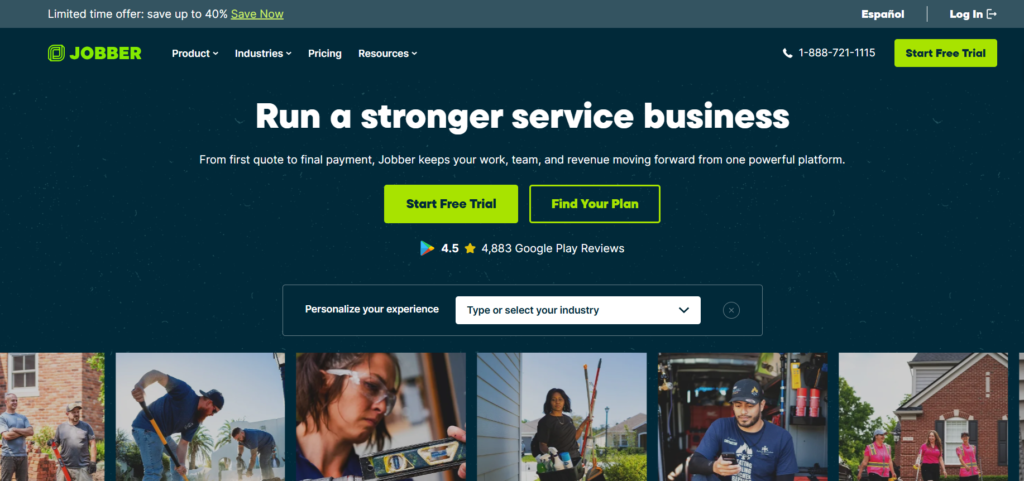
Jobber
Best For
Small teams or growing teams wanting to easily assign jobs.
Why We Chose It
Has a visual dispatch calendar, team assignment, customer notifications, and route optimisation.
Key Dispatch Features
- Drag and drop scheduling
- Team/technician assignment
- Schedule updates
- Route optimisation (Connect, Grow & Plus)
- GPS tracking
- Customer notifications
Pricing
Check current pricing. Route optimisation available on Connect, Grow & Plus. GPS tracking can be used. Check whether there are any costs for using GPS tracking devices or partners.
Pros
- Easy to use scheduling
- Great for small teams
- Customer and job management all in one place
Cons
- Advanced routing may require upgrading to higher plans
- Route optimisation is only available for anytime visits
- Route optimisation can only be done on Jobber.com and not the app.
Who Should Choose It
Small service businesses who want an easy dispatch system.
Documentation: Jobber route optimisation
Read Our Jobber Review.
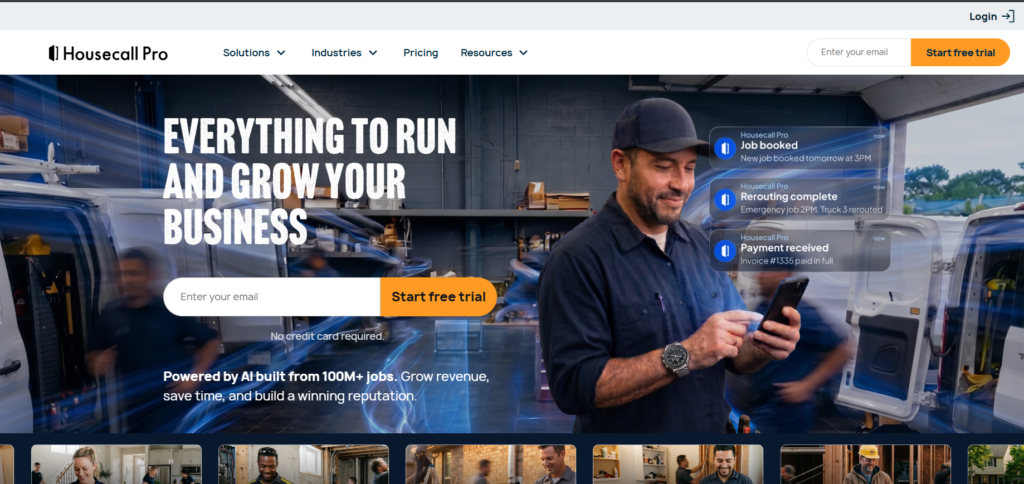
Housecall Pro
Best For
Residential service businesses who require visibility into their dispatching and customer communication.
Why We Chose It
Has a visual dispatch board, drag and drop scheduling, technician GPS tracking, and real time job updates.
Key Dispatch Features
- Visual dispatch calendar
- Dispatch map
- Technician GPS tracking
- Real time job updates
- Multiple technician assignment
- Customer notifications
Pricing
Basic package starting from $59/month billed annually or $79/month (includes 1 user). Essentials package starting from $149/month billed annually or $189/month (includes 5 users). MAX package starting from $299/month billed annually or $329/month (includes 8 users).
Employee GPS tracking available from Essentials. Vehicle GPS tracking is a separate product with extra costs. Route optimisation is available from MAX.
Pros
- Great for residential service
- Visual dispatch features
- Great customer communication
Cons
- Employee GPS tracking requires Essentials and up
- Vehicle GPS tracking has extra costs
- Route optimisation requires MAX
- Check if routing is suitable for complex multiple technician dispatch.
Who Should Choose It
Residential HVAC, plumbing, electrical or home service businesses who are looking for great customer communication.
Documentation: Housecall Pro dispatching software
ServiceTitan
Best For
Established contractors with many technicians.
Why We Chose It
Has a dispatch board, skills setup, job tray, reassign features, GPS tracking, and reporting.
Key Dispatch Features
- Daily and weekly dispatch boards
- Unassigned jobs
- Matching of technician skills
- Assign and reassign jobs
- GPS tracking and map view
- Customer arrival notifications
- Multiple technician assignment
- Technician performance reporting
Pricing
Pricing is bespoke. Check with the vendor to see what the commercial and implementation requirements are.
Pros
- Lots of features on the dispatch board
- Great visibility of technicians and work orders
- Can handle complex jobs with multiple technicians
Cons
- A more complex system to set up
- May be too much for smaller teams
- Check what features and integrations are available.
Who Should Choose It
Established HVAC, plumbing, and electrical contractors with more technicians in the field.
Documentation: ServiceTitan dispatch and tracking
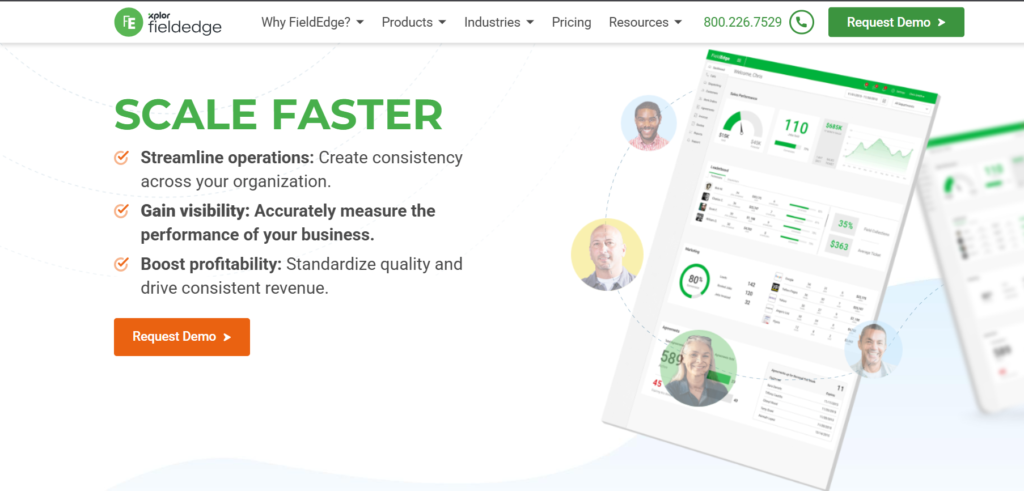
FieldEdge
Best For
HVAC, plumbing and electrical contractors with multiple trucks.
Why We Chose It
Has multiple truck dispatching, skills and location based assignment, job tracking, and map scheduling.
Key Dispatch Features
- Dispatch board
- Drag and drop assignment
- Technician availability
- Skills and location based assignment
- Live fleet visibility
- Map based route optimisation
- Multiple technician assignment
- Multi day work order scheduling
Pricing
Check with the vendor to see what the current pricing is and what features are available.
Pros
- Great for trade businesses
- Great for multiple truck businesses
- Links dispatch to customer and equipment history
Cons
- Designed for more established contractors
- Check what features are available on the mobile app and what integrations will be required.
Who Should Choose It
Growing HVAC, plumbing and electrical businesses who need a well organised dispatch system.
Documentation: FieldEdge scheduling and dispatching
Workiz
Best For
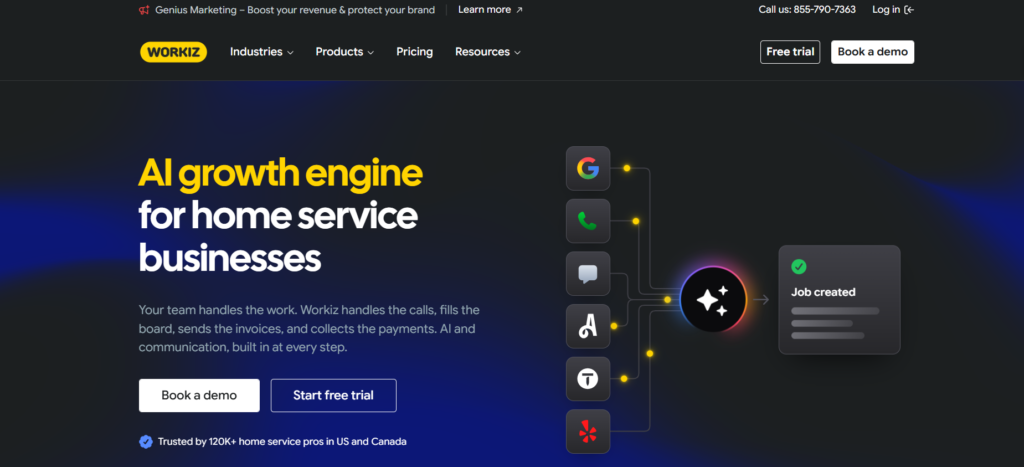
Businesses with lots of calls requiring quick job creation and assignment.
Why We Chose It
Has drag and drop dispatch calendar, filter by technician expertise, team filters, and live updates.
Key Dispatch Features
- Drag and drop calendar
- Technician expertise filter
- Team calendar
- Job tracking
- Appointment reminders
- On my way messages
- Technician mobile app
Pricing
Check with the vendor to see what the current pricing is and what features are available.
Pros
- Easy to use dispatch calendar
- Filters by technician and team are useful
- Customer communication is built in
Cons
- Check if advanced routing and automation are available.
- Check what features require additional subscriptions.
Who Should Choose It
Businesses with lots of calls and same day appointments.
Documentation: Workiz dispatching
Service Fusion
Best For
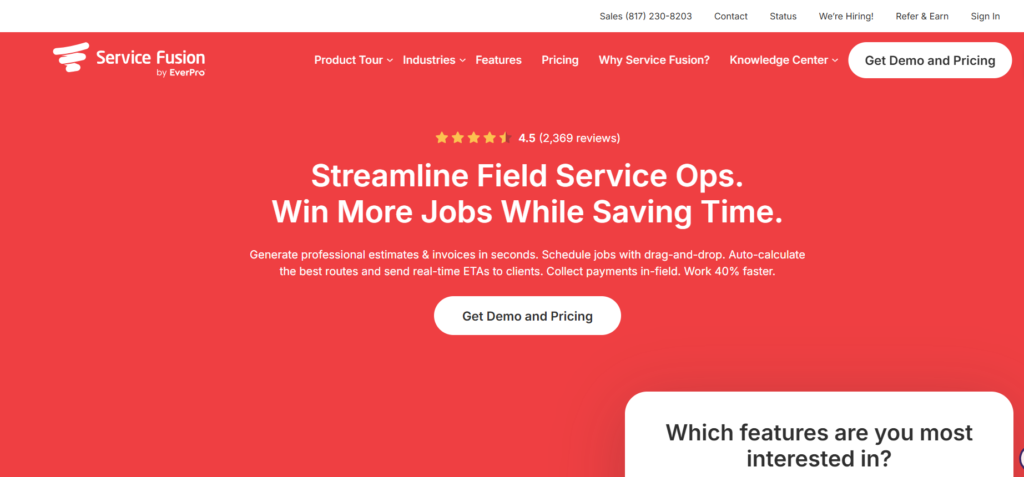
Growing teams who require a dispatch grid and scheduling visibility.
Why We Chose It
Provides scheduling and dispatching features.
Key Dispatch Features
- Dispatch grid
- Job scheduling and assignment
- Technician scheduling
- Job management
- Technician mobile app
- Fleet GPS tracking (separate product – check costs and availability).
Pricing
Check what the current pricing tiers are, how many users can be added for free, and what the GPS add on is.
Pros
- Good scheduling for multiple technicians
- GPS tracking for fleet visibility
- Unlimited users
Cons
- May incur extra costs for GPS tracking
- Check what dispatch areas and map reassignment are available.
- Try out the interface and reporting in a demo.
Who Should Choose It
Growing HVAC, plumbing, electrical and other contractors with more people in their teams.
Documentation: Service Fusion scheduling
GorillaDesk
Best For
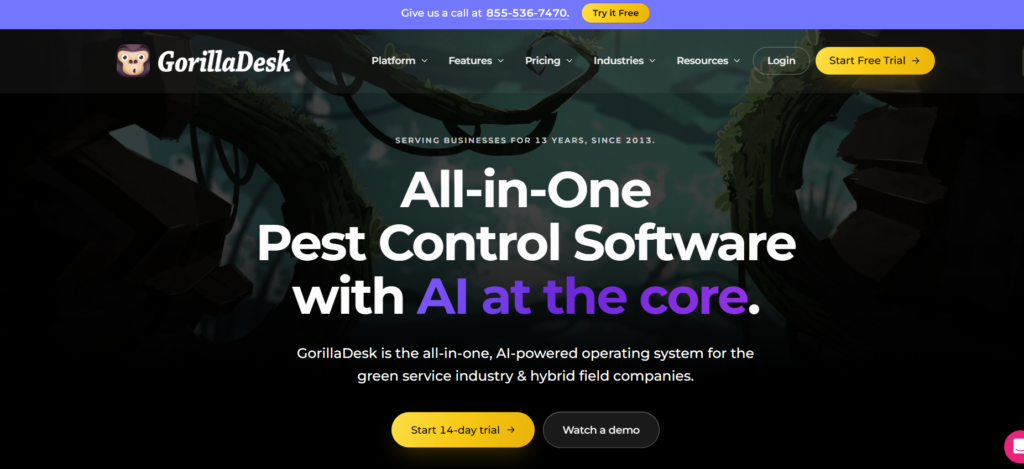
Businesses with regular routes such as pest control, lawn care and pool service.
Why We Chose It
Has scheduling calendar, recurring jobs management, route optimisation, and job organisation by route.
Key Dispatch Features
- Scheduling and dispatch calendar
- Recurring jobs
- Route optimisation (via Route Optimiser add on)
- Preview routes on map/calendar
- Optimise drive times (Drive Matrix)
- Customer and technician management
- Customer portal
Pricing
Check what the current pricing tiers are and whether Route Optimiser is available. Basic routing has a limit on how many stops you can have. The documentation has conflicting information on how many stops you can have. Check with GorillaDesk to see what the limit is currently so you can budget accordingly.
Pros
- Great for regular routes
- Dedicated route optimisation
- Good for tight geographical stops
Cons
- Better for planned routes rather than complex emergency dispatch.
- Basic routing is by proximity rather than actual roads.
- Drive Matrix adds route optimisation by road and calculates drive times.
- Check what the limits are on the optimiser and what add ons are required.
Who Should Choose It
Pest control, lawn care, pool service and other similar businesses with regular visits.
Field Service Dispatch Software Comparison
| Software | Best For | Dispatch Board | Skills-Based Assignment | GPS Tracking | Route Optimization | Mobile App |
|---|---|---|---|---|---|---|
| Jobber | Small and growing teams | Yes | Not verified | Yes (select plans) | Yes (Connect, Grow and Plus; limitations apply) | Yes |
| Housecall Pro | Residential service businesses | Yes | Not verified | Yes | Yes | Yes |
| ServiceTitan | Large contractors | Yes | Yes (configuration required) | Yes | Yes (with scheduling restrictions) | Yes |
| FieldEdge | HVAC/plumbing/electrical | Yes | Yes | Yes | Yes | Yes |
| Workiz | Call-heavy businesses | Yes | Expertise filters | Not verified | Not verified | Yes |
| Service Fusion | Growing multi-technician teams | Yes | Not verified | Yes | Not verified | Yes |
| GorillaDesk | Recurring-route businesses | Yes (calendar-based) | Not verified | Not verified | Yes (Route Optimizer; plan and add-on distinctions apply) | Yes |
Frequently Asked Questions
What Is Field Service Dispatch?
Field service dispatch is assigning work orders to eligible technicians and coordinating the job until it is done.
It includes:
Sending job details
Tracking status
Adjusting when plans change
How Does Field Service Dispatch Software Work?
It collects work orders, checks tech availability and skills, then helps assign the job.
After that, it:
Sends details to the mobile app
Tracks status and location
Updates the board and customer alerts
What Is the Difference Between Scheduling and Dispatching?
Scheduling decides when a job can happen. Dispatching releases the job to a tech and manages it.
Some software blends both. Ask how each product defines them.
How Does Dispatch Software Assign Jobs to Technicians?
It filters by must-haves first. Then it ranks by preferences.
Must-haves:
Skills
Certifications
Territory
Availability
Preferences:
Distance
Workload
Priority fit
Should Dispatchers Always Assign Jobs to the Nearest Technician?
No. The nearest tech may lack the skills, parts, or time.
Check eligibility and commitments first. Then use distance to choose among qualified techs.
What Is the Difference Between a Dispatch Board and a Dispatch Queue?
The queue is the list of work waiting for action. The board is the visual view of tech schedules and assignments.
Dispatchers use the queue to decide. They use the board to place the work.
How Does GPS Tracking Help Field Service Dispatchers?
It shows tech locations and arrivals. That helps with ETAs and reassignment.
It does not prove a job is complete. Accuracy can vary, so pair GPS with status updates.
What Is the Difference Between Route Optimization and Dispatching?
Dispatching decides who takes the job. Route optimization decides the stop order and travel plan.
Good dispatch needs both. Neither replaces the other.
How Do Dispatchers Handle Emergency Service Requests?
They find a qualified tech first. Then they check location, existing jobs, and SLA limits.
If needed, they:
Move a tech from a movable job
Reassign or reschedule that job
Notify every affected customer
Can Field Service Dispatch Software Automatically Assign Technicians?
Some can, using rules or optimization. Capabilities differ by product and plan.
Test it with emergencies, missing parts, and overrides. Keep dispatcher approval for high-risk jobs.