Service Autopilot for Landscape Maintenance: Is It the Right Fit?
60-Second Answer
Service Autopilot is the right fit for landscape maintenance companies running 3 to 25 crews with high volumes of recurring residential accounts, where the same routes repeat weekly and automation can pay for itself. It is a weaker fit for solo operators, brand-new crews, or businesses that want a simple, modern tool out of the box.
Verdict: Strong for high-volume recurring routes. Overkill for solo and small crews.
If you cut grass, tend to beds, or take care of irrigation systems for a living, there is a very good chance that you have come across an industry legend named Service Autopilot. It is one of the oldest landscaping software brands, perfect for the green industry, and it scores on the first page of most “best landscaping software” Google searches.
However, an old dog does not always know best. Just because Service Autopilot has been around for a long time does not mean that it knows how to serve your specific needs as a business owner.

I have worked with hundreds of field service companies on scheduling, dispatching, CRM, and other automation-related decisions for more than a decade.
Within this guide, I am going to break down what Service Autopilot can bring to the table for a landscape maintenance company, what it cannot, and how to make an educated decision based on hard factors, not a fast-paced sales pitch.
This is not a marketing article; it is a fit assessment designed for field service owners and their operations managers.
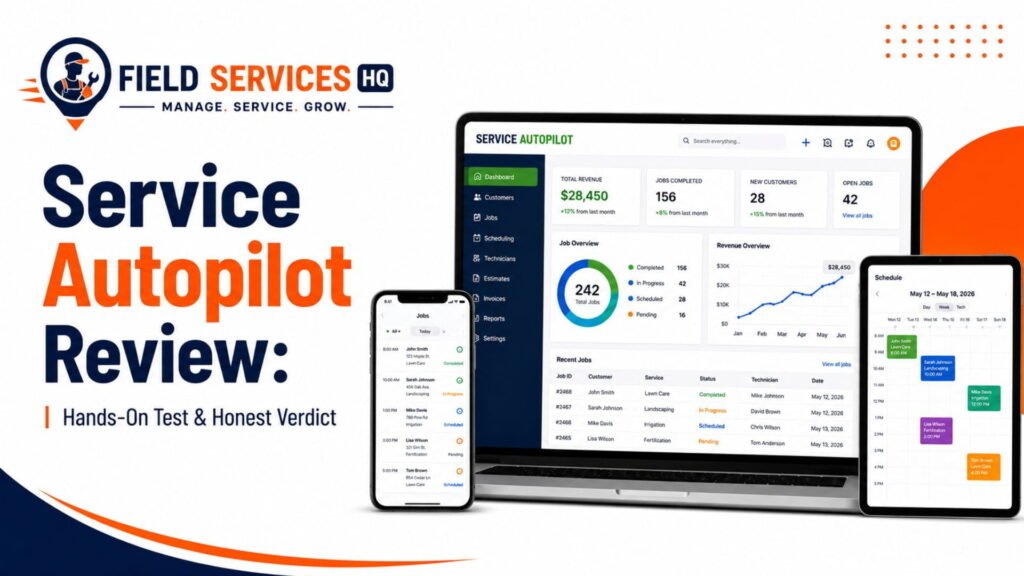
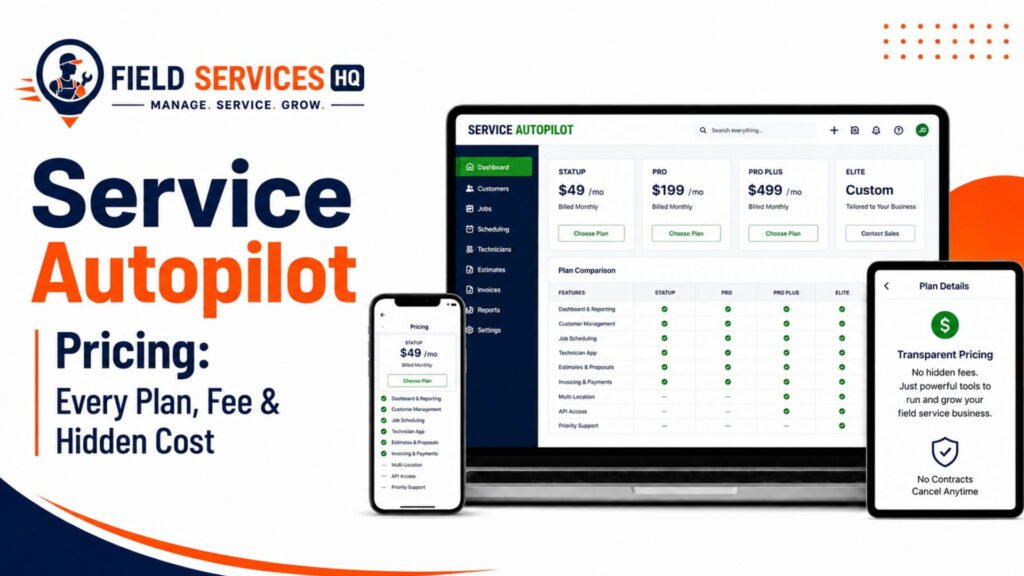
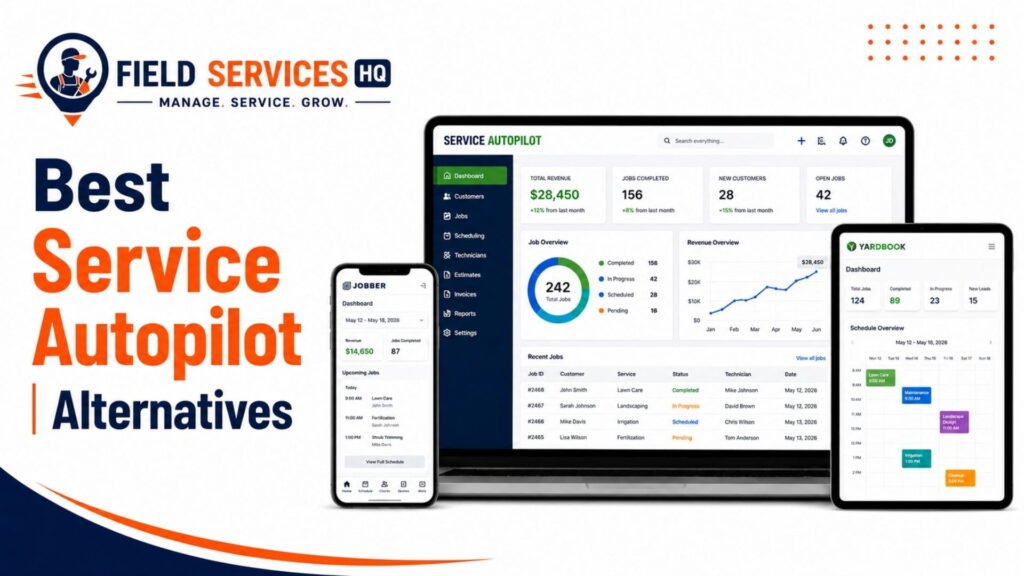
For more information on the subject matter beyond the fit evaluation, feel free to explore our Service Autopilot review, Service Autopilot pricing analysis, and Service Autopilot alternatives page.
Service Autopilot at a Glance
A brief definition: Service Autopilot is a cloud-based field service management (FSM) software designed for lawn care, landscaping, snowplowing, and cleaning companies to manage schedules, routes, CRM, invoices, payments, and marketing automation tools for high-volume residential recurring service businesses.
Here is the snapshot:
| Category | Detail |
|---|---|
| Built for | Lawn care, landscape maintenance, snow removal, pest control, cleaning |
| Company | Xplor Technologies (Service Autopilot brand), founded 2006, based in Texas |
| Pricing model | Flat, per-account pricing (not per-user), four published tiers |
| Starting price | $49/month (Startup tier, 1 business user, 1 mobile license) |
| Top published tier | $499/month (Pro Plus), Elite is custom-quoted |
| Free trial | Not available on most published tiers |
| Overall rating (Capterra) | 4.1 out of 5 from 139 reviews |
| Overall rating (G2) | 3.7 out of 5 from 21 reviews |
| Core strength | Deep marketing and billing automation for recurring routes |
| Core weakness | Steep learning curve, add-on costs, dated interface |
In accordance with Capterra’s review report, Service Autopilot’s users give 3.8 out of 5 regarding the automation’s ease-of-use and 3.8 out of 5 concerning value-for-money, both lower than the general score of 4.1. This makes it clear that the platform’s automation tools are functional but requires specific expertise to deliver on promises.
On G2, Service Autopilot has a 3.7 rating, where users report that the add-ons for automation functions are managed by third-party providers, resulting in additional costs and complex configurations, although scheduling, dispatching, and QuickBooks tools are claimed to be useful.
Who Is Service Autopilot Best For?
Not every landscape company has the same needs. Here is the real story.
Service Autopilot is most appropriate for those who:
- Have 3 to 25 crews that work recurring or repeating jobs
- Have hundreds or thousands of residential recurring customers
- Currently use QuickBooks for financial management
- Have staff time to dedicate to building and maintaining automations
- Need marketing follow-ups that don’t require manual entries
Service Autopilot is not appropriate for those who:
- Have single or two-person crews
- Are starting out and still establishing what services they provide
- Need a modern-looking interface that is intuitive to learn
- Need a system that can be implemented ASAP with no admin staff
- Are on a strict budget of less than $100/month with no room for add-ons
From my perspective, the companies that get hurt by field service software decisions are usually those that don’t realize they’ve purchased the solution for a company that doesn’t exist yet. Service Autopilot is a high-volume automation platform. If you don’t have the staff yet, you’re paying for something well-suited to larger operations.
How Service Autopilot Fits a Landscape Maintenance Workflow
A landscape maintenance business runs on repetition. The same properties, the same crews, the same route, week after week, with seasonal shifts layered on top. Here is how Service Autopilot handles each piece of that workflow.
Recurring Scheduling
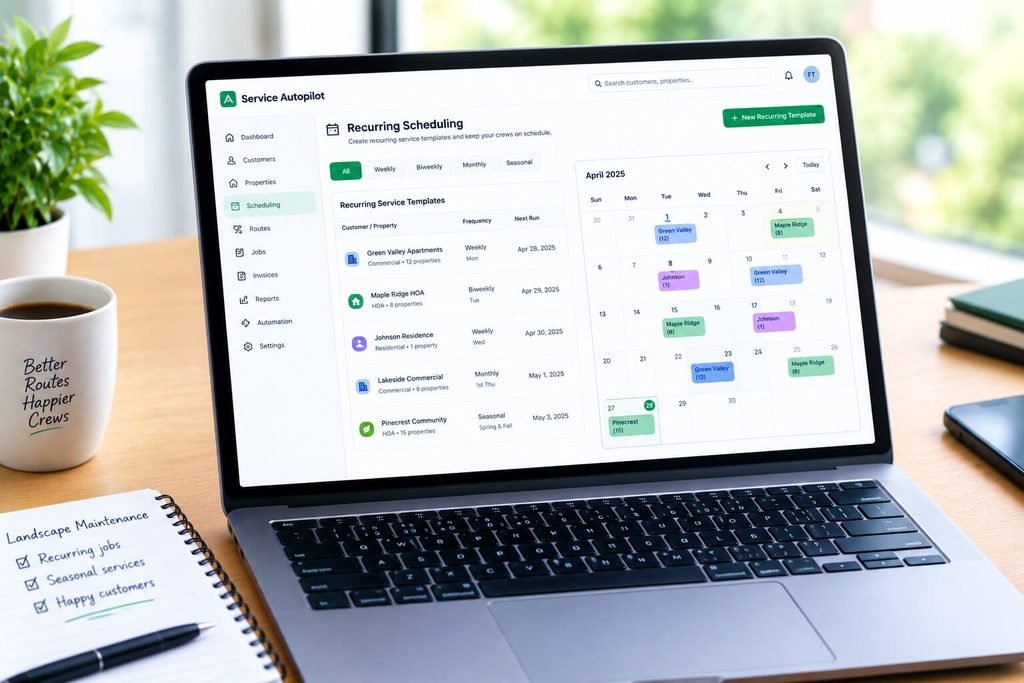
Landscape maintenance scheduling typically involves recurring customer accounts with the same crews and route, with seasonal variations. You can use Service Autopilot to create recurrent service templates that will populate your calendar.
- Recurring jobs can be templated by frequency (weekly, biweekly, monthly)
- Seasonal services can be scheduled in advance for spring and fall
- Schedule changes push out to the mobile app for crews
This is where the product shines as it was initially conceived as a recurring service scheduling platform. We found the solution to be particularly good for large account volumes.
Routing
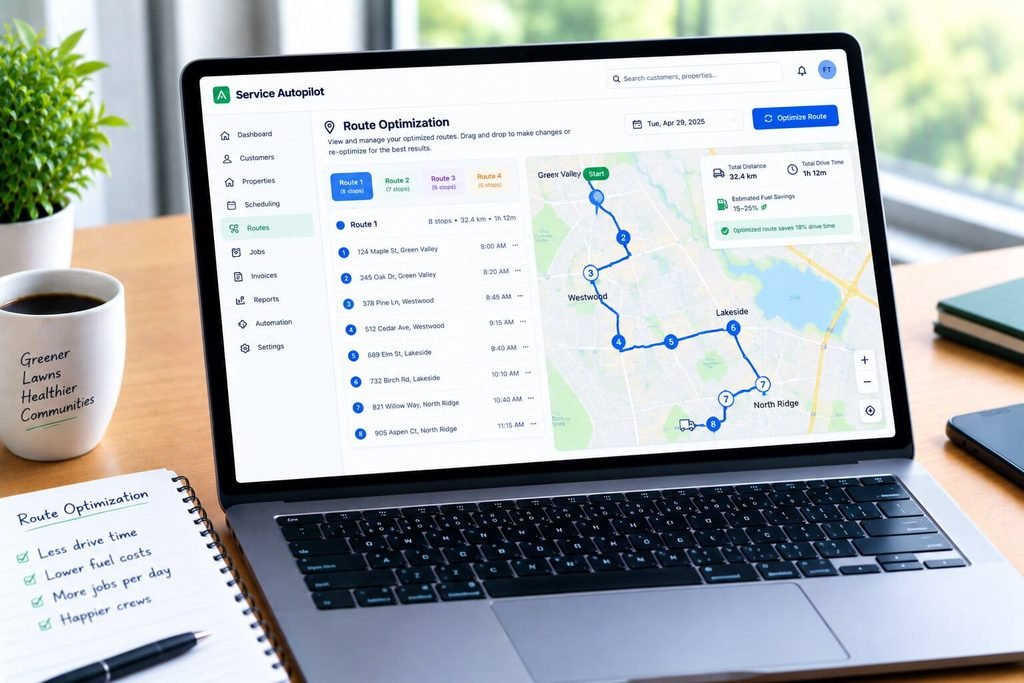
Route optimization is essential for increasing body miles driven and lowering fuel consumption.
According to a route optimization ROI analysis from Timefold, field operations that transition from manually constructed routes to automatically optimized ones typically see drive times reduced between 15% and 30%, with fuel burned down between 10% and 25% depending on weekly stop density and territory shape.
The platform has route mapping and sequencing tools that can help cluster jobs together by geography, although it is not a dedicated route optimization engine the level of a standalone routing software. For landscape maintenance where crews typically work dense residential streets, we found the built-in mapping tools were sufficient for reducing unnecessary backtracking.
Crew and Field Operations
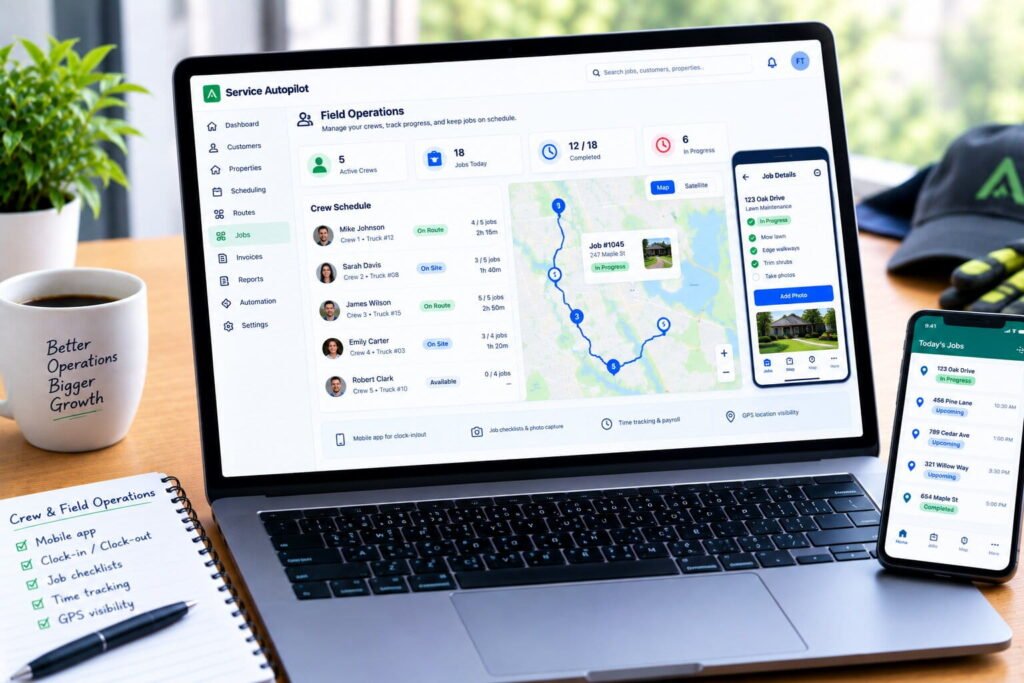
- Mobile app for crew clock-in and clock-out
- Job checklists and photo capture in the field
- Time tracking tied to payroll reporting
- GPS-based crew location visibility
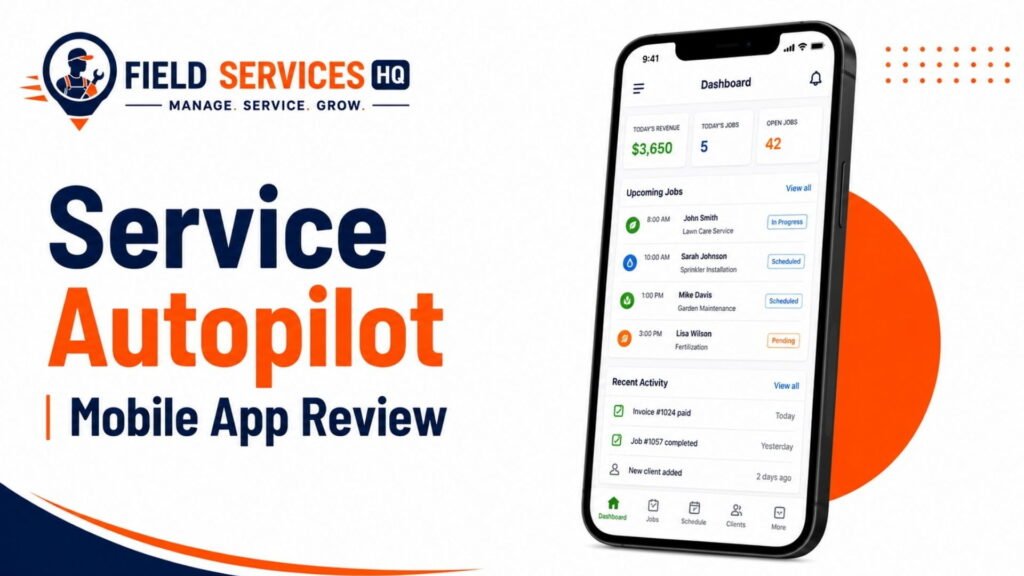
We go more in-depth on the realities of the Service Autopilot mobile app for crews in our Service Autopilot Mobile App Review, including the positives and negatives based on direct user feedback.
Customer and Property Management
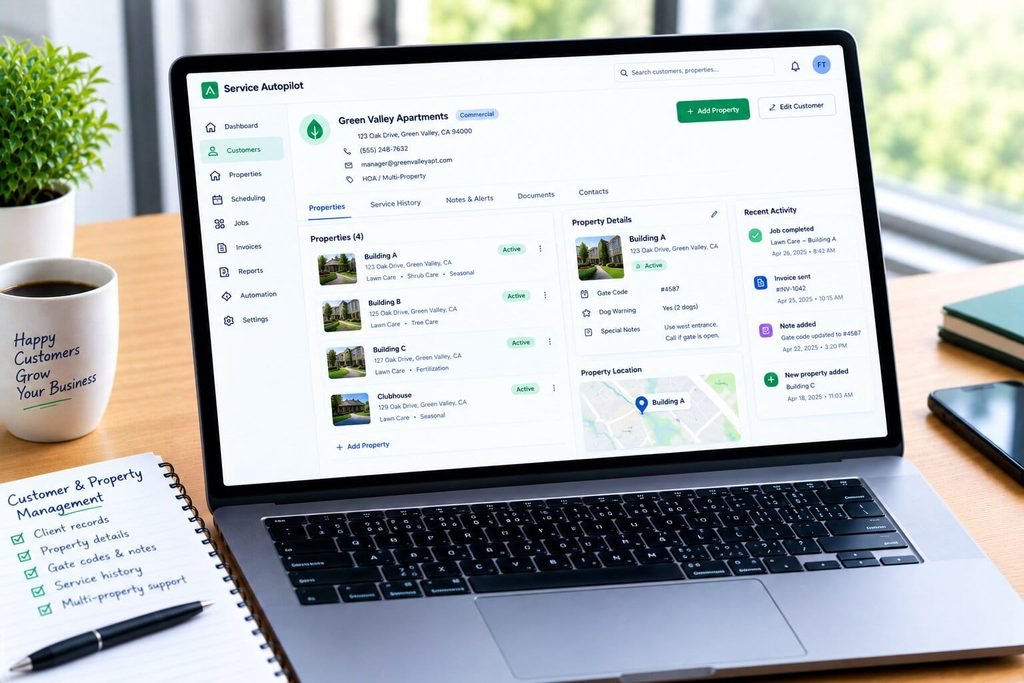
Every recurring account needs a property record, including gate codes, dog warnings, and other notes. The system stores this information at the client and property level, letting crews know exactly what to do without consulting the office.
- Client and property records with service history
- Notes and alerts visible to crews in the field
- Multi-property support for commercial and HOA accounts
Estimates and Service Management
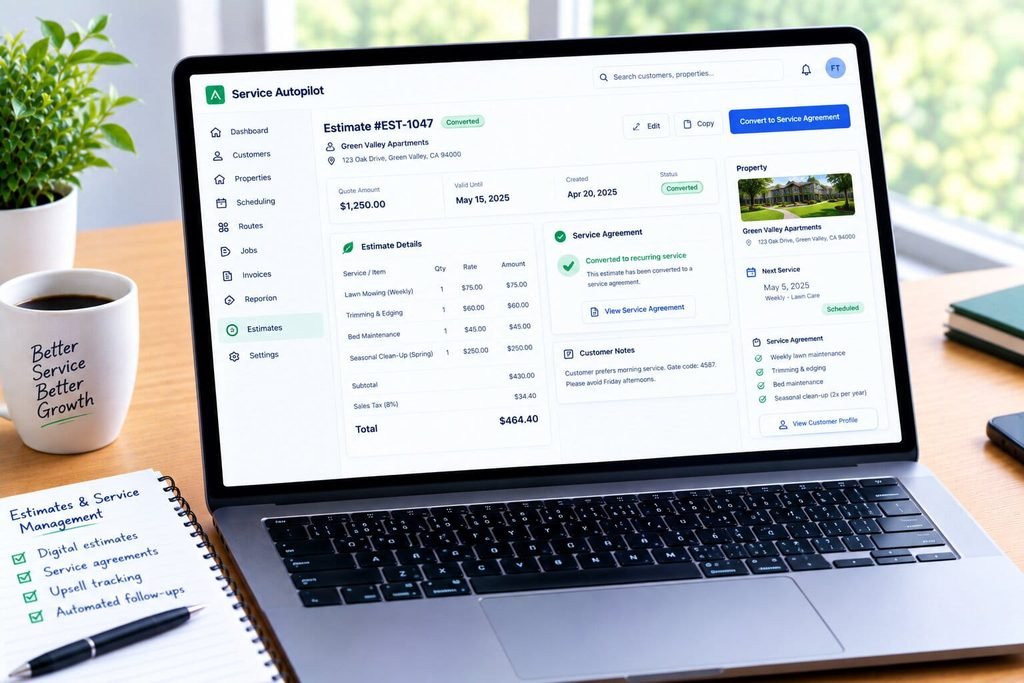
- Digital estimates that convert directly into recurring service agreements
- Service agreement templates for annual maintenance contracts
- Upsell tracking for add-on services like mulch or irrigation checks
Invoicing and Payments
Automated invoicing is one of the strongest aspects of the platform, as recurring invoices can be created on a regular schedule. In addition, payment collection can be set up on autopay for repeat residential customers, which is critical for high-volume residential recurring billing.
Automation
This is the feature that the software is named for, and it has some of the most compelling no-code automation tools we have seen in the FSM space. Automations can be set to send follow-up emails and text messages after a completed job, request reviews, and late payment reminders without needing to involve the office.
According to FSM Advisor’s 2026 review, this is the strongest strength of Service Autopilot in the lawn-care software category, but it comes with a caveat: These advanced automation tools are only available on the $499/month Pro Plus plan, and it takes substantial time to configure the necessary automations as part of the onboarding process.
What Service Autopilot Does Well for Landscape Maintenance
- Deep automation for recurring billing and marketing follow-up
- Strong fit for high-volume residential recurring routes
- Native QuickBooks integration for accounting-centric back offices
- Flat, per-account pricing instead of per-technician fees
- Established reputation with 139 verified Capterra reviews and a long operating history in the green industry
Where Service Autopilot Falls Short
- Ease-of-use score sits at 3.8 out of 5 on Capterra, below category leaders
- Automation and marketing features are gated to the $499/month Pro Plus tier
- No published self-serve free trial on most tiers
- Some G2 reviewers report automation setup outsourced to third-party vendors with separate setup and maintenance fees
- Interface has been described by users as dated compared to newer entrants
- Reporting and data filtering flagged by reviewers as harder to use than expected
I want to be direct about something here. A 3.7 to 4.1 rating range is not a red flag on its own. Most established FSM platforms tend to fall somewhere in that range once they get past 100+ reviews, as the larger install base means there will be more edge cases reported. Instead, focus on whether the specific complaints (setup complexity, add-on costs, reporting friction) would be dealbreakers for your use case.
Service Autopilot Landscape Maintenance Fit Scorecard
| Capability | Fit for Landscape Maintenance | Notes |
|---|---|---|
| Recurring scheduling | Strong | Core original use case |
| Routing | Moderate | Built-in mapping, not dedicated optimization |
| Crew mobile app | Moderate | Functional, some UI complaints |
| CRM and property records | Strong | Detailed property-level history |
| Estimates | Strong | Converts to recurring agreements |
| Invoicing and payments | Strong | Automated recurring billing |
| Marketing automation | Strong (paid tier) | Deepest in category, gated to Pro Plus |
| Ease of onboarding | Weak | Learning curve flagged repeatedly |
| Pricing transparency | Moderate | Sign-up fee and add-on pricing not fully published |
| Reporting | Moderate | Deep reports available, filtering flagged as clunky |
Which Type of Landscape Business Gets the Most Value?
Solo / Small Operations (1 to 2 crews)
As a solo operator or two-person team, Service Autopilot is generally more software than you will need. The $49/month tier only allows 1 business user and 1 mobile license, and the automation depth to justify the higher tiers generally requires the account volume that smaller operations are just building.
A light, intuitive CRM is generally a more reasonable starting point before growing into a multi-crew business.
Growing Multi-Crew Businesses (3 to 15 crews)
Here the platform begins to demonstrate value. You have enough recurring clients that automation is starting to make real labor savings, and you may already feel constrained by manual scheduling procedures.
- Pro tier ($199/month) becomes a reasonable starting point
- Routing group benefits begin to add up with higher daily stop volume
- QuickBooks sync becomes worth the effort to avoid double-data entry
High-Volume Recurring Maintenance Operations (15+ crews)
This is Service Autopilot’s core target audience. According to FSM Advisor’s analysis, the platform is generally best suited for lawn and landscaping companies beyond 10 crews with interest in automation and a need for marketing and follow-up to be largely hands-off.
At this scale the $499/month Pro Plus tier and its automation depth can begin to justify itself by replacing several hours of administrative labor per week, making the strongest ROI argument at this scale.
Service Autopilot vs. Your Current Workflow
Before getting into software comparisons, it is worth benchmarking Service Autopilot against your current operations. Most landscape businesses looking at FSM software are coming from one of three places.
If you are using spreadsheets and paper routes:
- Expect the largest efficiency gains of any starting point
- Routing optimization gains tend to fall on the higher end of the range
- Budget extra time to migrate data – properties and clients don’t import themselves
If you are using a scheduling app with no automation:
- Expect moderate gains concentrated around billings and follow-ups
- Routing improvements will be meaningful but on the lower end
- The bigger win is generally freeing up staff from manual billing reminders
If you are already using a field service management platform:
- Only consider switching if there is a specific gap in your operations
- Carefully weigh the cost of migration versus the feature gap
- Read our choosing field service management software guide before making a change based on one missing feature
Service Autopilot vs. Alternatives
Service Autopilot is not the only field service management software designed for lawn and landscape businesses, and generally not the right choice at every stage of growth. A few brief comparisons:
- vs. simpler, solo landscaper CRMs: those tools tend to be easier to learn and lower cost, but lack Service Autopilot’s automation depth at scale
- vs. commercial landscape contractor platforms: those tend to have stronger job costing features for large-scale commercial work
- vs. general field service software: those tend to be more flexible across industries but less focused on landscape-specific needs
For a detailed comparison of strong alternatives to Service Autopilot, see our full guide to Service Autopilot competitors.
When Is Service Autopilot Worth It?
Straight answer: Service Autopilot is worth it when your recurring customer volume is high enough that the automation saves more in staff hours than the software costs, generally when a business has enough weekly recurring stops to justify the $199 to $499 monthly tiers.
Use this as a quick diagnostic. Service Autopilot is likely worth it if:
- You manage 100+ recurring residential accounts
- Your office staff spends multiple hours weekly on manual invoicing or follow-ups
- You already use or plan to use QuickBooks
- You have someone who can dedicate time to building automations during onboarding
- Your growth plan includes adding crews in the next 12 to 24 months
If you answered no to three or more of these, a lighter platform will likely be a better fit as you grow, and you can always migrate to Service Autopilot later.
Before You Buy: Landscape Maintenance Checklist
- Run through this before signing anything.
- Get the sign-up fee in writing, not just the monthly rate
- Confirm the price of additional business users and mobile licenses
- Ask what automation setup costs if outsourced to a third-party vendor
- Request a live demo focused on your actual route volume, not a generic script
- Ask current customers in your revenue range for a reference call
- Confirm QuickBooks sync depth (one-way vs. two-way, and which tier it requires)
- Map your current recurring services into the platform’s template structure before committing
- Calculate your breakeven point using your actual admin hours saved
For a full cost breakdown across every published tier, our dedicated Service Autopilot pricing guide walks through what each tier actually includes.
Final Decision: Is Service Autopilot Right for You?
Here is the short story.
Service autopilot is worth the cost when you have a 3 to 25 person lawn or landscape crew that is working a high-volume residential recurring service where work is being repeated on a weekly basis and having software to automate and track invoicing and follow-up saves time and staff resources in the office.
If that sounds like you, it is worth looking into and making sure you understand the contract and additional costs involved.
If you are a single operator, new crew, or small company looking for something more straightforward, the scope is more limited than the company advertises, and an easier option may be a better fit for your growing business.
The software should be appropriate for the type of business that you currently run, not the type of business that you are planning on running. It is much easier to upgrade than it is to downgrade and change your processes to meet up with new software.
Landscape Software Market Snapshot
| U.S. landscaping services industry revenue (2025) | $188.8B |
| U.S. landscaping businesses (Census/IBISWorld range) | 635K to 693K |
| Typical drive-time reduction from route optimization | 15% to 30% |
| Service Autopilot Capterra rating (139 reviews) | 4.1 / 5 |
Sources: National Association of Landscape Professionals (IBISWorld data), U.S. Census Bureau, Timefold route optimization research, Capterra verified reviews.
According to the National Association of Landscape Professionals, who cited IBISWorld data, the U.S. landscape services industry comprises $188.8 billion market value in 2025, employing more than 1.4 million professionals in nearly 693,000 enterprises. Moreover, the market is projected to grow at a CAGR of 6.5% during the forecast period of 2020-2025.
This trend drives the need for field service automation solutions among recurring maintenance operators to digitize the core processes that do not involve humans, such as invoice reminders and review requests.
The field service management software market size was appraised at $5.49 billion in 2025 and is projected to grow to $6.21 billion in 2026, according to the Global Market Insights report, signifying the rising adoption of automation solutions across industries to optimize the management of field service professionals.
Confused About Service Autopilot ? Go Through Our Service Autopilot Hub.
FAQ
Is Service Autopilot good for landscape maintenance businesses?
Service Autopilot is well-suited for landscape maintenance businesses running 3 to 25 crews with high volumes of recurring residential accounts. It is less suited to solo operators or brand-new crews, since the learning curve and automation setup work best at higher account volume where the time savings outweigh the setup effort.
How much does Service Autopilot cost for a landscaping business?
Service Autopilot’s published pricing runs from $49/month (Startup, 1 business user, 1 mobile license) to $499/month (Pro Plus), with a custom-quoted Elite tier above that. According to Capterra’s pricing data, a sign-up fee and add-on user costs are not fully published on the pricing page, so get exact figures in writing before signing. Our full pricing breakdown covers what each tier includes.
What is the best software for landscape maintenance, Service Autopilot or an alternative?
There is no single best software for every landscape maintenance business. Service Autopilot fits high-volume recurring residential operations well, while simpler CRM tools fit solo landscapers better, and commercial-focused platforms fit large project-based contractors better. The right choice depends on crew size, account volume, and budget for automation setup.
Does Service Autopilot integrate with QuickBooks?
Yes. Service Autopilot offers QuickBooks integration, with deeper two-way sync generally available on higher tiers such as Elite. This matters for landscape businesses with accounting-centric back offices that want to avoid double data entry between the field platform and the books.
Is there a free trial for Service Autopilot?
Most published Service Autopilot tiers do not include a self-serve free trial, based on current vendor and third-party pricing data. Businesses evaluating the platform typically need to go through a sales demo rather than test-driving it independently, which is worth factoring into your evaluation timeline.
How does Service Autopilot handle route optimization for landscape crews?
Service Autopilot includes built-in route mapping and job sequencing to help group recurring stops geographically, reducing obvious backtracking. It is not a dedicated route optimization engine at the level of specialized routing software, but for dense residential maintenance routes, the built-in tools are generally sufficient to see measurable drive-time improvement.
What size landscaping company benefits most from Service Autopilot?
Landscape companies with roughly 10 or more crews managing high volumes of recurring residential accounts tend to see the strongest return, since that is where automation of billing, follow-ups, and marketing starts to outweigh the platform’s learning curve and higher-tier pricing.
What are the biggest complaints about Service Autopilot?
Based on verified reviews on G2 and Capterra, the most common complaints include a steeper-than-expected learning curve, automation and marketing features gated to the $499/month tier, add-on setup and maintenance fees for automation build-outs, and reporting or data filtering that some users describe as harder to use than expected.
Can a solo landscaper or small crew use Service Autopilot effectively?
A solo landscaper or two-person crew can technically use Service Autopilot, but the entry-tier pricing and automation depth are built for higher account volumes. Most small operations get better value, faster onboarding, and a shorter learning curve from a lighter CRM built specifically for solo and small-crew workflows.
How do I decide if Service Autopilot is worth switching to from my current system?
Compare your current admin hours spent on manual scheduling, invoicing, and follow-ups against Service Autopilot’s tier pricing and automation setup time. If the labor hours saved clearly exceed the monthly cost plus onboarding effort, and you already manage 100 or more recurring accounts, switching is generally worth evaluating seriously. If those numbers are close, it is usually smarter to wait until your account volume grows.