Scheduling in Field Service: How It Works & What to Look For (2026)

Quick Answer
Why Field Service Scheduling Matters
Here are 5 different surveys from different perspectives: the owner, the customer, the technician and the industry. I will tell you what each prove, and what they don’t prove.
These findings come from separate vendor-sponsored surveys with different respondent groups and geographic coverage. Figures reflect reported experiences or perceptions, not guaranteed outcomes or proof that software caused an improvement.
Business Owners Face Scheduling and Customer-Response Challenges
Jobber’s 2026 Home Service Trends Report surveyed 1050 home service owners in December 2025.
Most were very busy:
- 80% said they are always or nearly always busy.
- 72% said they are regularly busy with limited availability.
- 8% said they are always busy and can’t take new jobs.
- Only 3% said they have difficulty filling their schedule.
This means most owners are struggling with time.
- Of the owners surveyed, 27% said scheduling was the biggest time waster. 8% said dispatching. Customer communication came second with 40%. Jobsite management was the largest time waster with 48%.
- The report did highlight that higher revenue businesses said scheduling and coordination were their biggest issues.
- Over 70% of customers expect a same day response. Over half expect a response within an hour.
This is where scheduling comes in. By giving a quick response you create an expectation. If there’s no one checking capacity this becomes a late response.
Customers Consider Online Booking When Choosing Service Providers
This data comes from Housecall Pro’s Home Service Customer Service Report. They surveyed 1,040 US homeowners on the 23rd October 2025.
- 80% of homeowners considered online booking when choosing a home service professional.
- This doesn’t mean you will see an increase in conversions or revenue by offering online booking.
- Keep in mind that Housecall Pro also sell booking software.
The percentage will also depend on what you ask. In Jobber’s owner survey, ease of booking was only mentioned by 14% of owners. This is far below price (62%) and reviews (51%).
Depending on what you ask, you can get different answers. Both can be true.
What I take from this:
- Customers like to book on their terms.
- Booking pages are only as honest as the calendar.
- Having slots that you can’t actually book is worse than just picking up the phone.
It is also important to confirm bookings. Best practice would be to:
- Confirm the appointment as soon as possible.
- Remind them before the visit.
- Inform them of any changes and gain their consent if the appointment has changed.
Technicians Need Better Information to Complete Assigned Work
A technician having availability at 10AM does not mean the job is ready.
Availability is a schedule issue. Readiness is a job issue.
The Service Council’s 2022 Voice of the Field Service Engineer had over 1850 respondents who are working in the front line.
There are some caveats here. The data is from 32 different industries, many of which are industrial so it is not just home services. The data was also gathered in Spring 2022.
However, the trend is similar to what we see in our contractor shops. When asked what they would like to have access to whilst out on site, the top four answers were:
- Service manuals
- Visibility of spares stock
- Ordering parts
- Knowledge base
- The two things they disliked the most were:
- Paperwork/Administration
- Time spent searching for information.
When they have a low work order, they will be wasting time searching for information.
7 Best Scheduling Tools For Field Service Teams
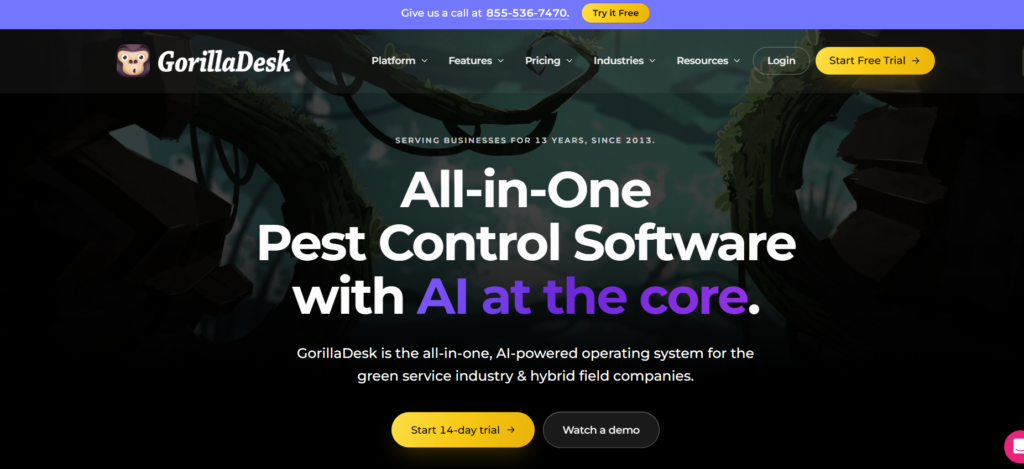
GorillaDesk
Best For
Small, route-based service businesses like pest control, lawn care and pool services who operate with regular visit patterns.
Why We List It
As it’s route-based and focuses on regular servicing, this is a good option if your business has a high amount of regular visits. This isn’t based on its Capterra score proving it to be the best for scheduling.
Scheduling
The pricing is route/schedule based. The basic plan only has a maximum of 25 stops. The pro plan includes drive matrix routing and online booking. The growth plan includes drive time and recommended scheduling.
You should ask in a demo if recurring jobs, assigning technicians, calendar views and dispatching are available as the specifics will vary between plans.
Pricing
| Plan | Cost of First Route | Cost of Additional Routes |
|---|---|---|
| Basic | $49/month | Routes 2–3: $50 per route; from 4th route: $30 per route |
| Pro | $99/month | $50 per additional route |
| Growth | $149/month | Second route: $100; from 3rd route: $50 |
All plans have unlimited users so you’re paying based on number of routes.
- You save one month with annual payments.
- SMS is an extra $5 per month plus credits.
Pros and Cons
Most reviews highlight that it’s route-based and easy to use for small teams. People often point out the cost increases as more routes are added and there aren’t enough features for complex multi-technician dispatch.
This is just user opinion so make sure to check the latest reviews.
Should I Choose It?
If you’re a small or medium business using regular routes and want to pay based on routes rather than users and don’t need a complex dispatch.
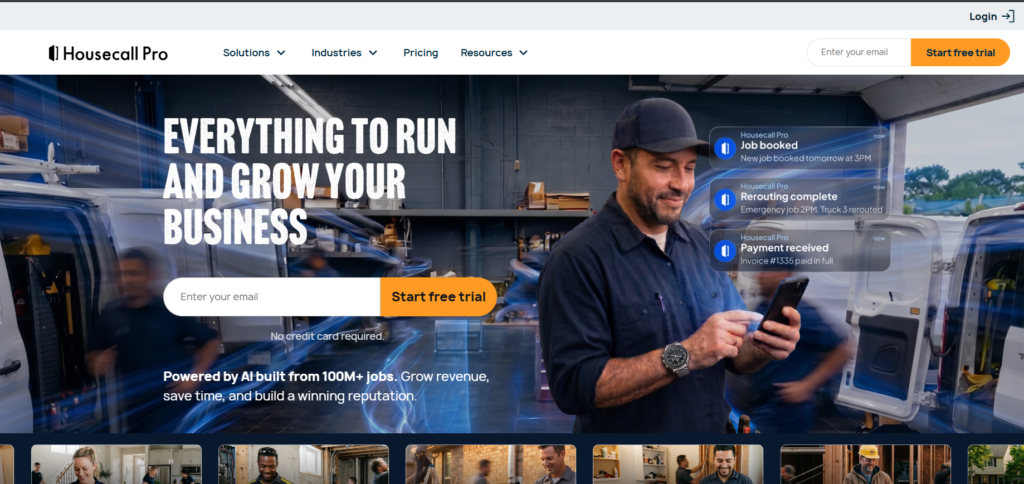
Housecall Pro
Best For
Home service businesses like HVAC, Plumbing, Electrical and Cleaning. It allows you to manage your scheduling, dispatch and online booking in one place.
Why We List It
This is a great option as it allows you to manage your scheduling and online booking.
Scheduling
The basic plan includes scheduling, dispatch and online booking. The essentials plan includes routes and GPS tracking for employees. The MAX plan includes route optimisation and recurring service.
Notifications for customers and assigning technicians are standard but should be checked based on your plan.
Pricing
| Plan | Monthly Cost | Equivalent Monthly Cost (Annual) | Number of Users |
|---|---|---|---|
| Basic | $79 | $59 | 1 |
| Essentials | $189 | $149 | 5 |
| MAX | $329 | $299 | 8 |
- Additional users for MAX are $35 per user per month.
- Add-ons and payment processing fees are optional and extra.
- Route optimisation is only available on the MAX plan.
Pros and Cons
Most reviews highlight that it feels like an all in one solution and has great customer features. People often comment that there are extra costs for add-ons and some of the key features aren’t available until higher levels.
Make sure to check the latest reviews.
Should I Choose It?
If you’re a home service team looking for online booking and an all in one solution. If you can budget for a higher level then route optimisation is available.
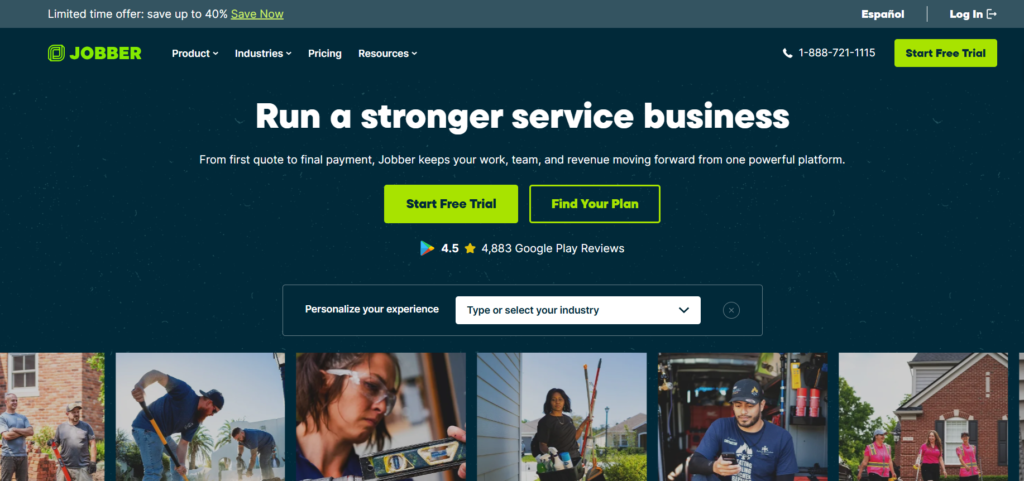
Jobber
Best For
Small to medium sized service businesses like lawn care, cleaning and home maintenance who want an easy to use request to job solution.
Why We List It
It has everything from accepting appointments, scheduling jobs and managing your field workflow in one product. This fits the request to work order test later in this guide.
Scheduling
The core plan includes online booking and scheduling. The connect plan includes automated reminders, time and expense tracking. The grow plan includes job costing and custom automations. The plus plan includes crew scheduling and custom reporting.
Mobile scheduling and route features should be checked in a demo.
Pricing
| Plan | No Commitment Monthly Cost | 1 Year Commitment Monthly Cost | Prepaid Annually Equivalent Monthly Cost |
|---|---|---|---|
| Core (1 user) | $49 | $39 | $29 |
| Connect (1 user) | $139 | $119 | $99 |
| Connect (5 users) | $199 | $169 | $149 |
| Grow (1 user) | $199 | $169 | $149 |
| Grow (5 users) | $299 | $259 | $229 |
| Plus (5 users) | $499 | $439 | $399 |
- There are higher plans for 10 and 15 users.
- Extra users are $29 per user per month.
- Prepaid annually means you’ll have to pay upfront.
- The 1 year commitment monthly payment still means you’ll have a minimum 12 month commitment.
Pros and Cons
Most reviews highlight that it’s easy to use with a clean client facing solution. People often comment that it gets more expensive as you scale up your team and plans. There aren’t as many advanced dispatch features for complex operations.
Make sure to check the latest reviews.
Should I Choose It?
If you’re owner led or have a small crew and want an easy to use, clean solution. You can scale your plans up as you add more staff.
Read Our Jobber Review.
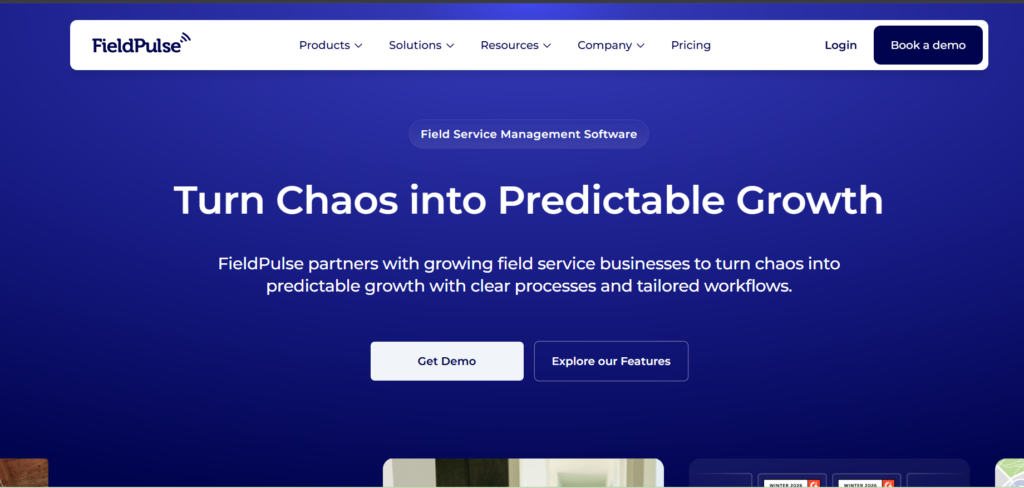
FieldPulse
Best For
Medium sized field service businesses like HVAC, Plumbing and Electrical who have multiple technicians and lots of work orders.
Why We List It
This is a work order based solution with a focus on technicians and daily scheduling. This is ideal if you have a team with more moving parts.
Scheduling
You can expect:
- Calendar scheduling.
- Dispatch.
- Assigning technicians.
- Managing jobs.
- Mobile access.
As the pricing is based on a quote you should check what scheduling features are available for each package.
Pricing
This is a seat based solution. You’ll need to get a custom quote based on how many people you have and what roles they have.
The official pricing shows:
- First user costs $39/month.
- Additional manager users cost $20 per month.
- Service agent users cost $10 per month.
- Service agents have limited access to the jobs they’ve been assigned and can’t view team schedules.
Pricebook, Custom Forms, Engage, Operator AI, Chat AI and Fleet Tracking may be extra.
When getting your quote make sure to specify:
- What roles you have.
- What features you need.
- What the implementation costs are.
Pros and Cons
Most reviews highlight that it has lots of features for scaling up your team. People often comment that it’s based on a quote so it can be harder to compare at the start. There is a learning curve due to the number of features.
Make sure to check the latest reviews.
Should I Choose It?
If you have a growing team with specific user roles and are happy to get a quote for more features.
Read Our Fieldpulse guide.
ServiceTrade
Best For
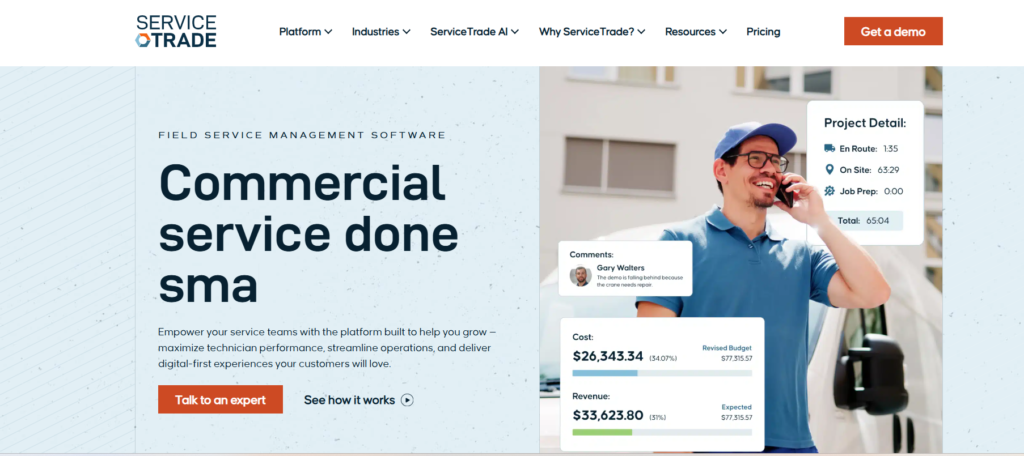
Commercial field service contractors like fire protection, life safety and commercial HVAC who have regular maintenance contracts.
Why We List It
This is designed for commercial service so your scheduled jobs will be based on service contracts and inspections.
Scheduling
The select plan includes dispatch board and map scheduling. The enterprise plan includes a technician capacity planner.
The service contracts, regular maintenance and client communication fit the commercial focus. You should check specifics based on your suite.
Pricing
This is a quote based solution. The select, premium and enterprise suites don’t have any public pricing.
The main factors will be how many technicians you have and what suite you’re on.
There are unlimited office users.
Pros and Cons
Most reviews highlight that it’s a commercial solution with client facing service documentation. People often comment that it’s more complex to set up and will cost more than residential solutions.
Make sure to check the latest reviews.
Should I Choose It?
If you’re a commercial contractor with service contracts and regular inspections who need a capacity planner and are happy to get a quote.
ServiceM8
Best For
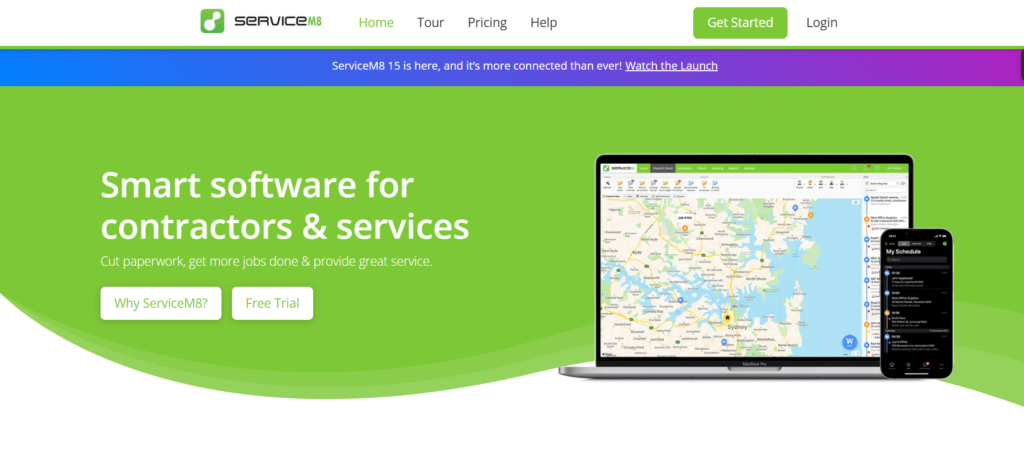
Sole traders and small trade businesses like electricians, plumbers and handymen looking for an affordable mobile job management solution.
Why We List It
This is a job card based solution with a focus on mobile so is relevant if you need to schedule and assign jobs to your small field team.
Scheduling
All plans include scheduling and recurring jobs. Auto Routing can be added as an optional add-on.
- Job assignment, calendar and mobile are core features.
- Custom forms and asset management require the growing plan and above.
- Job costing requires the premium plan and above.
Pricing
| Plan | Monthly Cost | Number of Users | New Jobs per Month |
|---|---|---|---|
| Free | $0 | 1 | 30 |
| Starter | $29 | Unlimited | 50 |
| Growing | $79 | Unlimited | 150 |
| Premium | $149 | Unlimited | 500 |
| Premium Plus | $349 | Unlimited | 1,500 |
Additional jobs cost $0.20 each on Premium Plus.
- The pricing is based on new job cards.
- Office Agent Pro can be added as an optional add-on at $39/month in the US.
- ServiceM8 Phone starts at $19 per month.
Pros and Cons
Most reviews highlight that it’s an affordable solution with a focus on mobile. People often comment there are limits on how many jobs you can have which will push you up a plan. It doesn’t have as much depth for complex dispatching.
Make sure to check the latest reviews.
Should I Choose It?
If you have a small team with a mobile focus and predictable job volumes. You can have unlimited users at an affordable price.
Kickserv
Best For
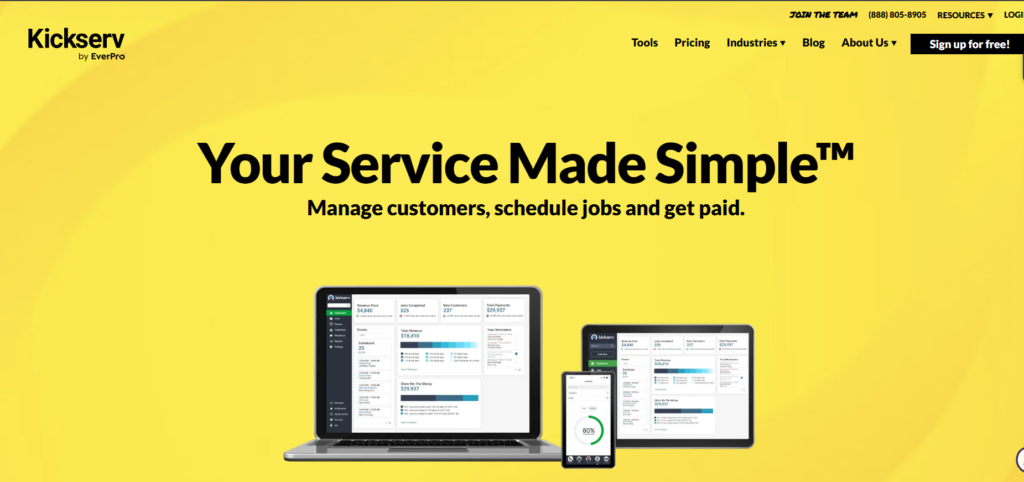
Small service businesses looking for an affordable bundled solution for managing jobs, customers and technician scheduling.
Why We List It
This is an affordable solution for managing your jobs and technician scheduling. It includes the number of users in each plan.
Scheduling
You can expect:
- Scheduling.
- Job assignment.
- Customer management.
- Mobile access.
Dispatch mapping, GPS check in and custom reporting require the run plan and above.
Pricing
| Plan | Monthly Cost | Number of Users |
|---|---|---|
| Start | $60 | 5 |
| Run | $119 | 10 |
| Scale | $199 | 20 |
- You save 20% with annual payments.
- QuickBooks Desktop integration is an extra $50/month.
- A separate Flex plan is available at $19 for 3 users. This is not one of the 3 main plans.
Pros and Cons
Most reviews highlight that it’s an easy to use solution with fair pricing for small teams. People often comment there aren’t as many advanced features as larger platforms. Key dispatching features aren’t available until higher levels.
Make sure to check the latest reviews.
Should I Choose It?
If you have a small team looking for predictable pricing with multiple users included. If you need dispatch mapping you can budget for the run plan.
Comparison Table
| Software | Best for | Pricing model and starting price | Scheduling highlights |
|---|---|---|---|
| GorillaDesk | Small and growing route-based businesses (pest control, lawn care, pool service) | Priced per route, with unlimited users. Starts at $49/month for the first route (Basic). | Basic includes scheduling, dispatching and routing limited to 25 stops. Pro adds Drive Matrix routing and online booking. Growth adds drive-time displays and Best Available Time suggestions. |
| Housecall Pro | Home-service businesses (HVAC, plumbing, electrical, cleaning) | Tiered, with included users. Starts at $79/month billed monthly or $59/month billed annually (Basic, 1 user). | Basic includes scheduling, dispatching and online booking. Essentials adds routes and employee GPS tracking. MAX adds route optimization and recurring service plans. |
| Jobber | Small to mid-sized service businesses with simple request-to-job workflows | Tiered, with included users. Starts at $49/month with no commitment, or $29/month prepaid annually (Core, 1 user). | Core includes online booking and scheduling. Connect adds automated reminders. Grow adds custom workflow automations. Plus adds crew scheduling and custom reporting. |
| FieldPulse | Mid-sized field service teams coordinating many technicians and work orders | Custom, seat-based quote. Subscription prices are not public. | Scheduling and dispatching are part of its field service platform. Confirm technician assignment and package availability during a demo. Fleet Tracking is an optional premium product. |
| ServiceTrade | Commercial contractors with service agreements and recurring maintenance | Quote-based, driven mainly by technician count and selected suite, with unlimited office users. Prices are not public. | Dispatch board and map scheduling are included in Select. A technician capacity planner is included in Enterprise. |
| ServiceM8 | Sole traders and small trade businesses that work mostly from mobile | Priced by new jobs per month, with unlimited users on paid plans. Starts free (30 jobs), with Starter at $29/month. | Scheduling and recurring jobs are available on all plans. Job costing requires Premium ($149/month) or higher. |
| Kickserv | Small service teams that want users included in the plan | Tiered, with included users. Starts at $60/month (Start, 5 users). A separate Flex plan costs $19/month for 3 users. | Scheduling and job assignment support daily operations. Dispatch mapping, GPS check-ins and custom reporting require Run ($119/month) or higher. |
What Should You Choose ?
GorillaDesk : Ideal for businesses that carry out mostly repetitive, route based jobs. You can price jobs based on routes.
Housecall Pro : Ideal for home services businesses. Offers scheduling, dispatch and online bookings in one.
Jobber : Ideal for simple request to job process. Can scale up to more levels as you grow your small team.
FieldPulse : Ideal for businesses with lots of technicians and work orders. Will need a bespoke quote.
ServiceTrade : Ideal for commercial contractors who deal with service agreements and regular maintenance.
ServiceM8 : Ideal for sole traders or small trade teams. Mobile based. Low cost or free to start.
Kickserv : Ideal for multiple users on a predictable plan. Can budget for Run to get dispatch mapping.
Frequently Asked Questions
What Is Field Service Scheduling?
Field service scheduling is the process of matching customer appointments and work orders with qualified technicians. It accounts for job duration, skills, availability, travel time, and customer windows. Good scheduling also covers confirmations, schedule changes, and capacity planning, so the promises made to customers can actually be kept.
How Does Field Service Scheduling Software Work?
Scheduling software stores work orders, technician availability, skills, and locations. It checks those constraints, shows eligible technicians and open time, and lets a dispatcher assign jobs, or suggests assignments itself. Most platforms add route planning, customer notifications, and a mobile app so technicians see updates.
How Many Jobs Can a Field Service Technician Complete in One Day?
It depends on job length, travel, and your trade, so there is no universal number. Start with the paid shift, subtract breaks, admin, and a contingency buffer, then add travel to each job. In the illustrative example above, a 90-minute average job allowed three jobs in an eight-hour day.
What Information Should Be Collected Before Scheduling a Service Job?
Collect the address, contact details, a clear problem description, and urgency. Add equipment details, access instructions, estimated duration, required skills, priority, and the customer’s available times. Confirm parts and tools before dispatch. If the cause is unclear, schedule an assessment first.
How Does Scheduling Software Match Jobs With Technicians?
Software first filters by hard rules such as skills, working hours, and maximum drive distance. It then ranks the remaining technicians by preferences such as proximity, workload, or expected revenue. ServiceTitan’s documentation describes this order for Dispatch Pro, and it is a useful model for any tool.
What Is the Difference Between Route Optimization and Schedule Optimization?
Route optimization sets the order of stops to reduce driving. Schedule optimization decides which technician does which job and when, using skills, availability, priority, and service windows. The shortest route can break a customer’s promised window, so the two are not the same thing.
How Do Dispatchers Handle Emergency Service Calls?
Dispatchers confirm the emergency, find eligible technicians, and look for a natural gap. If none exists, they move the most flexible job, check overtime and customer promises, and notify everyone affected. If nothing works, they give the customer an honest arrival time or refer the job out.
How Do Customer Availability and Arrival Windows Affect Scheduling?
A technician being free does not make a slot bookable, because the customer must also be available. Arrival windows give you a range to show up in, which helps absorb overruns. Fixed times and completion deadlines are stricter and reduce flexibility, so use them only when needed.
Can Field Service Scheduling Software Automatically Assign Technicians?
Yes, many platforms can. Some suggest assignments for a dispatcher to approve, and others assign automatically. Microsoft and ServiceTitan both document these modes. Automatic assignment depends on accurate data, and dispatchers still handle exceptions like absences and emergencies.
How Should Businesses Schedule Recurring Maintenance Jobs?
Set a repeating rule by frequency and season, then check how those future visits use technician capacity. Protect agreement windows but keep some flexibility inside them. Reserve part of each day for urgent calls so recurring work and emergencies do not fight each other.
What Is Technician Utilization in Field Service?
Technician utilization is the share of a technician’s available time spent on productive work. Track booked utilization (hours on the calendar) separately from productive utilization (hours actually working). Jobber cites 80 to 90% for top teams as a platform benchmark, but definitions of available time vary.
Which Metrics Should Field Service Businesses Track to Measure Scheduling Performance?
Track scheduled and productive utilization, job completion rate, on-time arrival rate, average travel time, first-time fix rate, rescheduled appointments, overtime, and contribution margin. Define each one’s numerator, denominator, period, and exclusions in writing so your numbers stay consistent month to month.