Jobber vs GorillaDesk (2026): General Service Tool Against a Pest, Lawn and Pool Specialist
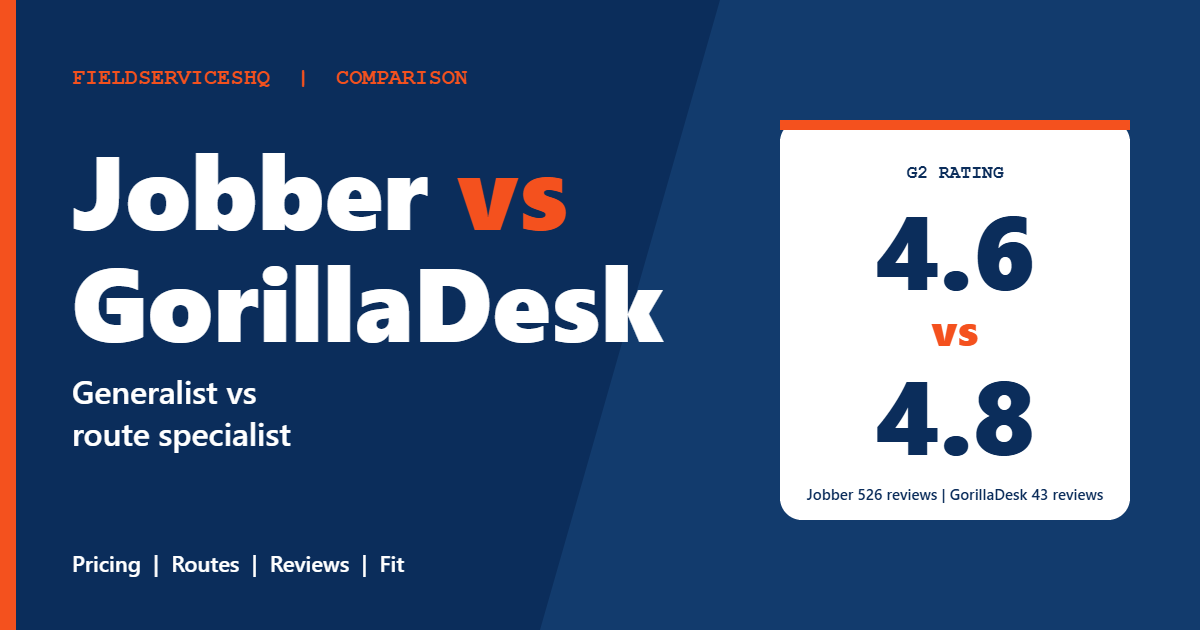
Jobber vs GorillaDesk is a generalist against a specialist, and the review scores make the specialist look good. GorillaDesk was built around pest control and lawn care, with pool service added later, and it holds a 4.8 rating on G2 and Capterra. Jobber serves 18 industries and holds 4.6. On pure satisfaction scores GorillaDesk wins every G2 category. The catch is how few people have reviewed it on G2, how its pricing counts routes instead of users, and what happens when your business does not look like a pest or lawn route.
This guide compares the two on published pricing, the way each one charges for growth, texting costs, QuickBooks, review data and industry fit, with vendor claims labeled as claims.
Jobber vs GorillaDesk at a glance
| Factor | Jobber | GorillaDesk |
|---|---|---|
| Built around | 18 service industries | Pest control, lawn care, pool and cleaning |
| Cheapest plan | $29 per month billed annually, 1 user | $49 per month, 1 route |
| What grows your bill | Users above those included, $29 each | Extra routes, $30 to $100 each |
| Users | Included per plan | Unlimited admin, manager, sales and crew users |
| Free trial | 14 days, no card | 14 days, no card |
| QuickBooks Online | From Connect | Pro plan only |
| Capterra overall | 4.6 from about 1,458 reviews | 4.8 from about 272 reviews |
| G2 overall | 4.6 from 526 reviews | 4.8 from 43 reviews |
Pricing models: users versus routes
Jobber
Jobber’s pricing page lists each plan with annual and one-year rates:
| Plan | Users included | Per month, 1-year commitment | Per month, billed annually |
|---|---|---|---|
| Core | 1 | $39 | $29 |
| Connect | 1 | $119 | $99 |
| Connect | 5 | $169 | $149 |
| Grow | 5 | $259 | $229 |
| Grow | 10 | $349 | $299 |
| Plus | 5 | $439 | $399 |
Extra users cost $29 per month each, and the trial is 14 days with full Grow access.
GorillaDesk
GorillaDesk’s pricing page lists three plans, each including one route, with month to month rates:
| Plan | Per month, 1 route | 3 routes | 5 routes |
|---|---|---|---|
| Basic | $49 | $149 | $209 |
| Pro | $99 | $199 | $299 |
| Growth | $149 | $299 | $499 |
The totals for 3 and 5 routes are calculated from the page’s per route rules. On Basic, routes 2 and 3 add $50 each, and route 4 onward adds $30 each. On Pro, every added route adds $50. On Growth, route 2 adds $100 and routes 3 and 4 add $50 each, though the page’s $499 figure for five routes implies a bigger jump than the stated increment, so confirm the Growth number with GorillaDesk before you budget. Annual billing exists with one month free, but the page does not show annual dollar amounts. There are no setup fees, month to month plans, and a 14-day trial with no card.
A route here is a schedule, so in practice it maps to a truck or a technician. The page says GorillaDesk includes unlimited admin, manager, sales and crew users, which means your office staff do not add to the bill. Only the number of routes does.
Which model is cheaper
It depends on how many people sit in your office compared with how many routes you run.
| Setup | Jobber (annual) | GorillaDesk (Pro, with QuickBooks and portal) |
|---|---|---|
| 1 owner-operator | Core $29 or Connect $99 | $99 |
| 3 techs plus 1 office, 4 users | Connect 5 users $149 | 3 routes $199 |
| 5 techs plus 2 office, 7 users | Grow 5 users $229 plus 2 extra users $58 = $287 | 5 routes $299 |
| 5 techs plus 6 office, 11 users | Grow 10 users $299 plus 1 extra user $29 = $328 | 5 routes $299 |
The two come out close. GorillaDesk wins when the office is large, Jobber wins when routes are many and the office is small, and for the 1 to 3 truck owner-operator the entry prices decide it. Basic at $49 is cheap, but it limits routing to 25 stops and leaves QuickBooks sync for Pro.
What you get at each GorillaDesk tier
Basic covers material and chemical tracking and reporting, advanced invoice frequencies, automated email and SMS reminders and broadcast messaging, and basic routing capped at 25 stops. Pro adds Drive Matrix routing with real-time street routing and drive times, Stripe and Square subscription billing, device and trap tracking with barcodes, email inbox sync, a customer portal, online booking, review requests, e-signatures, GPS tracking, Zapier and an open API, along with QuickBooks Online sync. Growth adds drive time display and a Job Magnet route tightening tool, a sales pipeline, estimate packages, custom fields and multi-branch support.
Two details worth knowing before you compare sticker prices. First, texting is not free: a local number costs $5 per month and credits are sold at $50 for 1,000 texts, $100 for 2,500 and $200 for 8,000, and the credits do not expire. A company that texts every customer a reminder and an on-the-way notice can use a few thousand messages a month. Second, data migration is free but limited to contact information, addresses, notes and starting balances, so full service or billing history does not come across.
Jobber, by contrast, includes two-way texting on Grow and charges card processing at 2.9% plus 30 cents. Our Jobber review lists what each tier includes.
Industry fit
GorillaDesk’s customer list leans heavily toward pest control, wildlife, pool and lawn businesses. Its tools reflect that: chemical and material tracking, trap and device barcodes and recurring route management. A pest company that must log product use per visit gets that natively on Basic.
Pool service deserves its own warning. Independent pool-industry reviewers note that GorillaDesk was built first for pest and lawn and treats pool as a secondary use case, with lighter water chemistry tracking than dedicated pool software. If you run a pool-only business, compare dedicated pool tools as well.
Jobber covers pest control, lawn care and pool service too, but as one of 18 industries. It does not build around chemical logs or trap tracking, and it is the more flexible pick for mixed businesses, such as a handyman who also pressure washes, or an HVAC contractor adding maintenance plans.
Reviews: the full picture
G2 gives GorillaDesk the higher score in every category:
| G2 category | GorillaDesk | Jobber |
|---|---|---|
| Meets requirements | 9.3 | 8.6 |
| Ease of use | 9.6 | 9.0 |
| Ease of setup | 9.6 | 8.9 |
| Ease of admin | 9.7 | 9.1 |
| Quality of support | 9.6 | 9.1 |
| Good business partner | 9.5 | 9.3 |
| Product direction | 9.6 | 9.0 |
Two honest qualifiers. GorillaDesk has 43 G2 reviews against Jobber’s 526, so one unhappy customer moves its numbers far more than Jobber’s. And the people reviewing a pest control specialist are mostly pest control businesses, who judged it on a job it was built for. Jobber is graded on a harder test: more trades, more use cases, more ways to disappoint.
Capterra tells the same story with a larger pool: GorillaDesk at 4.8 from about 272 reviews, with ease of use, customer service and value all at 4.8, against Jobber at 4.6 from about 1,458. Reviewers praise GorillaDesk’s support, its simple setup for pest control, automated reminders that cut no shows and constant updates. The critical notes include occasional bugs, limited hourly billing, a learning curve, pricing quoted in US dollars for Canadian customers and the cost jump from a $50 plan to the $99 plan when you want documents. On Jobber, G2 reviewers praise ease of use and a unified platform, and cite subscription cost and limited customization.
Accounting, payments and integrations
GorillaDesk lists QuickBooks Online sync only on Pro, and Stripe and Square subscription billing for recurring customers. Capterra lists just a few integrations, namely Stripe and Zapier, plus the open API on Pro. Jobber syncs QuickBooks Online from Connect and lists more than 100 apps in its marketplace. If recurring autopay through Stripe or Square matters to you, GorillaDesk’s Pro plan fits that routine well. If you need payroll, marketing and bookkeeping connections, Jobber’s marketplace is broader.
Setup, support and switching
GorillaDesk reviewers consistently describe quick setup and strong support, including help importing a customer database from older software. Jobber also scores 9.1 for support on G2. Moving from one to the other means exporting contacts, addresses and open balances. Because GorillaDesk migrates only limited data, expect to rebuild service history if you come in from another system.
If you are deciding between several general tools instead, see Jobber vs Housecall Pro, Jobber vs ServiceM8 and Jobber vs Kickserv. For bigger crews read Jobber vs ServiceTitan. The full field is in our best field service management software guide.
Questions to ask before you buy
- How many routes will I run in 12 months, and what does the third, fifth and tenth cost?
- Is QuickBooks sync included on the plan I need?
- How much texting will I do, and what do credits cost at that volume?
- What history can be imported from my old system?
- Which features I need today sit one tier up?
FAQs
Is Jobber or GorillaDesk better for pest control?
GorillaDesk is built around pest control and offers chemical and material tracking and trap and device barcoding. Jobber can run a pest control business but treats it as one of 18 industries without those specialty tools.
How much does GorillaDesk cost compared to Jobber?
GorillaDesk starts at $49 per month for one route, with Pro at $99 and Growth at $149, and extra routes cost $30 to $100 each. Jobber starts at $29 per month billed annually for one user and charges $29 for each extra user.
Does GorillaDesk charge per user?
No, it charges per route. The pricing page says unlimited admin, manager, sales and crew users are included on every plan.
Does GorillaDesk have a free trial?
Yes, a 14-day free trial with no credit card. Jobber offers a 14-day trial with full access to the Grow plan.
Does GorillaDesk work with QuickBooks?
GorillaDesk lists QuickBooks Online sync on its Pro plan only. Jobber includes QuickBooks Online sync from its Connect plan.
Does GorillaDesk charge for text messages?
Yes. A local number costs $5 per month, and text credits are $50 for 1,000, $100 for 2,500 and $200 for 8,000. Jobber includes two-way texting on Grow.
Is GorillaDesk good for pool service?
It supports pool routes and chemical tracking, but independent pool-industry reviewers note it was designed first for pest control and lawn care, and dedicated pool software goes deeper on water chemistry.
Which has better reviews, Jobber or GorillaDesk?
GorillaDesk scores higher: 4.8 on G2 from 43 reviews and 4.8 on Capterra from about 272, against 4.6 and 4.6 for Jobber. Jobber’s larger review base covers a wider range of businesses.
Can GorillaDesk import my old data?
Migration is free but limited to contact information, addresses, notes and starting balances. Full service or billing history is not imported.
Which is better for a lawn care business?
Both work. GorillaDesk is built around recurring routes with material tracking, while Jobber adds stronger quoting, marketing tools and integrations. Compare the cost for your route count and office size.