Free Field Service Software: Where the Limits Hit
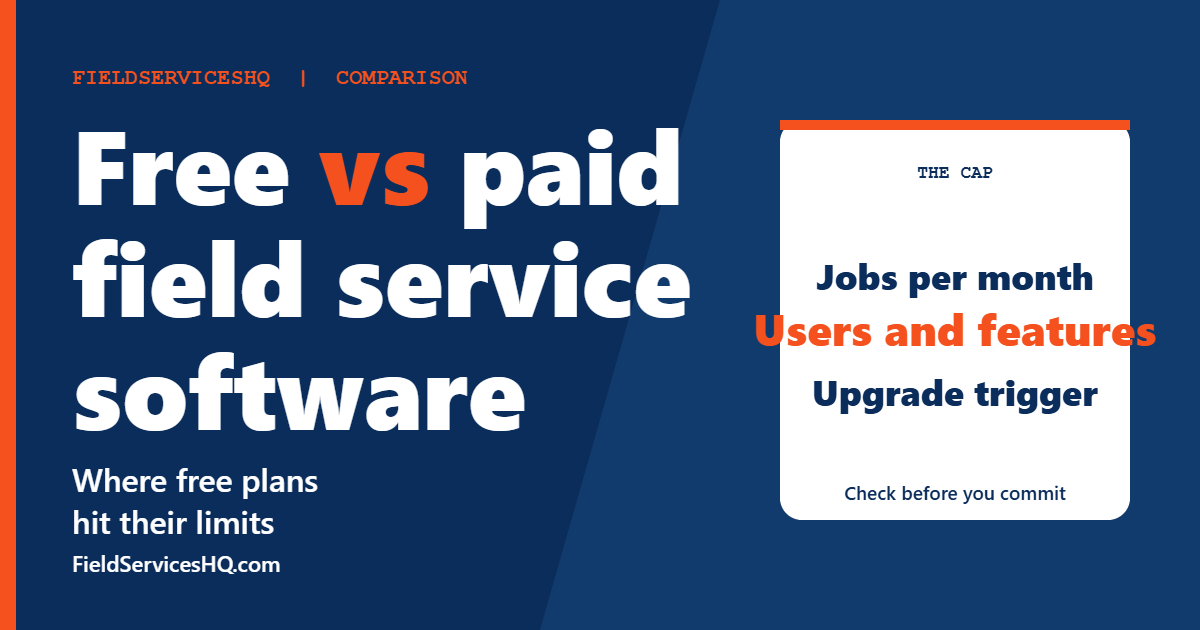
Free field service plans are real, but each one has a cap that bites at a predictable point: ServiceM8’s free plan stops at 30 jobs a month for one user, and Connecteam’s free plan stops at about 10 users. Free fits a solo operator or a team learning the workflow. Once you pass the cap, or need QuickBooks sync, automation or support, a paid plan is usually cheaper than the labor you spend working around the limit. Check the cap, the upgrade price and how you would export your data before you commit.
Free is the most attractive word in software shopping, and the most expensive one when it hides a cap that arrives in your busiest month. This guide separates the plans that are free forever from the ones that are free trials, shows where each cap sits, and gives you a way to work out when paying is the cheaper choice.
Everything below comes from the vendors’ own pricing pages as we read them in November 2026, plus Capterra’s pricing guide and public reviews. Plans change often, and several vendors’ pages and third-party listings disagree with each other, so we flag conflicts rather than pick a side. If you are comparing paid tools afterward, start with our Jobber vs ServiceM8 and Jobber vs Kickserv comparisons.
Free forever vs free trial: the first distinction
Most “free field service software” lists blur two different things.
- A free plan lasts as long as you stay under its limits.
- A free trial gives full access for a short time, then asks for payment.
Jobber is the second kind. Its pricing page lists no free plan and offers a 14-day trial of its Grow plan with no credit card required. Workiz’s pricing page shows Standard, Pro and Ultimate plans with prices on request, and a seven-day trial with no card required. Kickserv’s page shows paid Start, Run and Scale plans with 30-day free trials and does not describe a free plan. Housecall Pro offers a 14-day trial on its own pages.
Trials are a good way to learn a tool. They are not a way to run a business for free.
Free plans that exist, and where they stop
| Tool | Free plan, as the vendor describes it | Where it stops |
|---|---|---|
| ServiceM8 | Free plan for one user, 30 jobs a month | Each SMS costs 10 cents on the free plan, and the 30 job cap applies; paid plans start at $29 per month |
| Connecteam | Small Business plan, free for life, for teams up to 10 users | Payroll integration is not included and knowledge base storage is capped; the page’s own FAQ says less than 10 employees, so the exact cutoff is ambiguous |
| Zoho FSM | Free edition with requests, scheduling, estimates, invoicing and timesheets | The page says it suits teams managing up to 30 jobs a month; Capterra describes a limit of 20 users and 30 appointments a month |
| Contractor+ | Freedom plan, per Capterra | 250 leads or clients and five estimates or invoices a month |
| Odoo | Free plan, per Capterra | Unlimited users but one app instead of the full suite |
Read that table as a map of where each cap sits. A cap on jobs hits growing businesses. A cap on users hits hiring businesses. A cap on apps or features hits the ones who need the thing that was left out.
Conflicts worth knowing about
- Workiz. An older directory listing describes a free Lite plan for two pro users, but Workiz’s own pricing page, as we read it, lists no free plan and shows plans on request. We would not plan around a Workiz free tier without confirming it directly.
- Kickserv. A third-party guide says Kickserv has a permanent free plan for two users. Kickserv’s pricing page describes paid plans and trials only. Treat the free plan as unconfirmed.
- Zoho FSM. The vendor’s free page and Capterra’s summary give different limits. Confirm current limits when you sign up.
When the vendor’s page and a directory disagree, the vendor’s page is usually more current, but both can lag. Ask in writing.
The cap math: what the paid plan really costs per job
Job caps make it easy to work out what you pay for headroom. ServiceM8’s published USD monthly plans give a clean example.
| Plan | Price | Jobs per month | Cost per job at the cap |
|---|---|---|---|
| Free | $0 | 30 | $0 |
| Starter | $29 | 50 | about 58 cents |
| Growing | $79 | 150 | about 53 cents |
| Premium | $149 | 500 | about 30 cents |
ServiceM8’s page also lists unlimited users on paid plans, a seven day grace window to keep creating jobs past your limit, and extra jobs at 20 cents each on its top tier. The numbers show that the first step off free is the steepest, from $0 to $29, but the cost per job is under a dollar. If one job is worth $150 to you, a plan that lets you take 20 more jobs a month pays for itself the first time you would otherwise have hit the cap.
The same logic applies to any capped plan: ask what a missed or delayed job costs you, then compare it with the next tier.
What free plans usually leave out
Across the pricing pages and Capterra’s summary of free tiers, the same pieces get gated.
- Accounting sync. Check whether QuickBooks sync is included on the plan you would use. Housecall Pro, for example, documents that its QuickBooks Online connection needs its Essentials or Max plan.
- Dispatch maps and GPS. Kickserv’s page puts dispatch mapping and GPS check-ins on its Run plan, above Start.
- Reminders and messaging. ServiceM8’s free plan charges for SMS, while paid plans list free SMS.
- Job costing, progress invoicing and assets. ServiceM8’s page lists progress invoicing from Starter, asset management and electronic forms from Growing, and job costing from Premium.
- Automation and AI. Many vendors keep automation on higher tiers.
- Support. Free plans often get community or email support only. Verify before relying on it.
Capterra’s guide says free and entry tiers typically include scheduling, basic customer records and simple invoicing, and that higher tiers add users or appointments, job costing, a branded client portal or API access. That is a good checklist for what to look for in the paid tier you would eventually need.
The costs that apply to both free and paid
Card processing
Card fees are not a differentiator unless the rates differ. Jobber’s pricing page lists 2.9 percent plus 30 cents on card payments, 2.7 percent plus 30 cents for Tap to Pay, 1 percent for bank payments and an extra 1 percent for instant payouts. On a $400 job paid by card, 2.9 percent plus 30 cents is $11.90. On 100 such jobs a month, it is $1,190, which is far more than any software subscription on this page.
That cuts two ways. A free plan that adds no processing markup costs you nothing extra. A free plan that steers you to its own processor at higher rates can cost far more than a paid plan. Compare the all-in effective rate, not the subscription. Offering bank payment, where available at 1 percent, saves about $7.90 on a $400 invoice compared with card, if your customers will use it.
Per-user and add-on fees
Capterra’s pricing guide advises asking whether processing fees, extra user charges and add-on modules are included in the quoted price. It cites Jobber’s card fees sitting on top of the subscription, and Service Fusion’s GPS fleet tracking and AI call tools priced outside the base plan, as examples of extras to budget for. Jobber’s own page lists additional users at $29 per month each.
The cost of switching later
Moving from a free tool to a paid one means exporting customers and jobs and importing them. Ask now: can I export customers, jobs and invoices, in what format and how quickly? A tool that locks your history in turns a free plan into an expensive one.
When free is the right choice
- You are a sole operator with fewer jobs than the cap.
- You want to learn your own workflow before paying for features you may not use.
- You take few card payments and have no staff to schedule.
- You can tolerate manual steps for accounting.
In those cases a free plan can be a sound first step. The ServiceM8 free plan is described by the vendor as free for sole operators, with a way to earn bonus jobs by accepting card payments, which tells you how the vendor expects to be paid.
When free is a trap
- You are within a month of your cap in peak season.
- You are hiring and the plan limits users.
- You need QuickBooks sync, reminders, GPS or routing.
- You cannot export your data.
- You are spending hours each week working around a missing feature. At the US median office clerk wage of $20.97 an hour (Bureau of Labor Statistics, May 2024), three hours a week of workaround labor is about $3,270 a year, well above the cost of an entry paid plan.
A free plan audit before you start
- Write down the cap in jobs, users, customers and features.
- Count your last three months against it, including your busiest week.
- Price the next tier and the one after it.
- Check what messages and payments cost on free vs paid.
- Confirm the export path by exporting a handful of records during the trial period.
- Ask what happens at the cap: a hard stop, a grace window or an upgrade prompt.
- Set an upgrade trigger in writing, such as reaching 80 percent of the cap two months in a row.
Free vs paid at a glance
| Question | Free plan | Paid plan |
|---|---|---|
| Monthly subscription | $0 | From about $29 to $60 for entry plans on pages we read |
| Caps | Jobs, users, customers or features | Higher caps, or none |
| Support | Often limited | Usually fuller, check the plan |
| Accounting sync | Often missing | Often available on mid tiers |
| Messaging | May be charged per message | Often included |
| Best for | Solo operators, learning | Teams, growth, recurring work |
Entry prices on the pages we read: Jobber Core is $29 per month on annual billing ($39 with a one-year commitment billed monthly, $49 with no commitment), ServiceM8 Starter is $29 per month, and Kickserv Start is $60 per month for five users with annual billing saving 20 percent. These move, so verify them.
Plan limits and prices come from the vendors’ own pricing pages (Jobber, ServiceM8, Connecteam, Kickserv, Workiz, Zoho FSM) as read in November 2026, plus Capterra’s pricing guide. Where a directory or third-party guide disagreed with the vendor’s page, we say so. We did not use free tiers we could not confirm on a vendor page.
Mistakes to avoid
- Treating a free trial as a free plan.
- Ignoring the cap until you hit it in peak season.
- Choosing by subscription price and forgetting processing fees.
- Starting without a way to export your data.
- Staying on a free plan while paying for it in manual work.
Free vs paid field service software FAQ
Is there truly free field service management software?
Yes, within limits. Per the vendors’ pages, ServiceM8 has a free plan for one user with 30 jobs a month, Connecteam has a free plan for small teams of up to about 10 users, and Zoho FSM has a free edition aimed at about 30 jobs a month.
Does Jobber have a free plan?
No. Jobber’s pricing page lists no free plan and offers a 14-day trial with no credit card required.
How much does the cheapest paid plan cost?
Entry plans on the pages we read start around $29 per month, such as Jobber Core on annual billing and ServiceM8 Starter. Prices and limits change.
What is the catch with free plans?
A cap on jobs, users or features, plus limited support and integrations. Vendors design free tiers to convert you to paid once you outgrow them.
Do free plans charge for payments?
Payment processing is charged by whoever processes the card, free or paid. Compare effective rates, not the subscription.
When should I move from free to paid?
When you reach about 80 percent of the cap regularly, need accounting sync, reminders or routing, or spend several hours a week on workarounds.
Can I move my data out of a free plan?
Ask the vendor before you start. Confirm that customers, jobs and invoices can be exported and in what format.
Is a free trial the same as a free plan?
No. A trial gives full access for a short time. A free plan stays free within its limits.
Sources
- Jobber pricing
- ServiceM8 pricing
- Connecteam pricing
- Kickserv pricing
- Workiz pricing
- Zoho FSM free edition
- Capterra: field service management pricing models
- US Bureau of Labor Statistics: General Office Clerks