
Housecall Pro vs Service Fusion: Where Per-User Limits Beat Unlimited Seats, and Where They Don’t
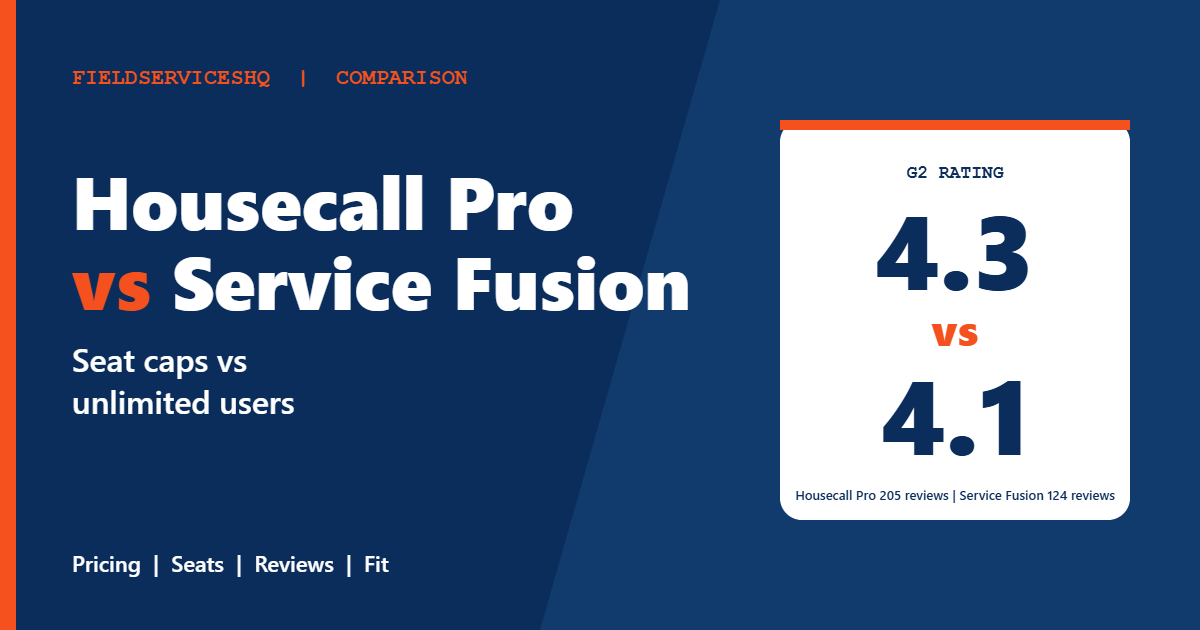
Housecall Pro and Service Fusion look similar from a distance. Both are field service platforms for small home service companies, both handle scheduling, invoicing and payments, and both sit around the same star rating on G2. The real difference is how each one charges you. Housecall Pro includes a fixed number of users in each plan. Service Fusion gives every plan unlimited users and charges more per plan to make up for it.
That single choice decides which tool is cheaper for your business, and it flips depending on how many people need a login. This comparison works through the math using each vendor’s current pricing page, then adds G2 review data and the features that sit behind each tier.
Housecall Pro vs Service Fusion at a glance
| Factor | Housecall Pro | Service Fusion |
|---|---|---|
| Plans | Basic, Essentials, MAX | Starter, Plus, Pro |
| Annual billing (per month) | $59, $149, $299 | $208, $325, $533 |
| Monthly billing (per month) | $79, $189, $329 | $245, $382, $627 |
| Users included | 1, 5 and 8 (extra MAX users $35) | Unlimited on every plan |
| Free trial | 14 days | No trial, free demo |
| Contract | Check plan terms | Month to month, no contract stated |
| QuickBooks | QuickBooks Online sync from Essentials | Included on all plans |
| G2 rating | 4.3 out of 5 (205 reviews) | 4.1 out of 5 (124 reviews) |
The pricing models, explained
Housecall Pro: pay for the seats in the plan
The Housecall Pro pricing page lists Basic at $59 a month on annual billing for one user, Essentials at $149 for five users, and MAX at $299 for eight users. Extra MAX users cost $35 each. Monthly billing raises those to $79, $189 and $329. Card processing starts at 2.59 percent, and bank payments carry a 1 percent fee.
Service Fusion: pay for the plan, add as many people as you like
The Service Fusion pricing page lists Starter at $208 a month on annual billing, Plus at $325 and Pro at $533. Paying monthly, those become $245, $382 and $627. Every plan has unlimited users. The page says there are no contract requirements, and its FAQ describes plans as month to month with a 15 percent discount for annual pricing. There is no free trial, but you can request a free demo, and personalized onboarding is included.
One caution if you have read other comparison sites: G2’s comparison page shows Service Fusion at $259, $399 and $649 a month, which are older or different figures from the vendor’s current page. Use the vendor’s own page and confirm in writing.
Where the cost lines cross
Here is the math using list prices on annual billing.
A few things follow from those numbers. A solo operator pays $59 on Housecall Pro against $208 on Service Fusion, which is a big gap for a one-person shop. A five-person company is $149 against $208, still a clear advantage for Housecall Pro. Around eight to nine users the plans converge, and beyond that Service Fusion is cheaper on paper because it does not charge per seat.
There is one important qualification. The plans are not equal at the same price. Housecall Pro MAX includes recurring service plans, open API access, a dedicated onboarding specialist and escalated phone support. Service Fusion Plus includes integrated voice and text, inventory management, job costing and job photo uploads. Compare the feature lists, not just the price tags.
Features that sit behind the tiers
Housecall Pro
Basic includes scheduling and dispatch, a price book and job costing. Essentials adds flat-rate pricing, routes, phone-based GPS tracking, QuickBooks Online sync, commissions, checklist automations and photo reports. MAX adds route optimization based on drive time and traffic, Recurring Service Plans, open API access, a dedicated onboarding specialist, escalated phone support and a sales proposal tool.
Service Fusion
Every plan includes customer management, estimates and jobs, scheduling and dispatching, integrated payments, QuickBooks integration, invoicing, project management, reporting, text messaging alerts and estimate options. Plus adds job photo uploads, inventory management, job costing and integrated voice and text. Pro adds open API integration, plus custom documents, e-sign documents, a customer web portal, and progress billing with recurring invoicing.
On Starter, several of those are paid add-ons: job photo uploads, inventory management, job costing, custom documents, e-sign documents, the customer web portal, progressive billing and recurring invoicing, ServiceCall.ai and GPS fleet tracking. GPS fleet tracking is an add-on on every plan. If you need those, the real Starter price is higher than $208.
What the pages do not say
Service Fusion’s pricing page does not mention route optimization or service agreements. If maintenance agreements are central to your revenue, ask for a live demonstration of how recurring service works, rather than assuming it is covered. Likewise, Housecall Pro does not list inventory on its pricing page, so confirm that if you carry parts.
What reviewers say on G2
On G2, Housecall Pro is rated 4.3 out of 5 from 205 reviews and Service Fusion 4.1 out of 5 from 124.
| Category (out of 10) | Housecall Pro | Service Fusion |
|---|---|---|
| Meets requirements | 8.6 | 8.2 |
| Ease of use | 8.9 | 8.6 |
| Ease of setup | 8.7 | 7.9 |
| Ease of admin | 9.0 | 8.2 |
| Quality of support | 8.7 | 8.4 |
| Good business partner | 8.8 | 8.5 |
| Product direction | 8.9 | 8.2 |
Housecall Pro leads everywhere, with the widest gaps in ease of setup (8.7 against 7.9), ease of admin (9.0 against 8.2) and product direction (8.9 against 8.2). Both products show about six months to reach return on investment.
The themes in written reviews are worth reading carefully. Housecall Pro reviewers mention ease of use most, then customer support, then missing features and cost. Service Fusion reviewers also praise ease of use and customer support, and cite invoicing and scheduling. Their recurring complaints are data management issues, integration problems, app functionality limits and complex setup, and four reviewers called it expensive for small startups. Reviewers like Service Fusion’s unlimited user pricing, but G2 notes that it is seen as costly for small startups, which matches the break-even math above.
Which one fits which business
Housecall Pro tends to fit when
- You have one to eight people who need logins and want the lowest list price.
- You want a 14-day trial rather than a demo-led purchase.
- You value a quick setup and a simple admin experience, where G2 scores it ahead.
- You can stay on Essentials, or you specifically need MAX features such as Recurring Service Plans or the API.
Service Fusion tends to fit when
- Nine or more people need a login, including office staff, dispatchers and technicians.
- You want to add seasonal technicians without a per-seat charge.
- You want integrated voice and text, inventory and job costing in the Plus plan.
- You prefer month-to-month terms and a guided onboarding.
Three real-world scenarios
A solo plumber who wants to look professional. One user, a few jobs a day, invoices and card payments. Housecall Pro Basic at $59 a month is the budget fit, though it leaves out QuickBooks Online sync, so check whether you need it. Service Fusion’s $208 start is hard to justify for one person.
A six-person HVAC company with two office staff. Eight logins puts you right at Housecall Pro MAX ($299) against Service Fusion Plus ($325). The feature lists decide it: if you want recurring service plans and an API, MAX includes them. If you want inventory, job costing and integrated voice and text, Plus does.
A fifteen-person landscaping or cleaning company with seasonal staff. Headcount is the issue. At fifteen logins, Housecall Pro MAX plus seven extra users is $544 against $533 for Service Fusion Pro, and the gap widens every time you add a seasonal worker. Unlimited seats are a real budget tool at this size.
How to choose in practice
- Count everyone who will use the system: technicians, dispatchers, office staff, owners and seasonal helpers.
- Use the break-even numbers above to see which model is cheaper at that headcount.
- Write a list of must-have features and find the cheapest plan on each side that includes all of them, including add-ons.
- Start the Housecall Pro trial and book the Service Fusion demo in the same week, and run the same real job through both.
- Ask each vendor for a written total including card processing and any add-ons.
If you are widening your search, see our comparisons of Jobber vs Service Fusion, Housecall Pro vs FieldEdge and Housecall Pro vs Workiz.
Common mistakes
Do not compare the cheapest plan on one side with the cheapest plan on the other. Housecall Pro Basic leaves out flat-rate pricing, routes, GPS tracking and QuickBooks Online sync, and Service Fusion Starter leaves several tools as paid add-ons.
Do not forget growth. A company that is nine people today but plans to hire in spring should model next year’s headcount, not this year’s.
Do not rely on old third-party prices. Pricing changes, and vendor pages are the source of truth.
Housecall Pro vs Service Fusion FAQ
Is Service Fusion cheaper than Housecall Pro?
It depends on headcount. On annual billing, Housecall Pro is cheaper for solo operators and small teams, with plans at $59 to $149 against Service Fusion’s $208 start. At about nine users or more, Service Fusion’s unlimited seats begin to cost less.
Does Service Fusion have unlimited users?
Yes. Every Service Fusion plan lists unlimited users. Housecall Pro includes one, five or eight users depending on the plan, with extra users at $35 each on MAX.
Does Service Fusion offer a free trial?
The pricing page mentions a free demo and no free trial. Housecall Pro offers a 14-day trial.
Which has better reviews, Housecall Pro or Service Fusion?
On G2, Housecall Pro scores 4.3 from 205 reviews and Service Fusion 4.1 from 124. Housecall Pro scores higher on all seven rated categories.
Do both work with QuickBooks?
Yes. Service Fusion includes QuickBooks integration on all plans. Housecall Pro includes QuickBooks Online sync from the Essentials plan up.
Does Housecall Pro have service agreements?
Recurring Service Plans are listed on MAX only. Service Fusion’s pricing page does not mention service agreements, so ask for a demonstration.
Is there a contract with Service Fusion?
The pricing page says there are no contract requirements, and its FAQ describes month-to-month plans with a 15 percent discount for annual pricing. Confirm terms in writing.
Which is easier to set up?
G2 scores Housecall Pro at 8.7 for ease of setup and Service Fusion at 7.9. Service Fusion includes personalized onboarding on all plans.
The bottom line
Pick Housecall Pro when your team is small, you want the lowest list price and a trial, and a fast setup matters. Pick Service Fusion when your team is nine people or more, seats keep growing, and you want unlimited users on a month-to-month plan. Before you decide, count your logins honestly, price the exact plan that includes every feature on your list, and ask both vendors for written totals.
Sources: Housecall Pro pricing, Service Fusion pricing, G2 comparison of Housecall Pro and Service Fusion.



