Jobber, FieldPulse or Kickserv: Which Costs Less and Fits Better?
Small service companies often land on this trio when they want more than a spreadsheet but are wary of enterprise pricing. Jobber, FieldPulse and Kickserv all handle scheduling, quoting, invoicing and customer records. They differ most in how they charge, and that difference gets bigger as your crew grows.
Jobber charges by plan and by how many users are included. Kickserv charges by plan with a set user bundle. FieldPulse charges by seat and keeps its numbers behind a quote form.
This guide lays out what each vendor publishes, what reviewers say, where the data is thin and how to test the three fairly. If you only want a pairwise view, see our deeper guides on Jobber vs FieldPulse and Jobber vs Kickserv.
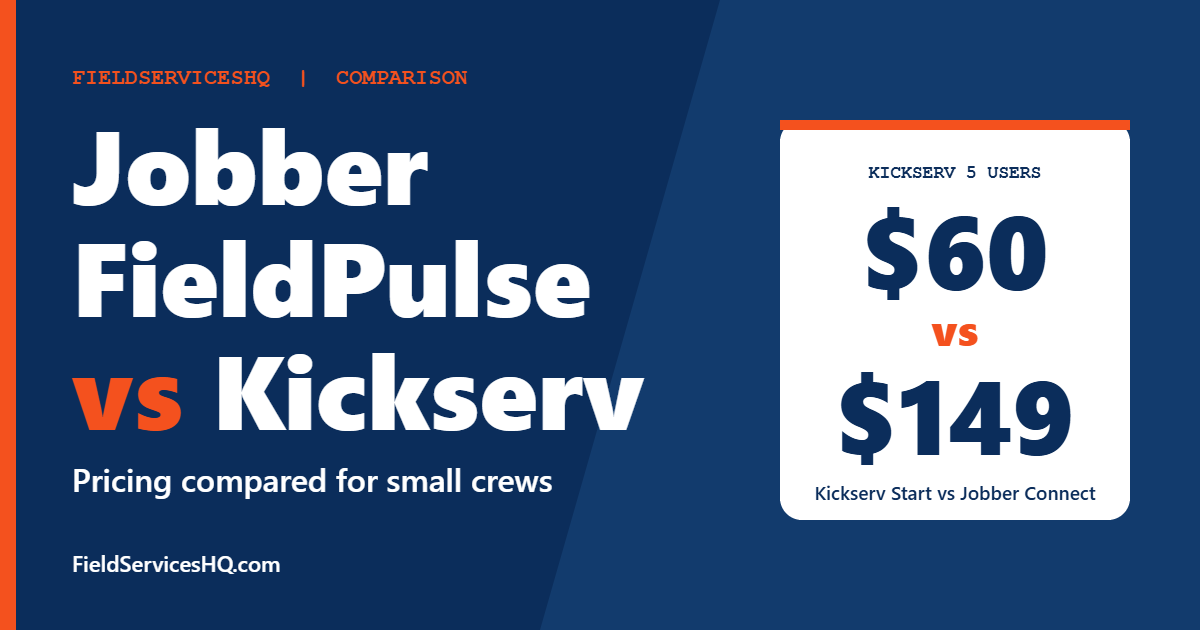
Kickserv is the cheapest published option once you pass a couple of users: 60 dollars a month covers five users and 119 covers ten. Jobber has the strongest review base and the most polished price ladder, but it costs more as the team grows. FieldPulse does not publish prices at all and sells by the seat through a quote, so it needs a conversation before you can compare it. Pick on team size, QuickBooks setup and whether you want a posted price.
Jobber vs FieldPulse vs Kickserv at a glance
| Factor | Jobber | FieldPulse | Kickserv |
|---|---|---|---|
| Pricing model | Plan plus users included | Per seat, quote only | Plan with user bundle |
| Cheapest published | Core 29 dollars, 1 user (annual) | Not published | Start 60 dollars, 5 users (monthly) |
| Ten users | Connect 229 or Grow 299 (annual) | Quote | Run 119 (monthly) |
| G2 rating | 4.6 (526 reviews) | No usable FSM listing | 4.5 (181 reviews) |
| Capterra rating | About 4.6 (1,400 plus reviews) | About 4.6 (400 plus reviews) | Not checked |
| Phones | Two-way SMS on Grow and above | Integrated phone system cited by reviewers | Automated text reminders |
| Typical buyer | Small to mid service crews | Small growing crews, strong in construction trades | Small crews watching cost |
Jobber prices are USD per month on annual billing from its pricing page. Kickserv prices are its published monthly rates. The two billing bases are not identical, so treat the comparison as a guide.
G2 has no usable field service listing for FieldPulse at the time of writing: its product page returns an unrelated oil and gas analytics product with a single review. FieldPulse figures here come from Capterra and a third-party aggregator, so they are labeled and should be checked against the live listing.
Published pricing in detail
Jobber
| Plan | 1 user | 5 users | 10 users | 15 users |
|---|---|---|---|---|
| Core | 29 dollars | Contact sales | Contact sales | Contact sales |
| Connect | 99 dollars | 149 dollars | 229 dollars | 299 dollars |
| Grow | 149 dollars | 229 dollars | 299 dollars | 399 dollars |
| Plus | Not listed | 399 dollars | 449 dollars | 529 dollars |
Extra users are 29 dollars a month each. Core includes online booking, scheduling, quotes, invoicing with online payments, a website builder and reporting. Connect adds client reminders, automatic payment collection, checklists, QuickBooks Online sync and time and expense tracking. Grow adds richer quotes, job costing, two-way SMS and automations. Plus adds unlimited photo and video storage, custom reports and dedicated onboarding. Marketing Suite, AI Receptionist and Pipeline are add-ons at 99, 29 and 49 dollars a month.
Kickserv
| Plan | Users included | Monthly price | Key additions |
|---|---|---|---|
| Start | 5 | 60 dollars | Contact form, email and text reminders, over 20 reports, time and expense tracking, QuickBooks Online |
| Run | 10 | 119 dollars | Dispatch mapping, GPS check-ins, custom fields, custom reports, QuickBooks Desktop |
| Scale | 20 | 199 dollars | Custom templates |
Kickserv says annual billing saves 20 percent but does not state the annual price, so we do not calculate one as fact. QuickBooks Desktop integration is a 50 dollar monthly add-on under Run. A loyalty program called Kickback gives 5 percent off monthly fees when you hit online payment volume targets of 1,000, 2,000 or 3,000 dollars a month by plan. Extra user pricing is not published.
FieldPulse
FieldPulse states that it is seat-based and that pricing is built around what your team needs, then asks you to request a custom quote. The page does not list plans, tiers, users included, extra seat costs, implementation fees or contract terms. It names optional premium products such as Operator AI, ClearPath, Custom Forms, Pricebook, Engage and Fleet Tracking, with no prices. Engage is described as line and license based.
That means you cannot compare FieldPulse on cost until you have a quote. Ask for one that spells out seats, premium products, onboarding fees and contract length.
What a team costs, based on published figures
| Team | Jobber (annual) | Kickserv (monthly) | FieldPulse |
|---|---|---|---|
| 1 user | Core 29 | Start 60 (includes up to 5) | Quote |
| 5 users | Connect 149 | Start 60 | Quote |
| 10 users | Connect 229 | Run 119 | Quote |
| 15 users | Connect 299 | Run 119 plus extras if needed | Quote |
| 20 users | Connect 299 plus 5 users at 29 = 444 | Scale 199 | Quote |
The fifteen-user Kickserv line is incomplete because extra user pricing is not published. The twenty-user Jobber line is our arithmetic. Neither accounts for payment processing, add-ons or differences in features between plans. Kickserv’s low prices come with a smaller feature set, so check that what you need is included.
What reviewers say
Jobber
G2 scores Jobber 4.6 from 526 reviews. Category scores out of 10 include ease of use 9.0, ease of setup 8.9, ease of admin 9.1 and quality of support 9.1, with several hundred responses behind most of them. Reviewers most often praise ease of use and having a unified platform, and complain about subscription cost and limited customization.
Kickserv
G2 scores Kickserv 4.5 from 181 reviews. Its category scores are close to Jobber’s: ease of use 8.9, ease of setup 8.9, ease of admin 9.1 and quality of support 9.2, which is slightly higher than Jobber’s 9.1. The page lists a time to implement of about one month for both products, and a return on investment of 6 months for Jobber and 8 for Kickserv. Mentions are sparse for Kickserv, with ease of use and scheduling management as pros and mobile limitations and scheduling issues as cons.
G2 also shows an average discount of 13 percent for Jobber and 7 percent for Kickserv, which hints that the smaller vendor has less negotiating room, though the sample is user-reported.
FieldPulse
G2 does not give us a usable field service listing for FieldPulse. On Capterra it scores about 4.6 from several hundred reviews, with the exact count varying across Capterra pages between roughly 410 and 480. Capterra says 98 to 99 percent of reviewers are from small businesses and construction trades lead at about 51 percent. Reviewers cite an intuitive platform and responsive in-app chat support. Reported weaknesses include bugs and glitches, and a minority describe being passed between teams or slow resolution of specific problems.
One reviewer who chose FieldPulse said everything was in one place, including an integrated phone system and inventory management. That is a single account, not a product claim, so confirm phone features in a demo.
Scheduling, dispatch and field work
All three cover scheduling and job tracking. Kickserv adds dispatch mapping and GPS check-ins at its Run plan. Jobber’s Plus plan adds crew scheduling with mentions. FieldPulse markets scheduling and dispatch with work orders, customer histories, invoices and payments in one place, per Capterra’s description.
If your crew works in the field with patchy coverage, test offline behavior. Kickserv’s G2 cons include mobile limitations, so check that on your own phones.
Accounting and payments
QuickBooks Online is on all three paths but at different tiers: Jobber from Connect, Kickserv from Start. QuickBooks Desktop users should note that Kickserv charges 50 dollars a month for that integration and only on the Run plan. Jobber lists online payments from Core and automatic payment collection from Connect. Confirm FieldPulse payment processing rates in your quote.
Which one for which business
| If you are | Look first at |
|---|---|
| A solo operator who wants the lowest published price | Jobber Core |
| A 5 to 10 person crew watching cost closely | Kickserv Start or Run |
| A crew that wants strong reviews and a clear ladder | Jobber |
| A construction or trade business that wants an all-in-one with phone | FieldPulse, after a quote |
| A QuickBooks Desktop user | Check Kickserv Run’s add-on, and ask Jobber about fit |
Questions to ask in demos
- What is my monthly cost at my current headcount and at 1.5 times that?
- Which plan includes the exact features I need, in writing?
- What are payment processing rates, and are there monthly minimums?
- How long does a team my size take to go live?
- How does the mobile app work in a dead zone?
- What is the contract term, and how do I export my data?
Mistakes to avoid
- Comparing monthly billing to annual billing. Convert to the same basis.
- Assuming the cheapest plan has your must-have features. Check QuickBooks, reminders and reports by tier.
- Treating a blog review as a quote. FieldPulse does not publish prices, so any number elsewhere is unverified.
- Ignoring support. Small vendors vary widely in support quality, so ask for references.
- Over-buying. Do not pay for Plus or Scale features you will not use in the first year.
For other three-way comparisons, see our Jobber vs Housecall Pro vs Workiz guide, and for two-way views of the smaller vendors see Housecall Pro vs Kickserv and Housecall Pro vs FieldPulse.
Jobber vs FieldPulse vs Kickserv FAQ
Which is cheapest?
For a single user, Jobber Core at 29 dollars a month on annual billing is the lowest published figure. For five to ten users, Kickserv at 60 and 119 dollars a month is lower than Jobber’s published rates, though the features differ. FieldPulse does not publish prices.
How much does FieldPulse cost?
FieldPulse does not publish prices. Its pricing page says it is seat-based and directs you to request a custom quote. Any number you see elsewhere is an estimate.
Does Kickserv charge per user?
Its plans include a set number of users: five on Start, ten on Run and twenty on Scale. The page does not publish the cost of extra users, so ask before you outgrow a bundle.
Which has better reviews?
On G2, Jobber scores 4.6 from 526 reviews and Kickserv 4.5 from 181. FieldPulse has no usable field service listing on G2 but scores about 4.6 on Capterra. The differences are small, and each vendor has areas where reviewers are less happy.
Do these tools work with QuickBooks?
Yes. Jobber syncs with QuickBooks Online from Connect. Kickserv offers QuickBooks Online on Start and QuickBooks Desktop on Run for an extra 50 dollars a month. Check FieldPulse integration details in a demo.
Is Kickserv good for growing teams?
It scales to 20 users on its top published plan, but its published feature list is thinner than Jobber’s upper tiers. Review how it handles your workflow before committing.
What do FieldPulse users complain about?
Capterra reviewers mention bugs and glitches, and some report slow resolution or being passed between teams. Most reviews are positive, with 93 percent of sentiment tagged positive on one Capterra page.
Can I switch between them later?
Yes, though it takes work. Export customers, jobs and invoices regularly, and keep QuickBooks as your accounting record so history survives a change.
Sources and method note
Prices and features come from the Jobber pricing page, the Kickserv pricing page and the FieldPulse pricing page, which publishes no dollar figures. Ratings come from G2 comparison pages and from the FieldPulse listing on Capterra. Vendors change pricing often, so confirm current figures before buying.