
Salesforce Field Service vs Dynamics 365 Field Service: Which Enterprise Platform Fits?
Salesforce Field Service and Microsoft Dynamics 365 Field Service are the two platforms that large and mid-market service organizations most often compare when field service sits inside a bigger CRM or ERP strategy. Neither is a tool you buy because it was cheap or quick. Both are configurable platforms, both are usually implemented with a partner and both are chosen mostly because of the ecosystem around them.
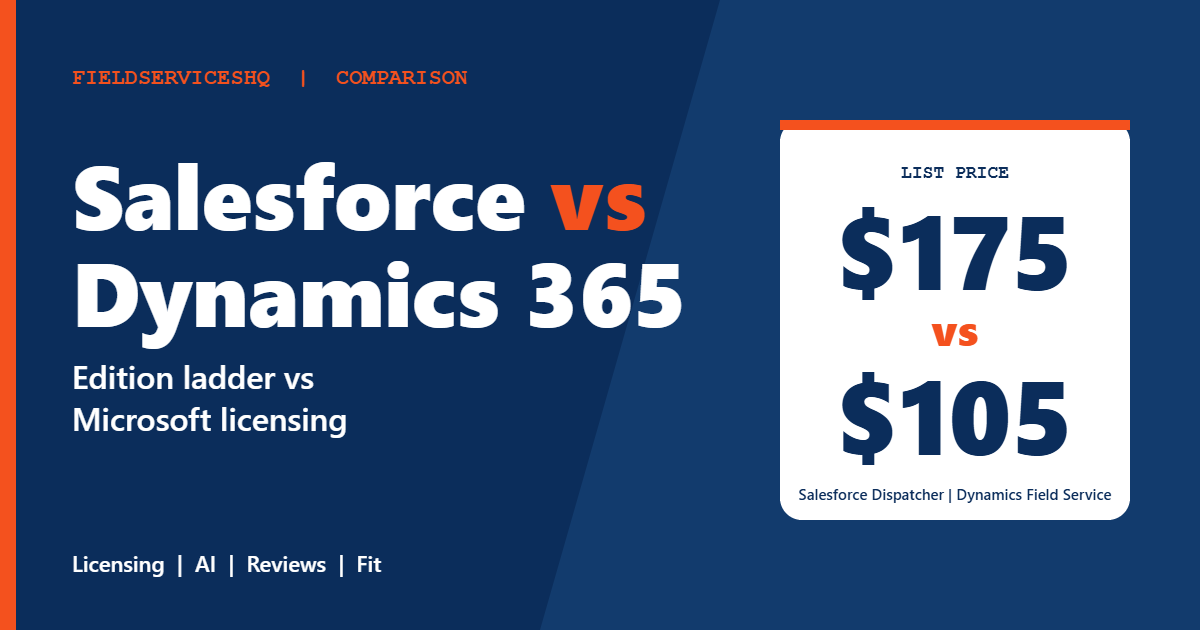
The headline difference is price transparency. Microsoft publishes $105 per user per month for its Field Service plan, billed yearly, with a scheduling add-on at $30 per resource. Salesforce publishes a ladder of editions from $175 to $650 per user per month, all on annual contracts. On G2 the two are tied or close on most category scores, but Salesforce has a higher overall rating (4.4 from 1,049 reviews against 3.9 from 156 for Dynamics 365) and a clear lead on product direction. This guide goes through the published numbers, the licensing questions that move the total, what reviewers say and who should choose which.
Salesforce Field Service vs Dynamics 365 Field Service at a glance
| Factor | Salesforce Field Service | Dynamics 365 Field Service |
|---|---|---|
| Published entry price | $175 per user per month (Dispatcher or Technician) | $105 per user per month (Field Service) |
| Lower-cost role | Contractor Plus at $80, or $32 per login | Field Service Contractor at $50 |
| Top edition | Field Service Max at $650 | Scheduling add-on at $30 per resource |
| Billing | Annual contract required for per-user products | Billed yearly |
| Free trial | Service Cloud free for 30 days | Free trial, length not stated |
| G2 rating | 4.4 (1,049 reviews) | 3.9 (156 reviews) |
| Largest G2 segment | Mid-market | Mid-market |
| Time to implement (G2) | About 6 months | About 6 months |
| Ecosystem fit | Salesforce CRM and Service Cloud | Dynamics 365, Power BI, Business Central |
What each vendor publishes
Dynamics 365 Field Service
The Microsoft pricing page lists two base plans, both paid yearly:
| Plan | Price | What is included |
|---|---|---|
| Field Service | $105 per user per month | Full app access, Dynamics 365 Guides, Remote Assist, vendor and contractor management, scheduling and dispatch, planned maintenance agreements, returns processing, Copilot assistance, technician performance analysis |
| Field Service Contractor | $50 per user per month | App access with limited Guides, Remote Assist, vendor and contractor management and scheduling |
A scheduling add-on, which automatically creates optimized schedules for resources, costs $30 per resource per month, billed yearly. Copilot assistance for work orders, scheduling and summaries is included in the base plan. Agents built through Microsoft Copilot Studio run on Copilot Credits, either prepaid or pay-as-you-go, and require an Azure subscription. The page refers to a separate licensing guide for prerequisite and attach licenses, which is where many Dynamics budgets change, and notes that actual prices appear at checkout and may differ by region.
Salesforce Field Service
The Salesforce pricing page lists per-user monthly prices billed annually:
| Edition | Price per user per month | Highlights |
|---|---|---|
| Frontline Workforce Management | $30 | Demand forecasting, capacity planning, shift scheduling |
| Dispatcher | $175 | AI-powered scheduling and route optimization, real-time field visibility |
| Technician | $175 | Offline work order updates, quotes and payment collection in the field |
| Contractor Plus | $80, or $32 per login | Secure contractor portal and mobile access |
| Field Service+ Core | $250 | Dispatcher and Technician features plus Service Cloud, Sales Cloud and Slack |
| Field Service+ Advanced | $450 | Adds field service intelligence and security tooling |
| Field Service Max | $650 | Adds the full AI suite, visual remote assistant, connected assets and flex credits |
All per-user products require an annual contract. Field Service requires at least one Service Cloud license, and existing Service Cloud customers need at least one Dispatcher license. Dispatcher and Technician licenses cannot be used for contact center or customer case management, which the higher editions can. Add-ons include Agentforce for Field Service, asset service lifecycle management, visual remote assistant, appointment assistant and connected assets. Scheduling agent features can require Flex Credits on lower editions. The page states pricing is for information only and subject to change, and G2 still shows an older $165 for Dispatcher and Technician.
The cost question
The licensing line is only the start for either platform. Several items typically move the total more than the per-user rate.
First, prerequisites. Salesforce requires at least one Service Cloud license for Field Service, and some roles need Dispatcher licenses. Microsoft refers to a licensing guide for attach or prerequisite licenses. Ask both for a license map that lists every role: dispatcher, technician, contractor, manager, back-office user and any integration user.
Second, AI and agents. Microsoft includes Copilot assistance in the base plan but bills agents separately through Copilot Credits and requires an Azure subscription. Salesforce bundles the full AI suite into Field Service Max at $650, with credits at lower editions for some features. If AI-driven scheduling is part of your case, price it explicitly on both.
Third, implementation. G2 shows about six months for both. An outside vendor page that competes with Salesforce estimates implementation at $15,000 to $50,000 or more for a ten-technician rollout, and notes that partner fees may be separate. That figure is from a competitor and is only indicative. Ask each vendor and at least two implementation partners for written estimates.
Fourth, discounts. G2 lists average discounts of 15 percent for Dynamics 365 and 13 percent for Salesforce, from small samples. List price is a starting point for negotiation, not a final figure.
Features compared
Scheduling and optimization
Both offer scheduling and dispatch with optimization. Microsoft sells optimized scheduling as a $30 per resource add-on, and Salesforce includes AI-powered scheduling in its Dispatcher edition. G2 reviewers praise Salesforce scheduling management (103 mentions) and Dynamics scheduling in a small number of reviews. Test with your real territories, skills and time windows.
Mobile and offline work
Salesforce’s Technician edition lists offline work order updates, quotes and payment collection. Dynamics’ mobile experience comes with the Field Service app and Guides. Ask both to show offline behavior in a basement or rural site.
Remote assistance and guidance
Microsoft includes Dynamics 365 Guides and Remote Assist in the base plan. Salesforce lists a visual remote assistant as an add-on and in Field Service Max. If remote expert support is central, compare the cost of each.
Maintenance agreements and assets
Microsoft lists planned maintenance agreements in the base plan. Salesforce lists connected assets and asset service lifecycle management in Max or as add-ons. Compare how each handles asset history and recurring work.
Contractors and partners
Both sell lower-cost contractor roles. Salesforce offers Contractor Plus at $80 per user or $32 per login. Microsoft offers Field Service Contractor at $50 per user. Check what each role can and cannot do.
Integration
Dynamics integrates with Power BI, Business Central and other Microsoft tools, and G2 reviewers highlight integration with Microsoft products. Salesforce integrates through MuleSoft and a large app ecosystem. The right question is which system already holds your customers, assets and orders.
What reviewers say
G2’s side-by-side page gives these scores, with response counts in brackets.
| Category | Dynamics 365 | Salesforce |
|---|---|---|
| Meets requirements | 8.6 (133) | 8.6 (374) |
| Ease of use | 8.3 (135) | 8.3 (963) |
| Ease of setup | 8.0 (50) | 7.8 (826) |
| Ease of admin | 8.3 (49) | 8.3 (188) |
| Quality of support | 8.3 (130) | 8.6 (364) |
| Good business partner | 8.4 (47) | 8.7 (180) |
| Product direction | 7.6 (129) | 8.9 (364) |
The scores are close on most rows. Salesforce leads on support, business partner and product direction, and its overall rating is higher. Dynamics is level on requirements, ease of use and admin and slightly ahead on setup.
Dynamics reviewers praise Microsoft integration and scheduling, and criticize time-consuming setup, customization difficulties, expensive licensing, slow performance and reporting challenges. A Gartner reviewer noted challenging configuration and licensing clarity. Salesforce reviewers praise ease of use, automation, AI-driven dispatch and client management, and criticize form design issues, a learning curve, complex setup and high cost for smaller teams.
Note that G2’s own FAQ figures differ slightly from its tables for some Salesforce scores, so treat the numbers as directional.
Which one fits which business
Salesforce Field Service tends to fit when
- Your sales and service teams already work in Salesforce CRM and you want field service connected to the same records.
- You want a published edition ladder, with AI features packaged at higher tiers.
- You have an administrator or partner ready for configuration.
Dynamics 365 Field Service tends to fit when
- You are on Dynamics 365, Power BI or Business Central, and want field service in the same ecosystem.
- You want Copilot assistance, Guides and Remote Assist included in the base plan.
- You prefer a lower published per-user starting price and are ready to price the scheduling add-on and prerequisites.
Three examples
A manufacturer with Salesforce Service Cloud and 80 field technicians. Salesforce Field Service keeps cases, assets and work orders connected. Ask about Dispatcher and Technician license counts and whether Field Service+ Core is cheaper than separate licenses.
A utility contractor on Dynamics 365 Business Central. Dynamics 365 Field Service connects to existing finance data. Price the scheduling add-on for each resource.
A mid-market service company comparing both from scratch. Run a two-week proof of concept with real work orders on each and ask three implementation partners for written estimates. For smaller trades businesses, the platforms in ServiceTitan vs Salesforce Field Service may be closer to what you need.
A practical evaluation plan
- List every role that needs a login and which CRM or ERP already holds your data.
- Ask each vendor for a full license map with prerequisites, add-ons, credits and discounts.
- Ask two or more implementation partners for fixed-scope estimates and timelines.
- Build the same scenario in both: a recurring maintenance agreement, an emergency dispatch, an offline job and an invoice.
- Price AI features explicitly, including credits and the Azure subscription for Microsoft.
- Ask for references with similar technician counts and integrations.
For another view of how a CRM-based platform compares with a field-first one, see ServiceTitan vs Simpro.
Mistakes to avoid
Do not compare per-user list prices alone. Prerequisite licenses, credits and add-ons change the total.
Do not assume the lower starting price wins at your scale. Test the full role mix.
Do not skip the partner estimate. Implementation often costs as much as a year of licenses.
Do not forget renewal terms. Salesforce per-user products require annual contracts, and Microsoft bills yearly.
Salesforce Field Service vs Dynamics 365 Field Service FAQ
Which is cheaper, Salesforce Field Service or Dynamics 365 Field Service?
Dynamics 365 Field Service lists $105 per user per month, while Salesforce Dispatcher and Technician list $175. Add-ons, prerequisite licenses and implementation change the totals, so compare full estimates.
Does Dynamics 365 Field Service include AI?
Copilot assistance for work orders, scheduling and summaries is included in the base plan. Agents run on Copilot Credits and need an Azure subscription.
Does Salesforce Field Service require Service Cloud?
Field Service requires at least one Service Cloud user license, and existing Service Cloud customers need at least one Dispatcher license.
Is there a free trial?
Salesforce lists Service Cloud free for 30 days. Microsoft offers a free trial but does not state the length on its pricing page.
Which has better reviews?
Salesforce scores 4.4 on G2 from 1,049 reviews and Dynamics 365 scores 3.9 from 156. Category scores are close, with Salesforce ahead on product direction.
How long does implementation take?
G2 reports about six months for both. Ask partners for a scoped timeline for your size.
Which is better for small businesses?
Both are aimed at mid-market and enterprise. G2 lists mid-market as the largest segment for each, and reviewers cite high cost for smaller teams on Salesforce and expensive licensing on Dynamics.
Can contractors use lower-cost licenses?
Yes. Salesforce offers Contractor Plus at $80 per user or $32 per login, and Microsoft offers Field Service Contractor at $50 per user. Check the limits of each role.
The bottom line
Microsoft offers the lower published starting price and bundles Copilot, Guides and Remote Assist in its base plan. Salesforce offers a deeper edition ladder, a higher overall review rating and a stronger product direction score. The scores for ease of use and admin are nearly identical, which tells you the product is rarely the deciding factor. Choose the platform that already holds your customer and asset data, demand a full license map and a partner estimate from each, and run the same scenario in both before signing.
Sources: Microsoft Dynamics 365 Field Service pricing, Salesforce Field Service pricing, G2 comparison of Dynamics 365 and Salesforce Field Service.



