
ServiceTitan vs BuildOps: Residential Roots or Commercial Focus?
ServiceTitan and BuildOps are often shortlisted together, and both hide their prices behind a sales call. But they come from different starting points. ServiceTitan built its reputation on residential home service: call booking, dispatch, a pricebook and memberships. BuildOps describes itself as software for commercial contractors in mechanical and HVAC, electrical, plumbing, fire and life safety, and refrigeration, with service management, project management and financials in one system.
That makes this less a feature-for-feature contest and more a question about what kind of jobs pay your bills. If you sell tune-ups and repairs to homeowners, one answer is likely. If you service commercial buildings, run maintenance contracts and also install projects, the answer may change. Here is what the vendors publish, what G2 reviewers say and what to ask before you sign.
ServiceTitan vs BuildOps at a glance
| Factor | ServiceTitan | BuildOps |
|---|---|---|
| Primary focus | Home service trades, also commercial | Commercial contractors |
| Published pricing | No, per-technician quote | No, pricing page links to a quote |
| G2 rating | 4.4 out of 5 (375 reviews) | 4.2 out of 5 (69 reviews) |
| Ease of setup (G2) | 6.7 | 6.7 |
| Quality of support (G2) | 7.7 | 8.1 |
| Time to implement (G2) | 3 months | 3 months |
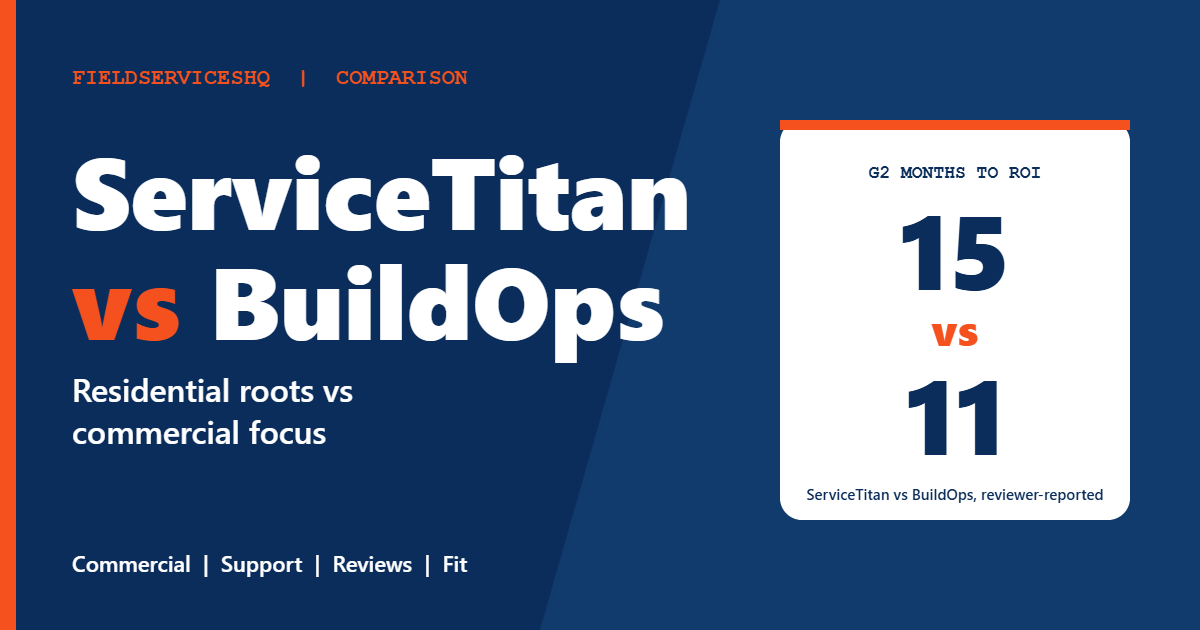
| Time to ROI (G2) | 15 months | 11 months |
| Reported customer count | 100,000+ contractors claimed in third-party material | 1,500+ commercial contractors, per BuildOps |
| Project management | Not on pricing page | Core module |
What each vendor publishes
ServiceTitan
The ServiceTitan pricing page says pricing is per technician and shows no numbers. Starter covers dispatching, scheduling, call booking, invoicing and a pricebook. Essentials adds mobile estimates and payroll management. The Works adds configurable payroll, advanced reporting, commission tracking and customizable memberships. A set of Pro products, including Marketing Pro, Contact Center Pro, Pricebook Pro, Fleet Pro, Scheduling Pro and Dispatch Pro, are listed without prices, along with Payments and Integrated Financing.
BuildOps
The BuildOps site names commercial contractors in mechanical and HVAC, electrical, plumbing, fire and life safety, and refrigeration as its audience. It lists service management (dispatch and scheduling, work order closeout, asset management, preventive maintenance, purchasing and inventory), project management (field execution, resource planning, document control, materials and subcontracts, project financials), financials (invoicing, procurement, time tracking) and sales tools (quote-to-contract, pipeline management). It also markets an AI layer called OpsAI and add-ons named Fleet+, Payments+ and CRM+. BuildOps says it is trusted by more than 1,500 commercial contractors across North America. The site gives no pricing or pricing model.
BuildOps also publishes benchmark claims, such as 76 percent more revenue per technician and 80 percent more work without added overhead. These come from BuildOps’s own benchmark report and customer stories and are not independently verified, so treat them as marketing, not proof.
The cost question
Neither vendor discloses prices, so every dollar figure you see online is an outside estimate, and those estimates conflict. One review site puts BuildOps implementation in the low thousands to $20,000-plus range, while another claims $25,000 to $75,000. Estimates for ServiceTitan commonly cite per-technician licenses plus implementation in the tens of thousands, again from third parties.
What reviewers on G2 do tell us is direction. ServiceTitan reviews cite high costs, expensive add-ons and contract rigidity. BuildOps reviews describe strong value for the price. Both products carry the highest perceived-cost rating on G2, and average discounts are 9 percent for ServiceTitan and 7 percent for BuildOps.
For a decision, the useful comparison is year-one total cost of ownership: licenses, implementation, training, data migration, add-ons and payment processing. Request the same quote structure from both so the lines match.
Features compared
Service and dispatch
Both cover dispatch and scheduling. ServiceTitan’s dispatch reputation is strong, and G2 reviewers mention it often. BuildOps reviewers praise its dispatch board qualitatively. For commercial work, ask each vendor to show how a service ticket links to a customer site, assets and a preventive maintenance schedule.
Assets and preventive maintenance
BuildOps explicitly lists asset management and preventive maintenance in its service module. ServiceTitan’s pricing page highlights memberships on The Works. If you maintain building equipment under contract, test how each handles equipment records, recurring visits and compliance documentation.
Projects and financials
BuildOps lists project management, document control, subcontracts and project financials as core modules. ServiceTitan’s pricing page does not list a project module. If part of your revenue is installation or retrofit work, this is where a demo should focus.
Reporting
G2 reviewers mention ServiceTitan reporting 13 times and BuildOps reporting 5 times, with some noted limitations. ServiceTitan reviewers say its reporting is more comprehensive for detailed analysis.
Integrations
BuildOps highlights Sage Intacct in a customer testimonial. G2’s integration mentions favor ServiceTitan (12 against 4), though the counts are small. Confirm your accounting system with each vendor before you assume.
AI
BuildOps markets OpsAI agents for summaries and risk flags. ServiceTitan lists an AI Virtual Agent among its Pro products. Both are new enough that you should ask for a live demonstration, not a brochure.
What reviewers say on G2
| Category (out of 10) | ServiceTitan | BuildOps |
|---|---|---|
| Meets requirements | 8.7 | 7.7 |
| Ease of use | 8.3 | 7.8 |
| Ease of setup | 6.7 | 6.7 |
| Ease of admin | 8.0 | 7.7 |
| Quality of support | 7.7 | 8.1 |
| Good business partner | 8.7 | 8.3 |
| Product direction | 8.9 | 7.8 |
ServiceTitan leads in five of seven categories. Setup is tied at 6.7, a mediocre score for both, and BuildOps leads on support. G2’s implementation data show three months for both, and a reported return on investment of 11 months for BuildOps against 15 for ServiceTitan, although BuildOps’s figure rests on 16 responses and ServiceTitan’s on 99.
The themes round out the picture. BuildOps reviewers praise ease of use (19), features (12), customer support (11) and centralization (9), and cite improvement needed (9), update issues (6), learning curve (5) and limited features (5). ServiceTitan reviewers praise ease of use (29), customer support (24), features (22) and tracking (19), and cite learning curve (17), improvement needed (15) and poor customer support (11).
With only 69 reviews, BuildOps’s scores can swing with a handful of new ratings. Capterra lists it at 4.4 from 177 reviews in one listing, which supports a positive picture but not a precise one.
Which one fits which business
ServiceTitan tends to fit when
- Most of your revenue comes from residential service calls, with some light commercial work.
- You want the largest ecosystem, deep reporting and a large base of reviewers to learn from.
- You want pricebook, memberships and call booking tools at the center.
BuildOps tends to fit when
- You are a commercial contractor who needs service, preventive maintenance and project work in one system.
- Asset management, subcontracts and project financials matter to you.
- You want a vendor that markets itself specifically to commercial trades.
Three examples
A residential plumbing company with five trucks. ServiceTitan’s call booking and pricebook tools align better, though a lighter product may fit your size. BuildOps is aimed at commercial contractors.
A commercial HVAC company with a service department and an install department. Preventive maintenance contracts and project billing are the workflows to test. BuildOps lists both in its core modules, and a ServiceTitan demo should show how it handles each.
A mixed contractor doing both residential and commercial. Ask both vendors how they handle the split. A company with a strong residential base may stay with ServiceTitan, while a company moving mostly into commercial work may find BuildOps’s focus more natural.
A practical evaluation plan
- List your revenue split: residential service, commercial service, maintenance contracts and projects.
- Ask each vendor to demo your most complicated job from quote to cash.
- Request written quotes that include licenses, implementation, training, add-ons and renewal terms.
- Speak with two reference customers of similar size and trade from each vendor.
- Ask how each product handles the accounting system you use today.
For related matchups, read ServiceTitan vs Simpro, ServiceTitan vs FieldEdge and ServiceTitan vs Workiz.
Questions that matter more for commercial work
Commercial service is different from home service in ways that pricing pages rarely capture. Customers are often property managers or facility teams, not homeowners. Work arrives as purchase orders and work orders, billing can involve not-to-exceed limits and approvals, and equipment histories matter because a single building may hold dozens of assets. Whichever platform you consider, bring these questions to the demo:
- Work orders and purchase orders. Can a customer’s work order number travel with the job through dispatch, completion and invoicing?
- Asset history. Can a technician see the equipment on site, past repairs and open recommendations from a phone?
- Maintenance schedules. How does a recurring maintenance agreement generate visits, and what happens when a visit is missed or rescheduled?
- Multi-phase billing. If you install, can you bill progress and retainage, and does that flow into your accounting system?
- Subcontractors. How are subcontractor costs tracked against a job, and how do they appear in reports?
- Approvals and quotes. How does a quote become a contract or a work order, and who sees margin?
Residential-first platforms can handle some of this and commercial-first platforms can handle some residential work, so neither label settles the question. The only reliable test is to hand each vendor a real, messy job from last quarter and watch what happens.
What the first year usually involves
G2 reviewers report about three months to implement both products, and a learning curve appears in the written themes for each. Plan for a phased rollout: start with dispatch and invoicing, add maintenance agreements, then bring in reporting and projects. Keep your old system available in read-only mode for a few months so you can look up history without slowing the crew. Set a review at 90 days to check whether the numbers you cared about on day one, such as time to invoice, callbacks and receivables, have actually moved.
Mistakes to avoid
Do not choose by brand recognition. The right system is the one built around your revenue mix.
Do not accept an estimate as a price. Ask for the quote in writing and compare it line by line.
Do not skip references. With only 69 G2 reviews for BuildOps and mixed signals for both, talking to real customers is your best data source.
ServiceTitan vs BuildOps FAQ
Is BuildOps cheaper than ServiceTitan?
Neither publishes prices. G2 reviewers say BuildOps offers strong value for the price and describe ServiceTitan as costly with expensive add-ons, but you need written quotes to compare.
Which has better reviews?
ServiceTitan scores 4.4 from 375 reviews on G2 and BuildOps 4.2 from 69. ServiceTitan leads in most categories, and BuildOps leads on support.
Which is better for commercial contractors?
BuildOps is built for commercial contractors and lists project management, asset management and preventive maintenance in its core modules. ServiceTitan serves commercial too, so test your workflows in a demo.
Which is better for residential service?
ServiceTitan’s pricing page centers on call booking, dispatching, pricebook and memberships. BuildOps does not market itself to homeowners-focused shops.
How long does implementation take?
G2 reviewers report about three months for both. Ask each vendor for a written timeline for your size and scope.
Do either offer a free trial?
Neither pricing page advertises one. Both route you to a demo or quote.
Which has better support?
BuildOps scores 8.1 for quality of support on G2 and ServiceTitan 7.7. ServiceTitan reviewers still cite support as a strength in 24 mentions, so check references.
What do users complain about most?
ServiceTitan reviewers cite learning curve, improvement needed and poor support. BuildOps reviewers cite improvement needed, update issues, learning curve and limited features.
The bottom line
Pick ServiceTitan if your business is rooted in residential service and you want its depth of reporting, dispatch and ecosystem. Pick BuildOps if you are a commercial contractor who needs service, maintenance contracts and projects in one place. In both cases, treat every dollar figure you read online as unverified until a vendor puts a quote in writing, and let a demo of your hardest job decide.
Sources: ServiceTitan pricing, BuildOps, G2 comparison of BuildOps and ServiceTitan, BuildOps on Capterra.



